
Notion vs ClickUp vs Asana: Which Is Right for You?
All three are popular — but they're built for different jobs. Here's how Notion, ClickUp, and Asana actually differ in 2026, and which one fits your team.
The Short Answer
Notion is a knowledge tool that does tasks. ClickUp is a project management tool that does docs. Asana sits in between in a different way: it isn't trying to be a knowledge base or an everything-app — it's a structured project management tool built for teams that like following an established process, with little ambition beyond that.
The bottom line most comparisons converge on: choose ClickUp when project management is the primary need, choose Notion when documentation and knowledge management drive daily usage, and choose Asana when what you actually want is clean, fast, low-friction task tracking without a steep learning curve.
①. Notion: Best If Your Team Writes More Than It Ships
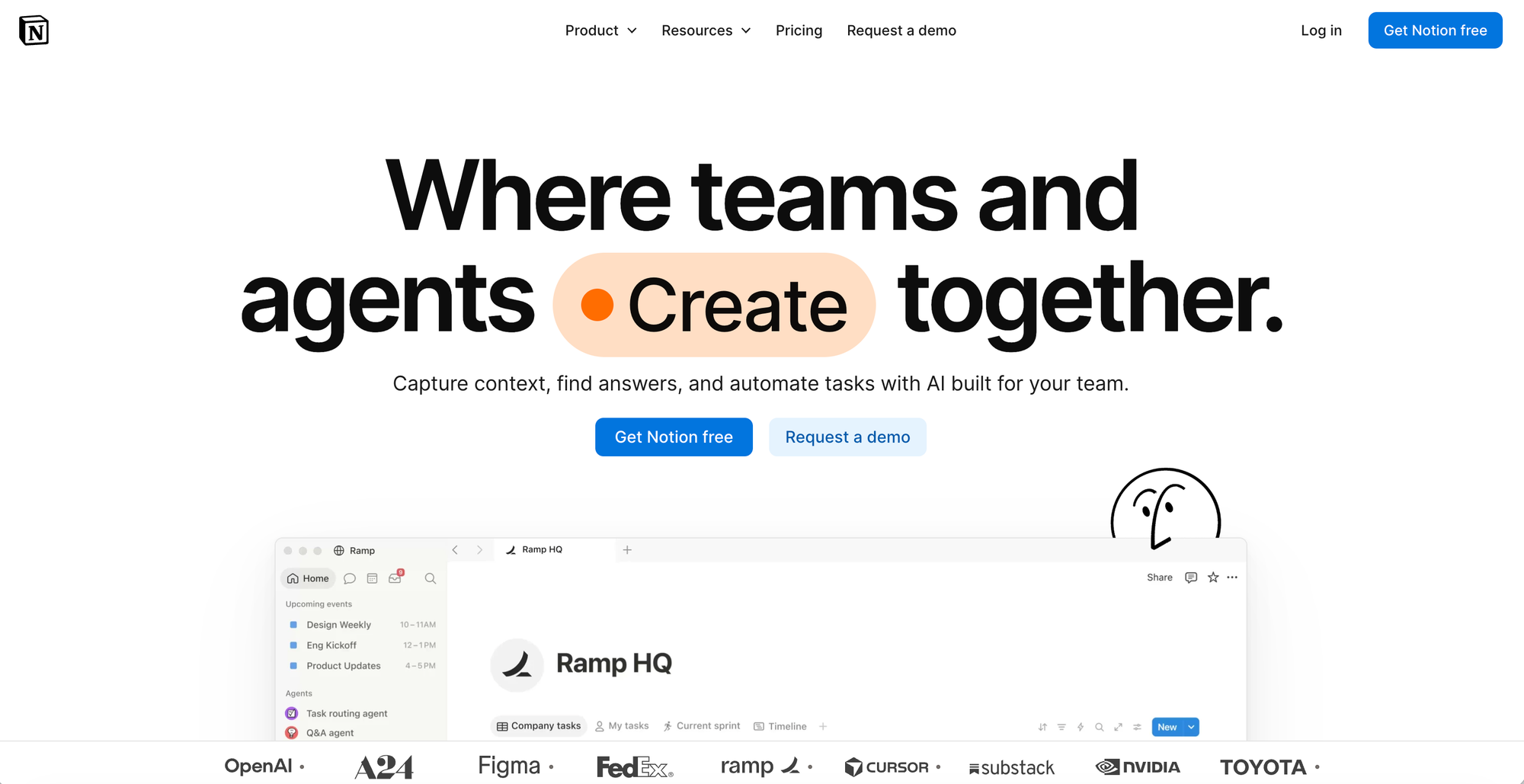
Pick Notion if your team writes more than it ships and wants flexible pages and databases. Notion's document editor is widely considered the best in the category, doc-heavy product teams building specs, engineering wikis, customer research libraries, or design documentation will find Notion's nested pages and linked databases outperform anything in ClickUp.
- Block-based architecture — every paragraph, image, database, or to-do is a "block" that can be dragged, nested, and reused anywhere, which is what lets a single workspace hold notes, wikis, and task tracking without feeling like three separate tools bolted together.
- Linked databases — tables, boards, calendars, and galleries can all pull from the same underlying data, so a project list and a calendar view of the same tasks stay in sync automatically rather than being maintained separately.
- Notion AI — built-in drafting, summarizing, and Q&A against your own workspace content, bundled into paid plans rather than sold as a separate product.
- Templates — hundreds of pre-built layouts (wikis, trackers, CRMs) that shortcut the setup work the platform otherwise requires from scratch.
- Automation (limited) — basic native database automations now exist, but anything more complex typically still requires connecting Zapier or Make.
The tradeoff is that it isn't a ready-made system. You get a blank canvas, not a framework, so a team has to invest real setup time before it feels productive — and native automation remains limited, often pushing teams toward a third-party tool like Zapier for anything more complex than basic database rules.
Where it struggles: Notion historically lacked native automation, and while recent updates added some capability, deeper automation still often requires a third-party tool like Zapier— an added cost and setup step. Notion also lacks the native time tracking and dedicated sprint/Gantt tooling that delivery-focused teams need.
Pricing
- Free trial plan upto one month.
- Plus at $9.50/user/mo ; Business at $ 19.50/user/mo.
② ClickUp: Best If Project Management Is the Core Job
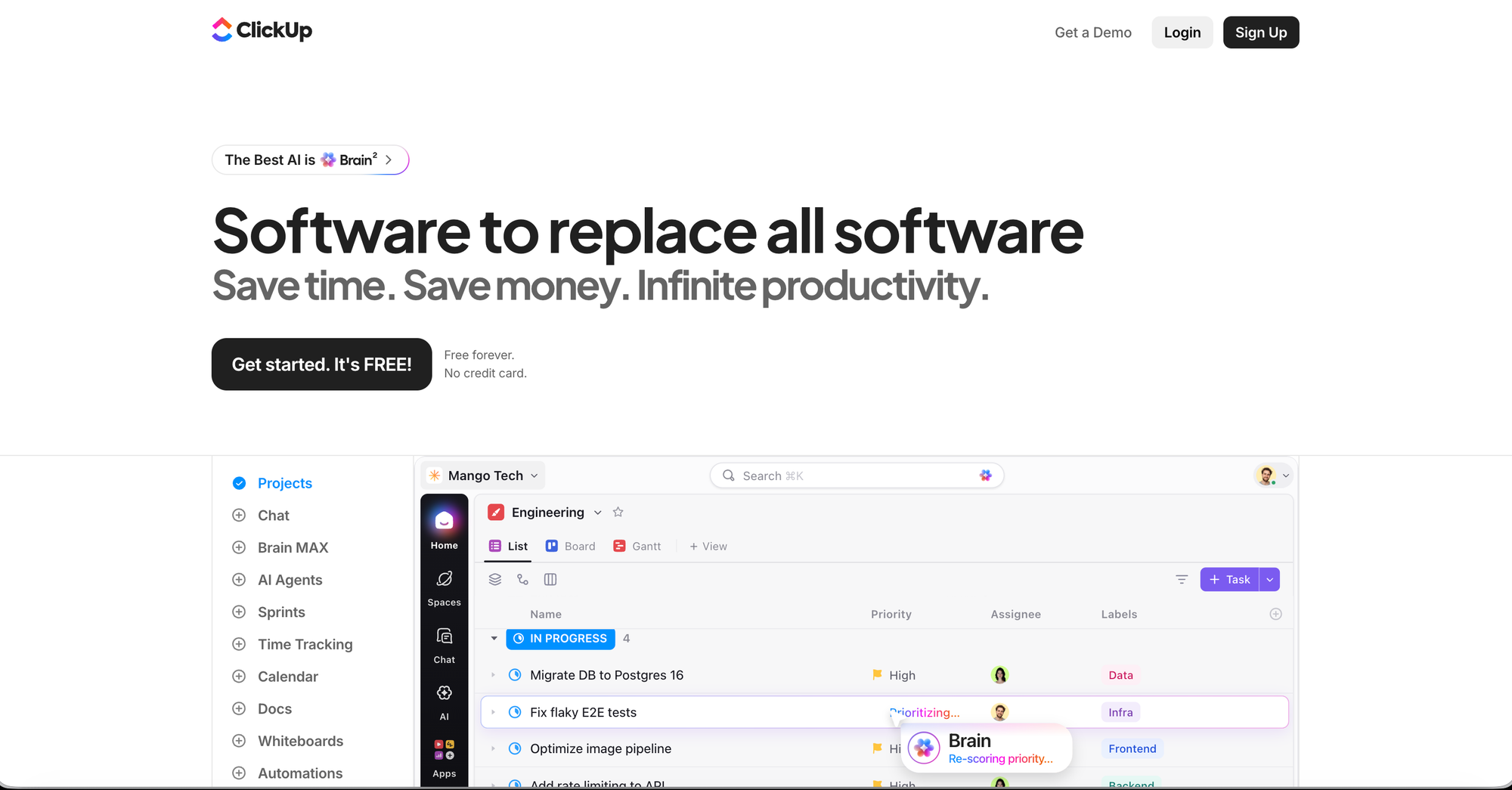
Pick ClickUp if you run multiple projects with deadlines, dependencies, and assignees. ClickUp's more advanced tools make it better for complex projects, and it provides dedicated importing tools for migrating from over 20 platforms, including Asana and Trello. Freelancers billing by the hour should consider ClickUp specifically for its native time tracking, something neither Notion nor Asana offers natively.
- 15+ project views — list, board, Gantt, calendar, and more, all pulling from the same task data, so different team members can work in the view that fits them without creating duplicate data.
- Native time tracking — the only one of the three with this built in natively, letting tracked hours feed directly into reporting without a separate tool.
- ClickUp Brain — an AI layer that can generate task descriptions, summarize documents, write status updates, and answer questions about workspace content.
- Native automation — rule-based workflows (e.g., "when status changes, notify assignee") built directly into the platform, no third-party tool required.
- Dedicated migration tools — built-in importers from over 20 platforms, including Asana, Trello, and monday.com, aimed at teams switching over rather than starting fresh.
Where it struggles: ClickUp Docs exist and handle structured pages well, but the editing experience and information architecture aren't at Notion's level teams that pick ClickUp for projects often keep Notion or Confluence for the wiki side. It also has a real onboarding cost: two to three weeks to get a team comfortable, compared to two to three days for Asana.
Pricing
- Free forever.
- Unlimited at $ 7/user/mo ; Business at $12/user/mo.
③. Asana: Best If You Want Simplicity Over Flexibility
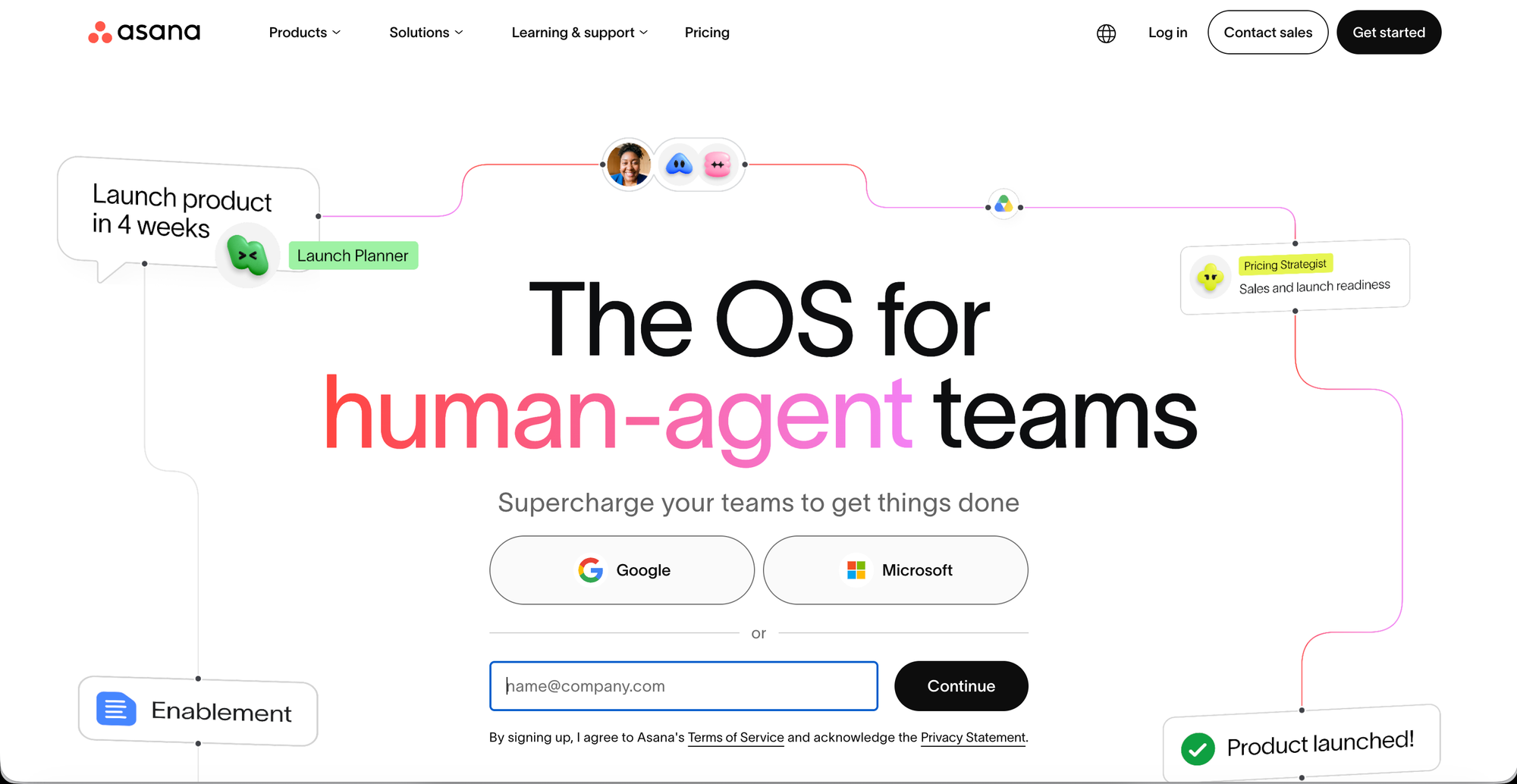
Asana will suit you if you like following established processes and are looking for a clear framework to manage your projects — the opposite instinct from Notion's build-your-own-system approach. Asana is cleaner and faster to onboard than ClickUp, and multiple independent comparisons describe it as the most immediately accessible of the three for a team that's never used a PM tool before.
- Timeline (Gantt-style) view — visualizes task dependencies and deadlines across a project, making it easy to see what's blocking what without manually cross-referencing a list.
- Workload view — shows how tasks are distributed across team members, useful for catching overload before it becomes a missed deadline.
- Rule-based workflow automation — natural-language rule creation that several reviewers rank as the most intuitive automation builder of the three.
- Portfolio management — rolls multiple projects up into one executive-level view, aimed at teams managing several workstreams at once.
- AI Studio (higher tiers) — auto-generates project plans with milestones and timelines, and can draft status reports from existing project data.
Where it struggles: Asana lacks native docs, chat, and time tracking — it does one job (structured task/project tracking) well, rather than trying to also be a knowledge base or delivery-automation engine. Asana cannot hold your team's documentation; Notion can do both jobs adequately.
Pricing
- Free forever for 2 users.
- Starter at $ 10.99/user/mo ; Advanced at $ 24.99/user/mo.
Notion vs ClickUp vs Asana — Comparison
| Factor | Notion | ClickUp | Asana |
|---|---|---|---|
| Core strength | Docs, wikis, knowledge bases | Project management depth, time tracking | Clean, structured task tracking |
| Best for | Teams that write more than they ship | Complex projects with dependencies/deadlines | Teams wanting process without setup |
| Onboarding speed | Moderate (setup-dependent) | Slow — 2-3 weeks | Fast — 2-3 days |
| Native time tracking | No | Yes | No |
| Native docs/wiki | Yes (best-in-class) | Basic | No |
| Native automation | Limited, often needs Zapier | Strong, native | Strong, native |
| Built-in chat | Comments only | Yes (since ClickUp 4.0) | Limited |
| AI features | Notion AI (bundled) | ClickUp Brain (add-on) | AI Studio (higher tiers) |
| Learning curve | Steep (you build the system) | Steep (feature-heavy) | Minimal |
| Starting price | ~$10/user/mo | ~$7/user/mo | ~$10.99/user/mo |
The one-line version:
- Choose Notion if documentation is the job.
- Choose ClickUp if project management depth is the job.
- Choose Asana if you just want clean task tracking, fast.
Worth knowing: these aren't always mutually exclusive — plenty of teams run ClickUp or Asana for execution and keep Notion for documentation side by side, rather than expecting one tool to do both well.
Common Pairings
Several comparisons note that teams don't always pick just one. A team using ClickUp for sprint planning and task tracking that still prefers Notion for meeting notes and wiki content is a common real-world setup — some teams run ClickUp (or Asana) for execution and Notion for documentation side by side, rather than forcing one tool to do both jobs adequately.