
Top 5 Project Management Apps for Freelancers
From flat-fee client collaboration to billable-hour profitability tracking — here are the 5 best project management apps for freelancers in 2026, with pricing, pros, cons, and who each one fits.
Why Freelancer Project Management Is a Different Problem
When project tasks live in one tool, time tracking in another, and client communication in email, more time goes to switching between tools than actually doing the work. That's the core tension this category exists to solve — but it's worth being specific about what "project management for freelancers" actually means, because it's a narrower job than team-wide project management software.
Freelancers who only need task organization can often get by on Trello or Asana's free plans, while freelancers who need time tracking and invoicing without full project management can use a dedicated billing tool instead. This list focuses specifically on the middle ground: tools built around managing active client work — timelines, client-facing visibility, and project structure — rather than the broader all-in-one workspace or Kanban-only
❶. Basecamp — Best Flat-Fee Option for Client-Heavy Work
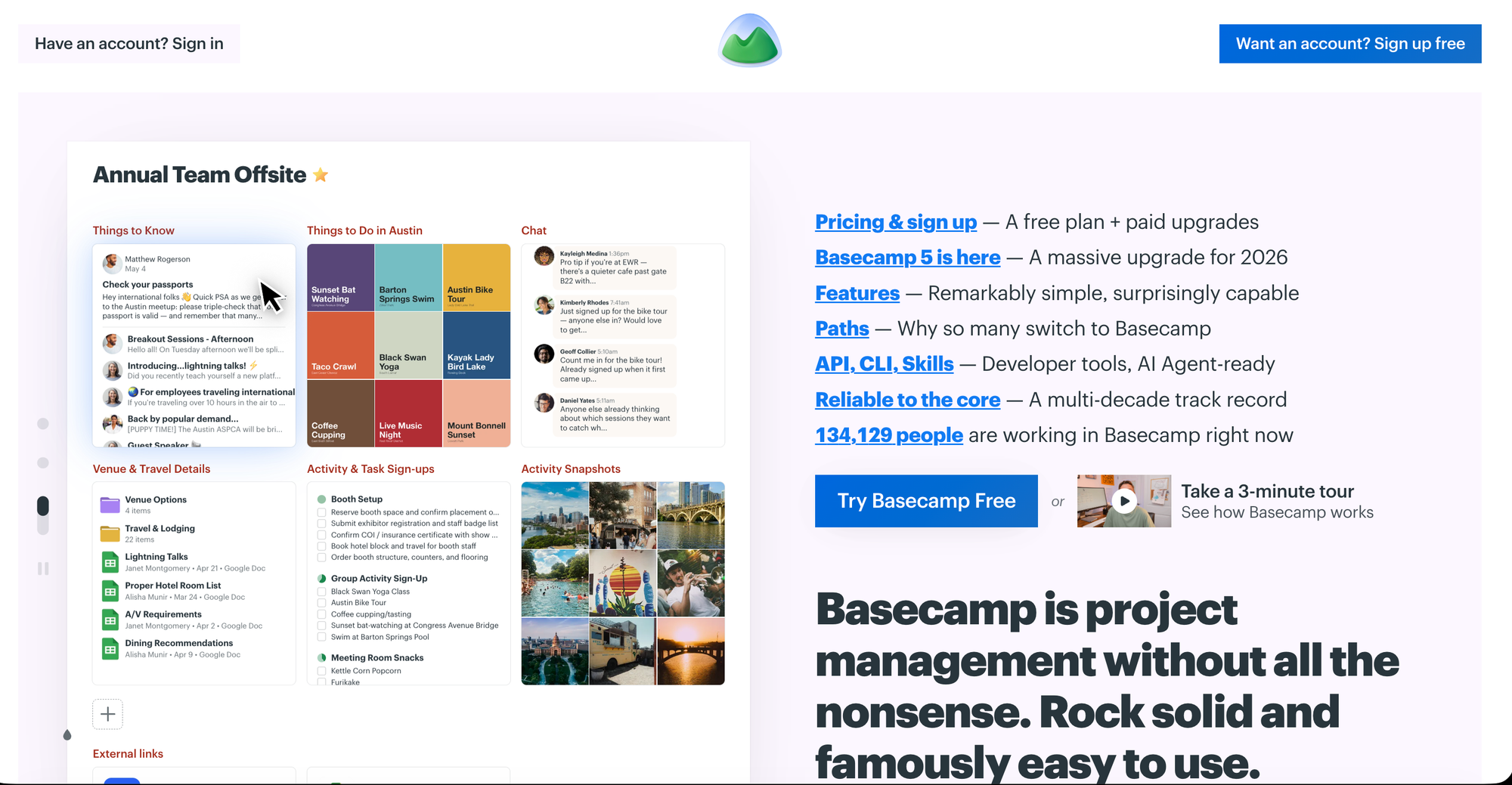
Basecamp is best for flat-fee project management for client-heavy freelancers. Rather than per-user pricing that climbs as you add clients to a shared project, Basecamp's flat monthly fee covers unlimited projects and client collaborators, making costs predictable regardless of how many active client relationships you're juggling.
👼🏽 Attributes
- Flat monthly fee, unlimited projects and users
- Client-facing project view with message boards
- To-do lists, file storage, and scheduling in one place
- Campfire chat for quick team/client conversation
- Hill Charts for visual progress tracking
⬆️ Highs
- Great for giving clients a simple, clean view.
- Unlimited projects under one price.
- Clean, distribution- free interface.
⬇️ Lows
- Less flexible than database-driven tools.
- Limited reporting/analytics depth.
- No invoicing - needs a separate tools.
🤑Pricing
- Free for 1 project.
- Freelancer for $ 25/3 projects/mo ; Studio for $ 59/10 projects/mo.
👍🏽 Best for
- Freelancers running several concurrent client projects who want predictable costs and a simple way to give clients their own view into progress without per-seat billing.
❷. Teamwork — Best for Tracking Billable-Hour Profitability
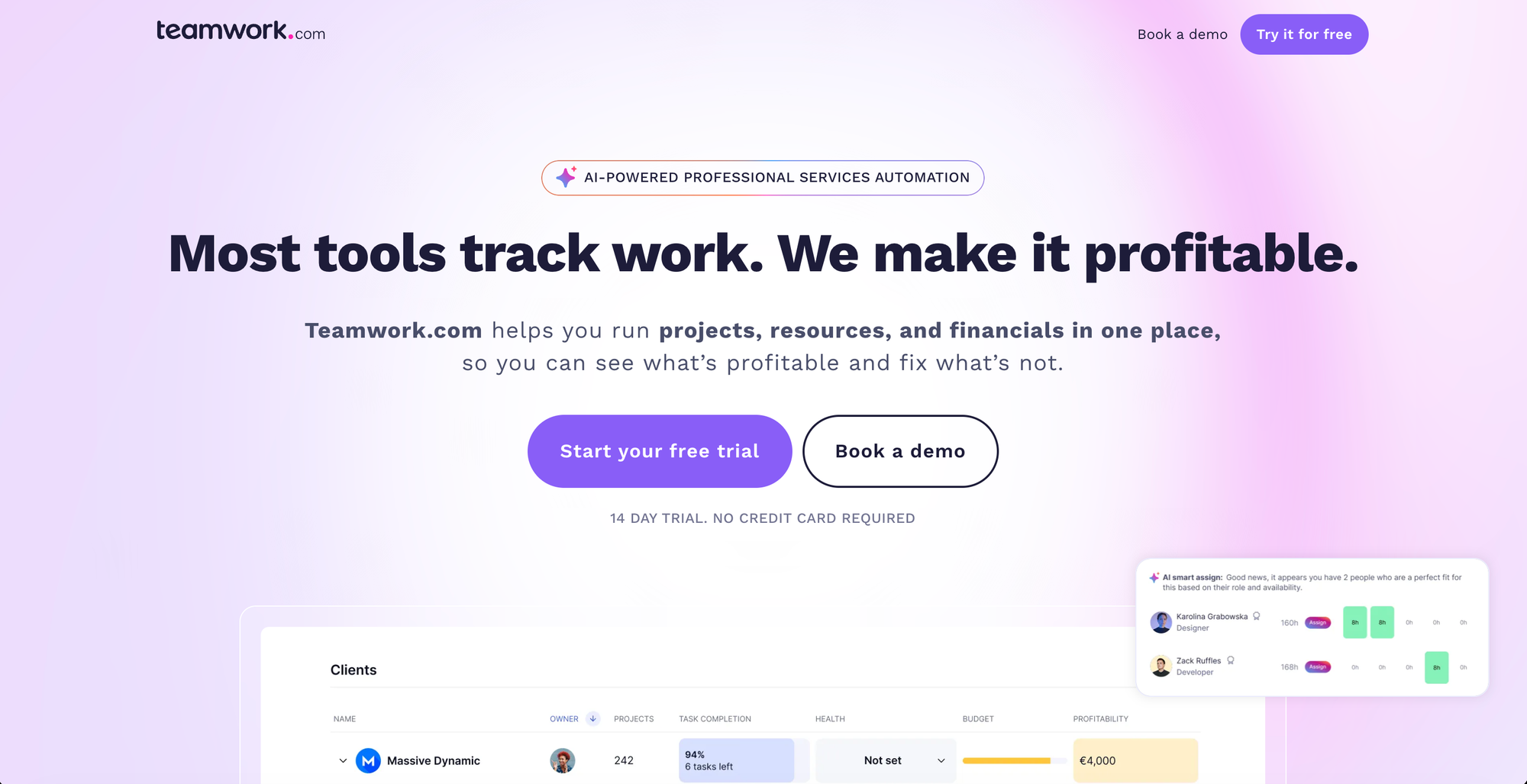
Teamwork is best for billable-hour freelancers tracking profitability. It ties project tasks directly to time tracking and budget data, so you can see in real time whether a specific client project is still profitable at your current rate — not just whether tasks are getting done.
👼🏽 Attributes
- Time tracking tied directly to project budgets
- Profitability reporting per client/project
- Task management with dependencies and milestones
- Client-facing project permissions and views
- Invoicing integration for billable work
⬆️ Highs
- Best-in-class profitability tracking for hourly work.
- Time tracking built in, not bolted on.
- Good client collaboration permissions.
⬇️ Lows
- Steeper learning curve than simple tools.
- Setup takes longer than lightweight tools.
- Free tier is fairly limited.
🤑Pricing
- 14 day free trial available.
- Basic at $ 11.23/user/mo ; Accelerate at $ 28.10/user/mo
👍🏽 Best for
- Hourly freelancers and consultants who want to catch a project going over-budget before it's too late to adjust, rather than finding out at invoicing time.
❸. Todoist — Best Task-First Tool for Simple Client Work
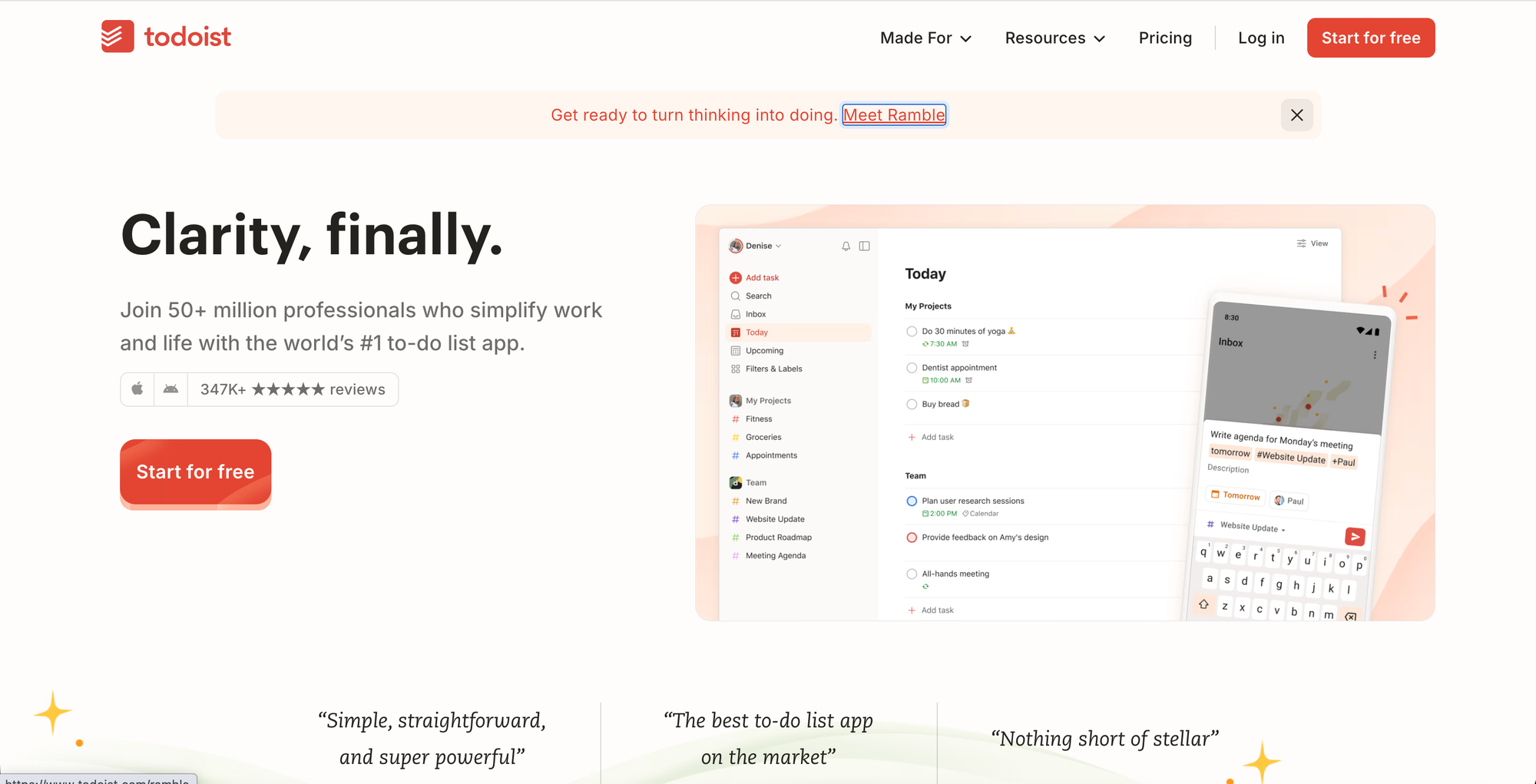
Todoist is best for freelancers who live in a list rather than needing a full project management interface. For solo work with a handful of active clients, a clean task list with due dates and priorities can genuinely outperform a heavier PM platform that adds overhead without adding value.
👼🏽 Attributes
- Natural language task entry
- Priority levels and recurring due dates
- Projects and sub-tasks for organizing work
- Cross-platform sync (every major device)
- Reminders and notifications
⬆️ Highs
- Fastest, simplest way to organize solo work.
- Good free tier for basic needs.
- Reliable, mature, widely used.
⬇️ Lows
- No client-facing project views.
- No time tracking or invoicing
- Lacks reporting/ analytics features.
🤑Pricing
- Free tier available
- Pro at $ 7/user/mo ; Business at $ 10/user/mo.
👍🏽 Best for
- Freelancers whose project needs are simple enough that a well-organized to-do list covers it — writers, consultants, and solo service providers without complex multi-stage deliverables.
❹. Wrike — Best for Proofing and Approval Workflows
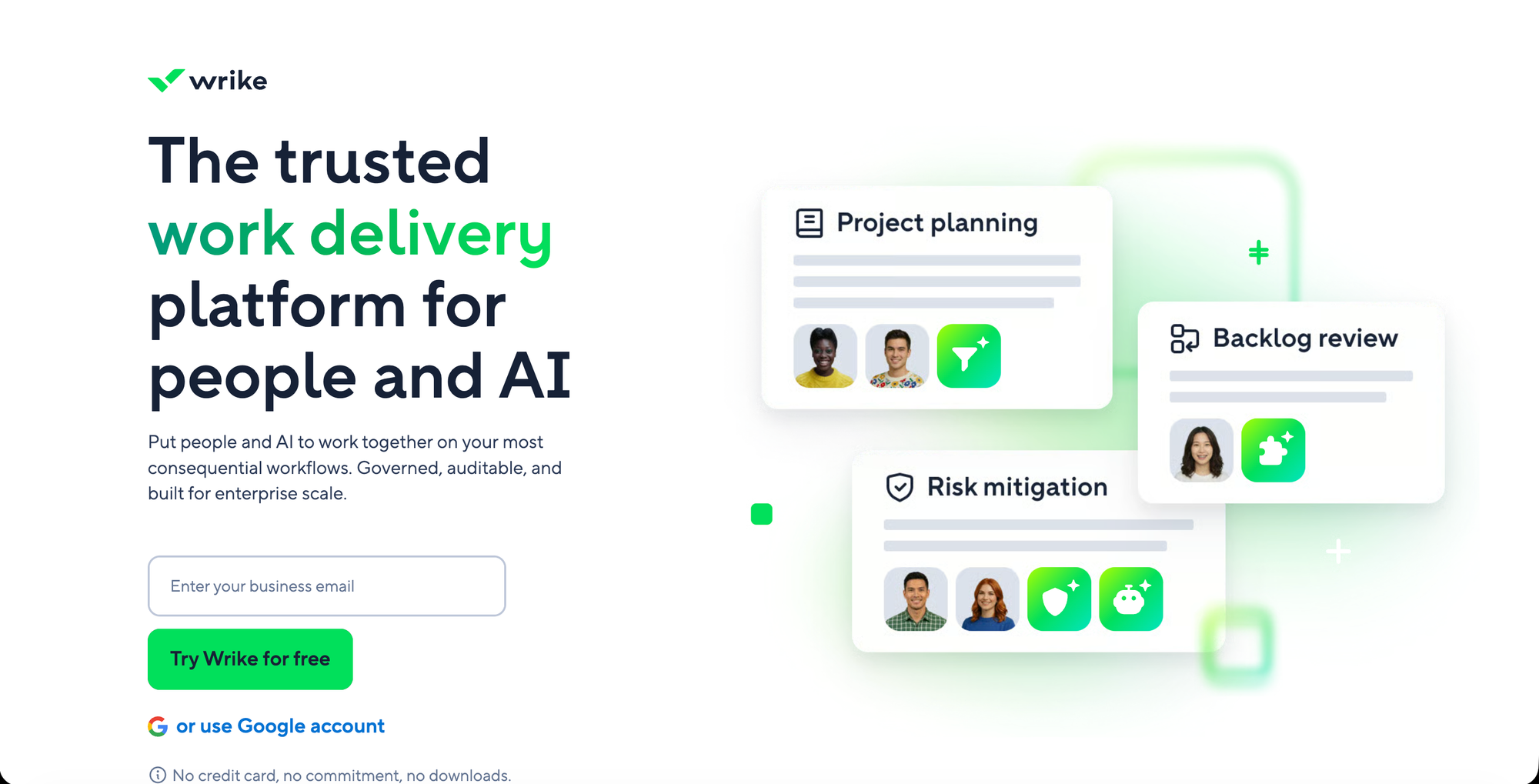
Wrike is best for freelancers needing robust proofing and approval workflows, with custom request forms, proofing, and advanced reporting built specifically for service-based freelance work. For creative freelancers — designers, video editors, copywriters — who need structured client sign-off on deliverables, that proofing layer is a genuine differentiator most general PM tools don't offer natively.
👼🏽 Attributes
- Visual proofing and markup on files/designs
- Custom request forms for client intake
- Approval workflows with sign-off tracking
- Advanced reporting and dashboards
- Gantt charts and workload views
⬆️ Highs
- Custom intake forms streamline client requests.
- Advanced reporting for larger projects.
- Best-in-class proofing / approval workflows.
⬇️ Lows
- Overkill if your work has no review cycles.
- Steeper learning curve than simple tools.
- Can feel heavy for solo, simple work.
🤑Pricing
- Free tier available for basic use
- Teams at $ 10/user/mo ; Business at $ 25/user/month ; Pinnacle is most popular plan.
👍🏽 Best for
- Creative freelancers whose workflow depends on structured client review and approval cycles, not just task completion.
❺. TeamGantt — Best for Timeline-First, Phased Projects
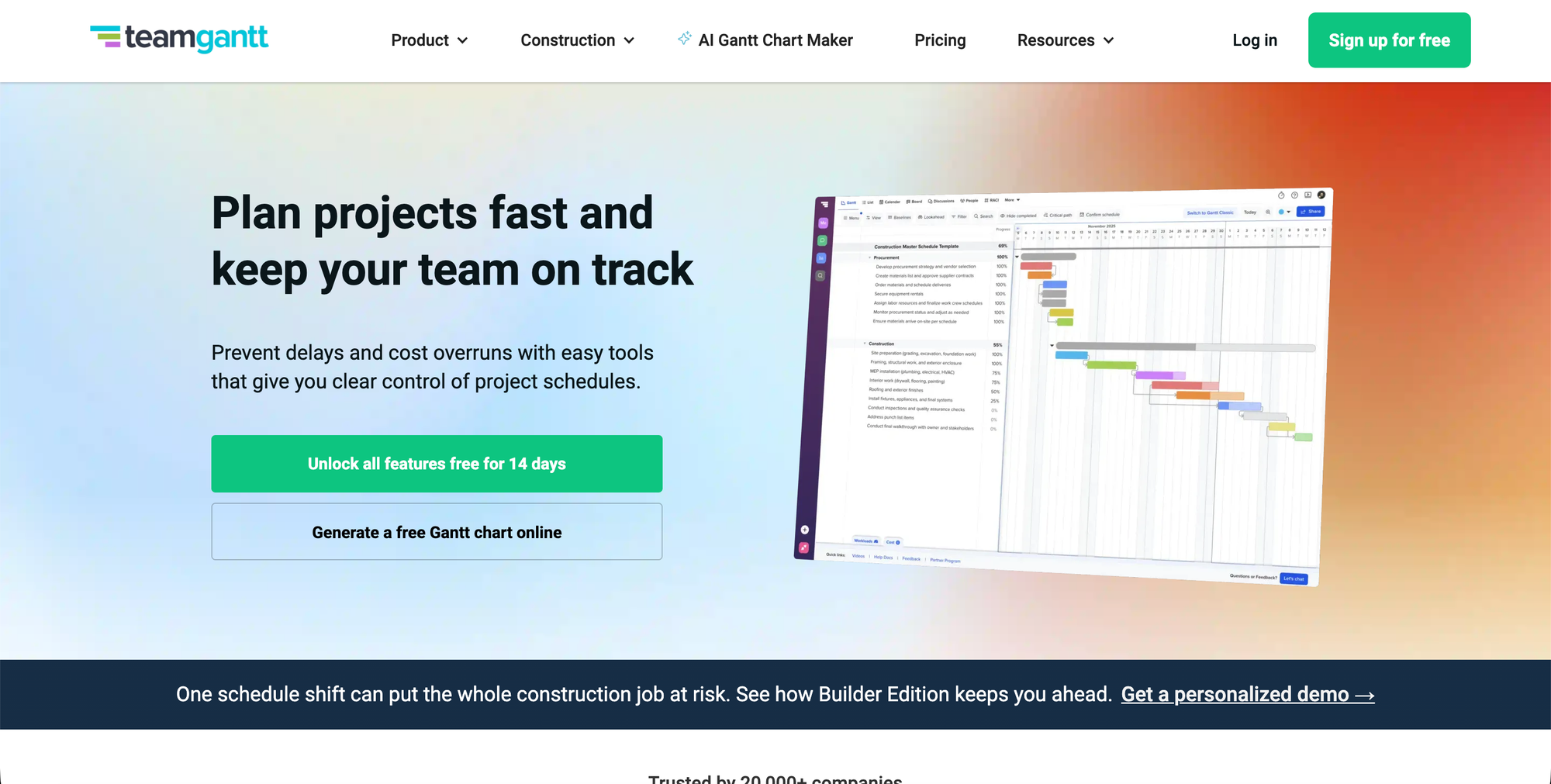
TeamGantt is built around the Gantt chart as the primary view, rather than a Kanban board or task list — making it the clear pick for freelancers running projects with distinct phases and dependencies, where clients need to see not just what's done, but what's coming and when.
👼🏽 Attributes
- Gantt chart as the primary project view
- Phase and dependency tracking
- Drag-and-drop timeline adjustments
- Client-facing timeline sharing
- Resource/workload scheduling
⬆️ Highs
- Clients see real timelines, not just task lists.
- Great for dependency- heavy work.
- Best visual tool for multi-phase projects.
⬇️ Lows
- Overkill for short, simple projects.
- No time tracking or invoicing.
- Less useful without phased work.
🤑Pricing
- Free tier available for very limited use
- Base at $ 59/mo/5 projects ; Business at $ 120/mo/5 projects.
👍🏽 Best for
- Freelancers managing multi-phase projects (renovations, product launches, campaign rollouts) where a client needs visibility into a real timeline, not just a task list.
If this is your situation, here's your tool:
💰 You juggle several clients and hate unpredictable software costs → Basecamp. Flat fee, unlimited projects — your bill doesn't grow every time you land a new client.
⏱️ You bill hourly and have been burned by a project running over budget → Teamwork. It'll flag the problem while there's still time to fix it, not when you're writing the invoice.
✅ Your "projects" are really just a list of things to do → Todoist. Don't pay for project management software to manage a to-do list — this does the job in thirty seconds a day.
🎨 Clients need to mark up and approve your work before it's done → Wrike. Built specifically for that back-and-forth, so it doesn't live in a scattered email thread.
📅 Your projects have real phases clients need to see coming → TeamGantt. A timeline tells a client "week 3 of 6" in a way a task list never will.
Match the tool to how your projects actually unfold — flat-fee if cost predictability matters most, Teamwork if margins matter most, Todoist if you're overthinking a simple list, Wrike if approval cycles are your bottleneck, and TeamGantt if "when" matters as much as "what."