Top 5 Voice-to-Text / Dictation Apps
From free built-in tools to AI-polished premium dictation — here are the 5 best voice-to-text apps in 2026, with pricing, pros, cons, and who each one fits.
Dictation Isn't Just Transcription Anymore
The category has split into two very different jobs. Everyday use covers tools like Gboard Voice Typing, Apple Dictation, and Speechnotes, while long-form writing and dictation covers a separate set like Google Docs Voice Typing, Wispr Flow, and Superwhisper .The newest generation of tools does more than just transcribe — instead of just writing down exactly what you said, they transform conversational speech into polished written text, cleaning up filler words and run-on sentences as you talk.
That split matters when picking a tool: the best choice depends on your specific situation — a quick text message needs a different tool than drafting a report by voice for twenty minutes straight.
𝟙. Wispr Flow: Best AI-Polished Everyday Dictation
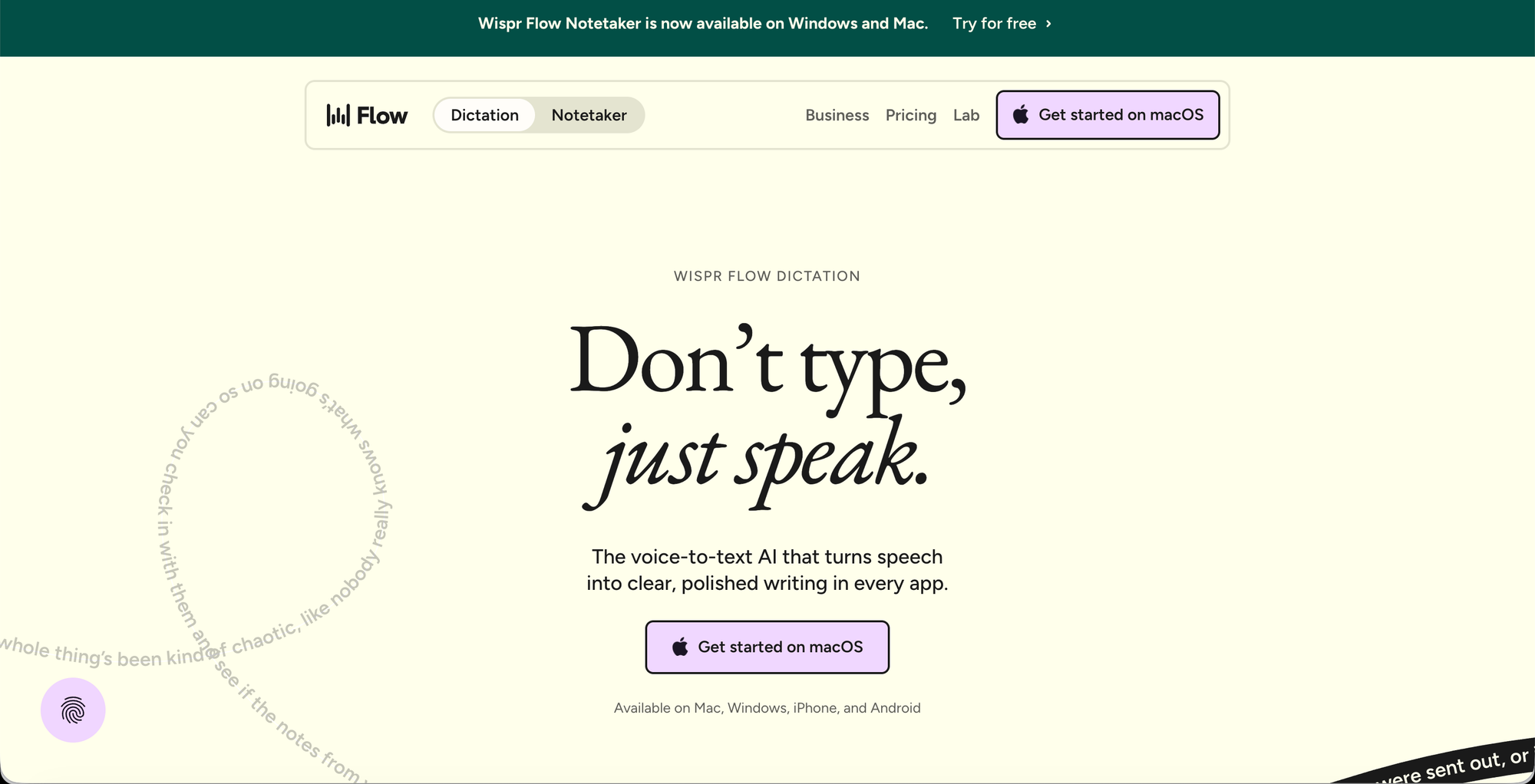
Wispr Flow stood out for everyday dictation because it turns speech into polished, punctuated text in any app, rather than a raw, unedited transcript you have to clean up yourself. It's best for knowledge workers who want dictation that sounds natural, not robotic, across desktop and mobile.
👩🏼💻 Attributes
- AI-polished dictation (cleans filler words, adds punctuation)
- Works across desktop and mobile apps system-wide
- Natural-sounding output, not raw transcription
- Works inside any app, not just one platform
- Continuous learning to match your speech patterns
⬆️ Pros
- Works system-wide, not locked to one app.
- Sounds like natural writing, not a transcript.
- Minimal cleanup needed after dictating.
⬇️ Cons
- Pricing can shift as an AI-tool category.
- Learning curve to trust its auto-edits.
- Overkill for occasional, short dictation.
🙌🏼 Best for
- Anyone who writes a lot by voice — emails, Slack messages, documents — and wants the output to read like they typed it, not like a transcript.
🤑 Pricing
- Free plan available for individuals.
- Pro for $ 13.49 ; Growth for $ 20.23
𝟚. Apple Dictation: Best Free Option for iPhone and Mac
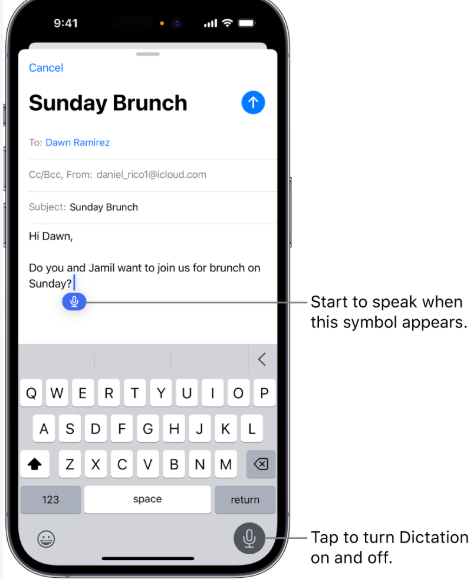
For most iPhone users, the built-in Apple Dictation is still the best free option in 2026: it works offline on iPhone 12 and later, supports 30+ languages, and is integrated everywhere you can type. It's a strong choice when your dictation use is occasional and light, since it's already on the device with zero setup.
👩🏼💻 Attributes
- Built into iOS and macOS at no cost
- Works offline on iPhone 12 and later
- Supports 30+ languages
- Integrated into every text field system-wide
- Voice commands for punctuation and formatting
⬆️ Pros
- Available in virtually every app.
- Reliable for short, everyday dictation.
- No account or subscription needed.
⬇️ Cons
- Mac/iOS only - no cross platform support.
- Fewer AI cleanup features than premium tools.
- Accuracy drops with background noise.
🙌🏼 Best for
- iPhone and Mac users who want quick, reliable dictation for messages, notes, and short text without installing or paying for anything.
🤑 Pricing
- Free, built into iOS and macOS.
𝟛. Google Docs Voice Typing: Best Free Browser Option for Long Documents
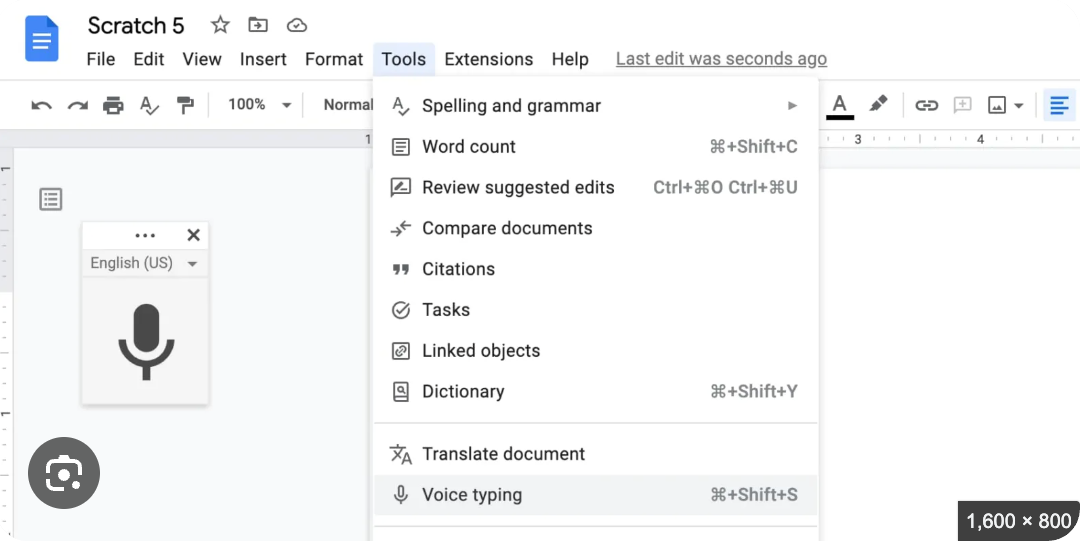
Google Docs Voice Typing works in Chrome, Safari, and Edge, is completely free, and supports 62 languages, making it the best choice for writers who want dictation that's free, browser-based, and works directly in documents.It's specifically useful for drafting long documents for free.
👩🏼💻 Attributes
- Free, browser-based voice typing
- Works directly inside Google Docs
- Supports 62 languages
- Voice commands for punctuation and formatting
- Available on Chrome, Safari, and Edge
⬆️ Pros
- Great for drafting long documents by voice.
- Wide language support.
- No installation - works in browser.
⬇️ Cons
- Only works inside Google Docs.
- Accuracy depends on mic/browser quality.
- No AI polishing - raw transcription only.
🙌🏼 Best for
- Writers and students who draft long documents in Google Docs and want to dictate directly into the document without installing anything.
🤑 Pricing
- Completely Free.
𝟜. Dragon Professional / Dragon Medical One: Best for Professional and Specialized Dictation
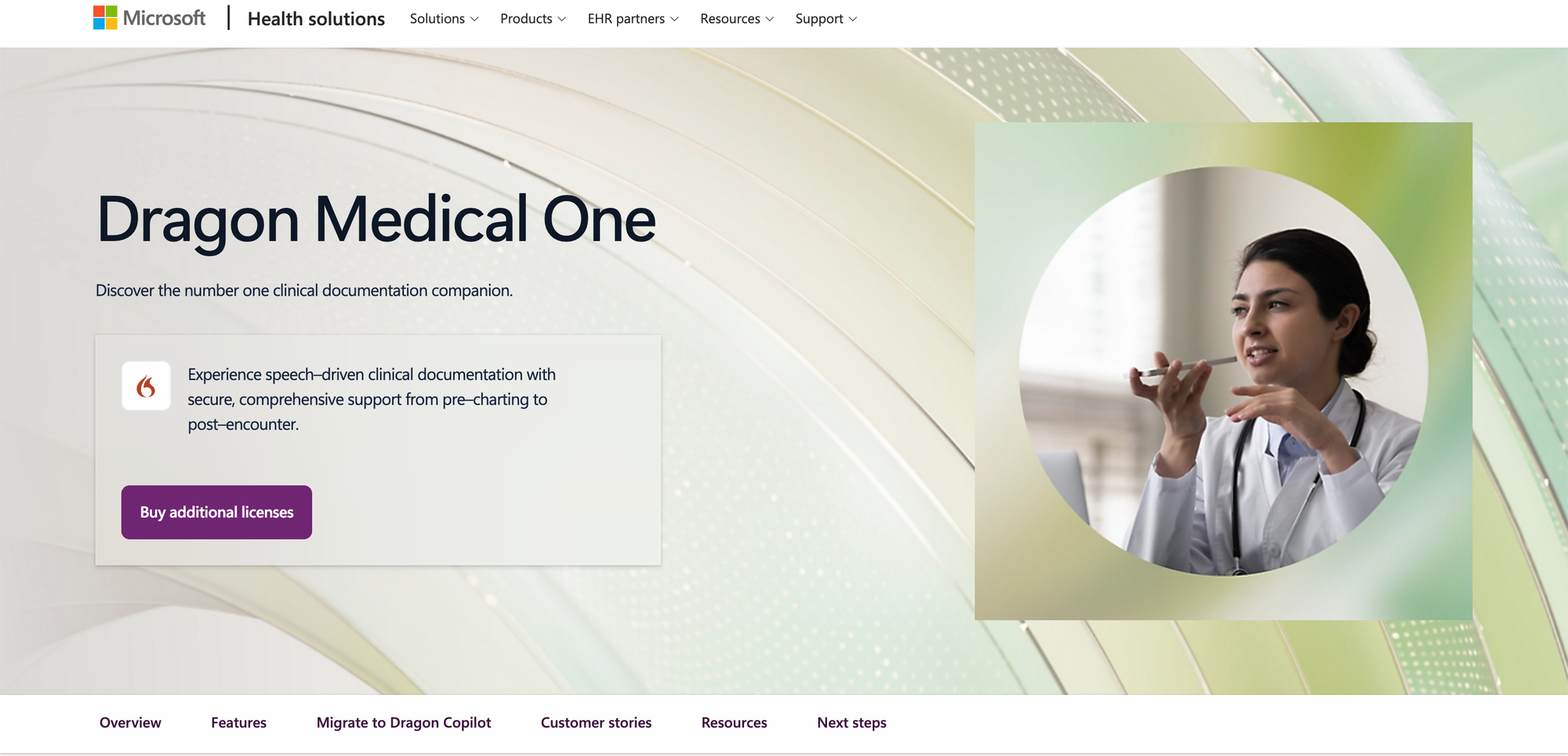
Dragon Medical One is the category's dedicated medical dictation tool, and the broader Dragon product line remains the long-standing choice for professionals who need structured, high-accuracy dictation built around specific fields like legal or medical documentation, where generic consumer tools fall short on specialized vocabulary.
👩🏼💻 Attributes
- Specialized vocabulary recognition (medical/legal/professional)
- High-accuracy dictation for technical terminology
- Voice commands for navigation and formatting
- Cross-platform support (Windows, Mac, Android, iOS)
- Structured, professional-grade transcription
⬆️ Pros
- High accuracy with industry-specific terms.
- Trusted, long-standing name in the category.
- Best-in-class for specialized/technical dictation.
⬇️ Cons
- Steeper learning curve than consumer apps.
- Overkill for everyday or casual direction.
- Less intuitive UI than modern AI-first tools.
🙌🏼 Best for
- Professionals in medicine, law, or other fields requiring accurate recognition of specialized or technical terminology, at a level consumer apps aren't built for.
🤑 Pricing
- subscription pricing starts at$99/month/user on a 1-year plan, alongside a one-time implementation and onboarding fee of $525.
𝟝. Superwhisper: Best for Private, On-Device Dictation
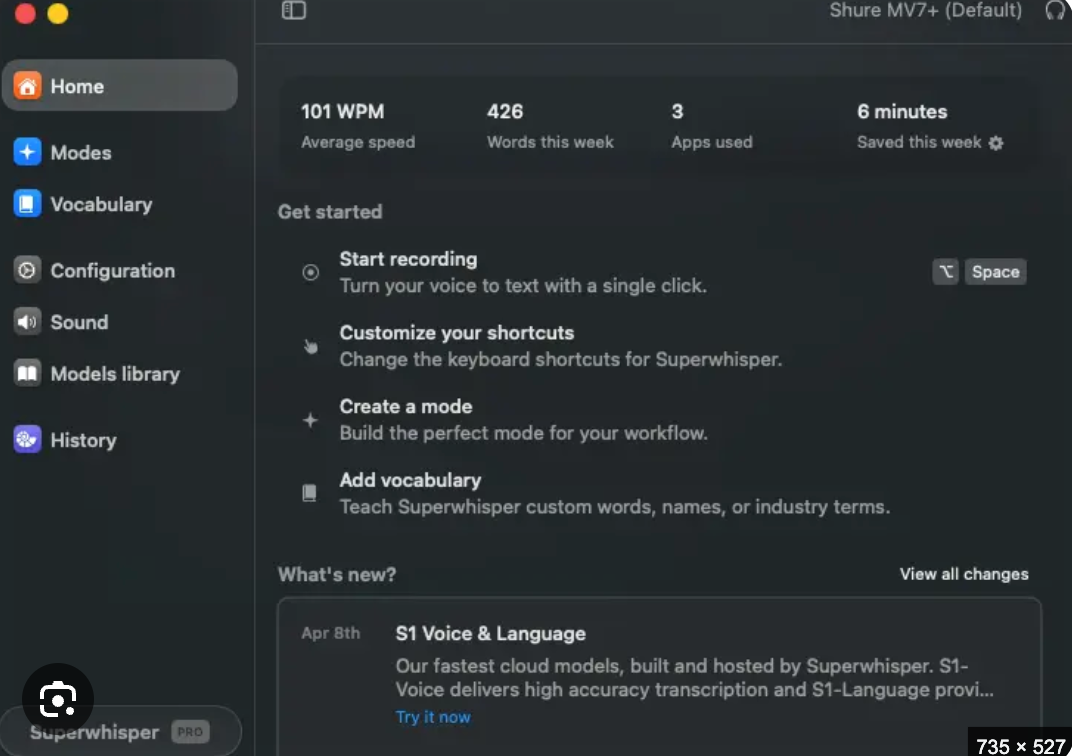
Superwhisper is best for private, on-device dictation, processing speech locally rather than sending audio to the cloud — a meaningful difference for anyone dictating sensitive material. It's considered one of the most complete options in the category, working across desktop (Mac, Windows) and iPhone.
👩🏼💻 Attributes
- On-device, local speech processing
- Works across Mac, Windows, and iPhone
- No audio sent to the cloud (privacy-first)
- Customizable dictation modes/workflows
- Free tier with paid upgrade for extended use
⬆️ Pros
- Strongest privacy - audio never leaves your device.
- Great for sensitive or confidential dictation.
- Considered one of the most complete tools in caytegory.
⬇️ Cons
- Smaller brand recognition than bigger names.
- Paid tier needed for heavier daily use.
- Less " natural language polish " than Wispr Flow.
🙌🏼 Best for
- Privacy-conscious users, or anyone dictating sensitive or confidential material who doesn't want audio leaving their device.
🤑 Pricing
- Free plan is available.
- Monthly plan at $ 8.49/month ; Annual plan at $ 84.99/year and Lifetime at $ 249.99/once.
Abstract
There's no single "best" dictation app here — the right pick depends on what you're dictating and where.
- Is your dictation occasional and light, or long-form and frequent? Occasional → Apple Dictation or Gboard. Long-form → Google Docs Voice Typing, Wispr Flow, or Superwhisper.
- Do you want raw transcription, or polished, natural-sounding text? Raw → built-in free tools. Polished → Wispr Flow.
- Is privacy a priority for what you're dictating? On-device processing with Superwhisper keeps audio off the cloud.
- Do you work in a specialized field with technical vocabulary? Dragon's medical and professional tools are built specifically for that, at a correspondingly higher price.
- What's your budget? Free built-in tools (Apple Dictation, Google Docs Voice Typing) cover most casual needs before any paid tool becomes worth it.
"At the end of the day, the best dictation app is the one you forget you're using — it just turns what's in your head into text on the screen."