Top 5 AI Meeting Note-Takers and Transcription Apps
Otter.ai, Fireflies.ai, Fathom, Granola, and Fellow compared — the five best AI meeting note-taker and transcription apps in 2026, from CRM sync to full meeting lifecycle automation.
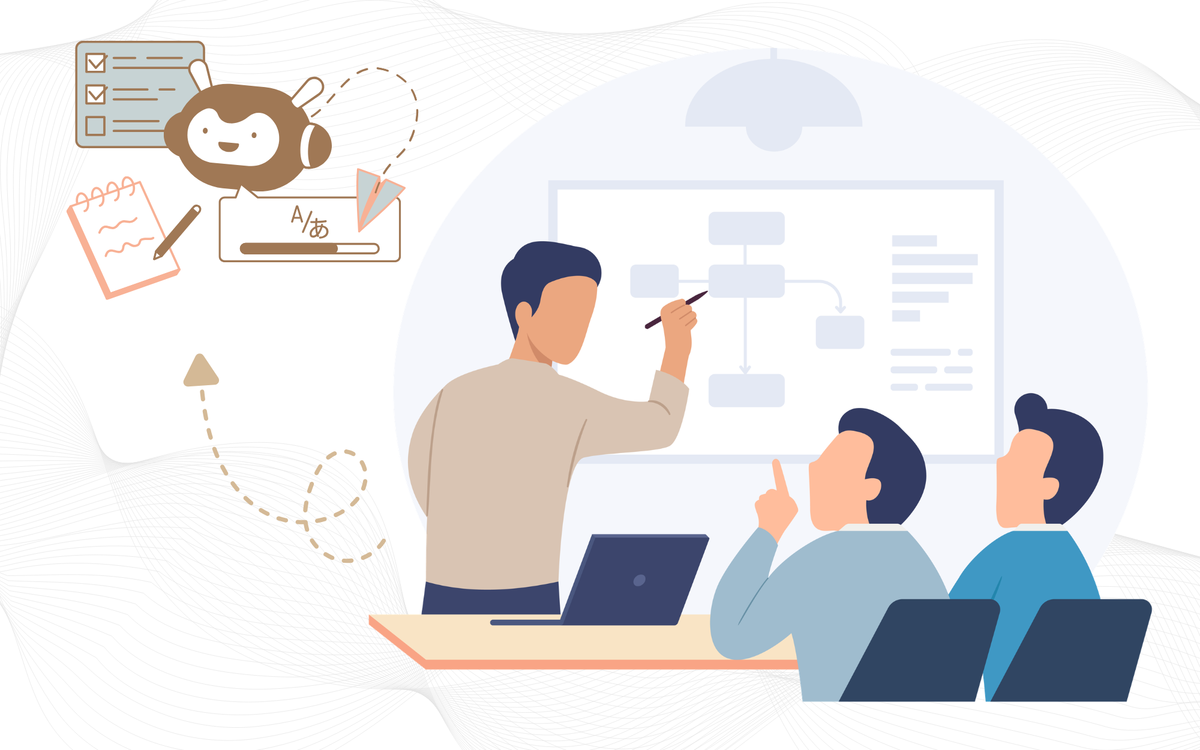
The average professional now spends around 31 hours a month in meetings, and studies show people forget roughly half of what was discussed within 24 hours of the call ending. AI meeting note-takers exist to close that gap — recording, transcribing, and summarizing conversations automatically, so nobody has to choose between actually listening and scribbling down notes.
Transcription accuracy has largely stopped being the differentiator it once was — most leading tools now hit 90%+ accuracy in English. What actually separates these apps in 2026 is what happens after the transcript: how well a tool turns a conversation into action items, follow-up emails, and CRM updates that move on their own.
What to Actually Look For in an AI Note-Taker
Beyond raw transcription quality, the details that matter most are: whether the tool joins as a visible bot or captures audio silently (bot-free), how well it identifies different speakers, whether summaries are genuinely useful or just a wall of bullet points, and how deep its integrations run into the tools your team already lives in — CRM, calendar, docs, or task manager.
With that in mind, here are five of the strongest options in 2026.
१. Otter.ai — Best for Team Collaboration
Otter.ai remains one of the most established names in the category, built around live transcription with real-time collaboration features that let teammates highlight, comment, and search a transcript together as it's happening. It's a strong fit for teams that want the meeting record itself to be a shared, living document rather than something one person files away afterward.
🛠️ Features
- Real-time live transcription.
- Collaborative highlights & comments.
- Speaker identification & Searchable transcript archive.
- Zoom/Meet/Teams integration.
⨮ Pros
- Strong team collaboration features & Well-established, widely trusted.
- Good search across transcripts.
- Real-time note editing.
- Solid free tier to start.
⨺Cons
- Joins calls as visible bot & limited CRM automation.
- Free tier caps monthly minutes.
- Summaries less action-oriented.
- Can feel intrusive in small meetings.
🏧 Pricing :
- Free plan available & Pro plan from ~$8.33/user/mo.
- Business plan ~$20/user/mo.
- Enterprise custom pricing.
💡Best for: Teams that want collaborative, searchable transcripts and don't need deep CRM automation.
🫣 Watchout for: As with most bot-based tools, Otter joins calls as a visible participant, which can feel intrusive in smaller or external meetings.
२.Fireflies.ai — Best for CRM Integration and Sales Teams
Fireflies pairs solid transcription with strong syncing into CRM platforms, making it a popular pick for sales and customer-facing teams that need meeting notes to actually land in the right deal record without manual copy-pasting. Its search functionality lets users jump straight to a specific moment in a meeting by searching a keyword rather than scrubbing through a full recording.
🛠️ Features
- Deep CRM sync (HubSpot, Salesforce).
- Keyword search within calls &Speaker identification.
- Multi-platform meeting capture.
- AI-generated summaries.
⨮ Pros
- Excellent for sales/CRM workflows and Fast keyword-based search
- Wide integration ecosystem.
- Reliable for customer-facing teams.
- Good multi-platform support.
⨺Cons
- Errors on noisy/technical audio.
- Bot-based, visible in calls.
- Best features behind paywall.
- Can feel sales-tool focused.
🏧 Pricing :
- Free plan available.
- Pro plan from ~$10/user/mo ; Business plan ~$19/user/mo
- Enterprise custom pricing & Per-seat billing.
💡Best for: Sales, recruiting, and customer success teams that live inside a CRM.
🫣 Watch out for: Background noise and dense technical vocabulary can still introduce transcription errors, so it's worth spot-checking transcripts from noisy or highly technical calls.
३. Fathom — Best Free Option
Fathom has built a reputation as the strongest genuinely free AI note-taker on the market, offering reliable transcription and summaries at no cost — a rarity in a category where most serious tools gate their best features behind a paid tier. It's a particularly good fit for individuals and small teams that want dependable notes without a subscription commitment.
One consistent critique is that Fathom's summaries, while clean, can feel surface-level on longer calls that cover multiple unrelated topics.
🛠️ Features
- Free, reliable transcription & Automatic meeting summaries.
- Action item extraction.
- Zoom/Meet/Teams support.
- Video + timestamp playback.
⨮ Pros
- Best free tier in the category & Reliable core transcription.
- No subscription required to start.
- Good for individuals/small teams.
- Clean, simple interface.
⨺Cons
- Summaries thin on long calls & less deep CRM automation.
- Fewer enterprise features.
- Limited post-meeting workflow tools.
- Multi-topic calls lose nuance.
🏧 Pricing :
- Genuinely free core plan & Paid team tier available.
- No forced trial expiration.
- Low-cost upgrade path ; Simple, transparent pricing.
💡Best for: Individuals and small teams that want reliable notes without paying for a subscription.
🫣 Watch out for: Summary depth can thin out on long, multi-topic meetings — good for quick recall, less so for detailed follow-up on a dense call.
४. Granola — Best for Privacy-Conscious Users
Granola has carved out a following among privacy-conscious individuals by keeping its footprint minimal and focusing on a clean, personal note-taking experience rather than heavy team-wide automation. It's frequently grouped alongside Fathom as a top pick for people who want solid AI notes without a bot visibly joining every call or extensive cloud data retention.
🛠️ Features
- Privacy-first design and lightweight personal notes.
- Minimal data retention.
- Clean, distraction-free interface.
- Fast individual note capture.
⨮ Pros
- Strong privacy positioning.
- Good for personal workflows.
- Minimal setup required.
- Appeals to privacy-conscious users.
⨺Cons
- Narrower feature set & limited team collaboration.
- Not built for heavy automation.
- Smaller integration ecosystem.
- Less suited to large teams.
🏧 Pricing :
- Free tier available.
- Paid plan for extended use.
💡Best for: Individuals who want a lightweight, privacy-first note-taking experience.
🫣 Watch out for: Its feature set is narrower than heavier, automation-first tools — it's built for personal use more than deep team workflows.
५. Fellow — Best for the Full Meeting Lifecycle
Fellow stands apart by covering the entire meeting lifecycle rather than stopping at the transcript: structured agendas before the call, accurate AI notes during it, and an AI agent that can draft follow-up emails and surface action items across multiple past meetings afterward. It also offers a botless recording mode for in-person conversations, with enterprise-grade governance controls.
🛠️ Features
- Pre-meeting agenda tools and AI notes during the call.
- Post-meeting AI agent (follow-ups).
- Botless recording mode.
- Enterprise governance controls.
⨮ Pros
- Covers full meeting lifecycle.
- Drafts follow-up emails automatically.
- Strong enterprise governance.
- Botless option for sensitive calls.
⨺Cons
- Steeper learning curve & more setup than simple tools.
- Higher cost for full features.
- Overkill for solo/light users.
- Best value needs full adoption.
🏧 Pricing :
- Free plan available & Pro plan for growing teams .
- Enterprise custom pricing.
- Per-seat billing model.
💡Best for: Teams that want meeting prep, notes, and post-meeting follow-through handled in one connected system rather than three separate tools.
🫣 Watch out for: That full-lifecycle depth comes with more setup and a steeper learning curve than a simple record-and-summarize tool.
🍽️ digest
Transcription itself is close to a solved problem across this whole category — the real decision is what you need to happen after the summary lands. A sales team needs CRM sync; a solo founder might just need a free, private tool that quietly does its job. Many teams end up pairing a note-taker with their existing task manager or CRM rather than expecting one app to do everything.
How to Choose the Right AI Note-Taker
- Otter.ai - Collaborative, Searchable team transcripts.
- Fireflies.ai - CRM sync for sales and customer facing teams.
- Fathom - Reliable notes at zero cost.
- Granola - Privacy first, lightweight personal use.
- Fellow - Full meeting lifecycle ; agenda to follow up.
" The best meeting notes aren't the ones you read back later — they're the ones that already turned into action before you had to".