Top 5 Apps for Managing Screen Time and Digital Wellbeing in 2026
Freedom, Opal, One Sec, Forest, and native phone tools compared — the five best apps for cutting screen time and building healthier digital habits in 2026.
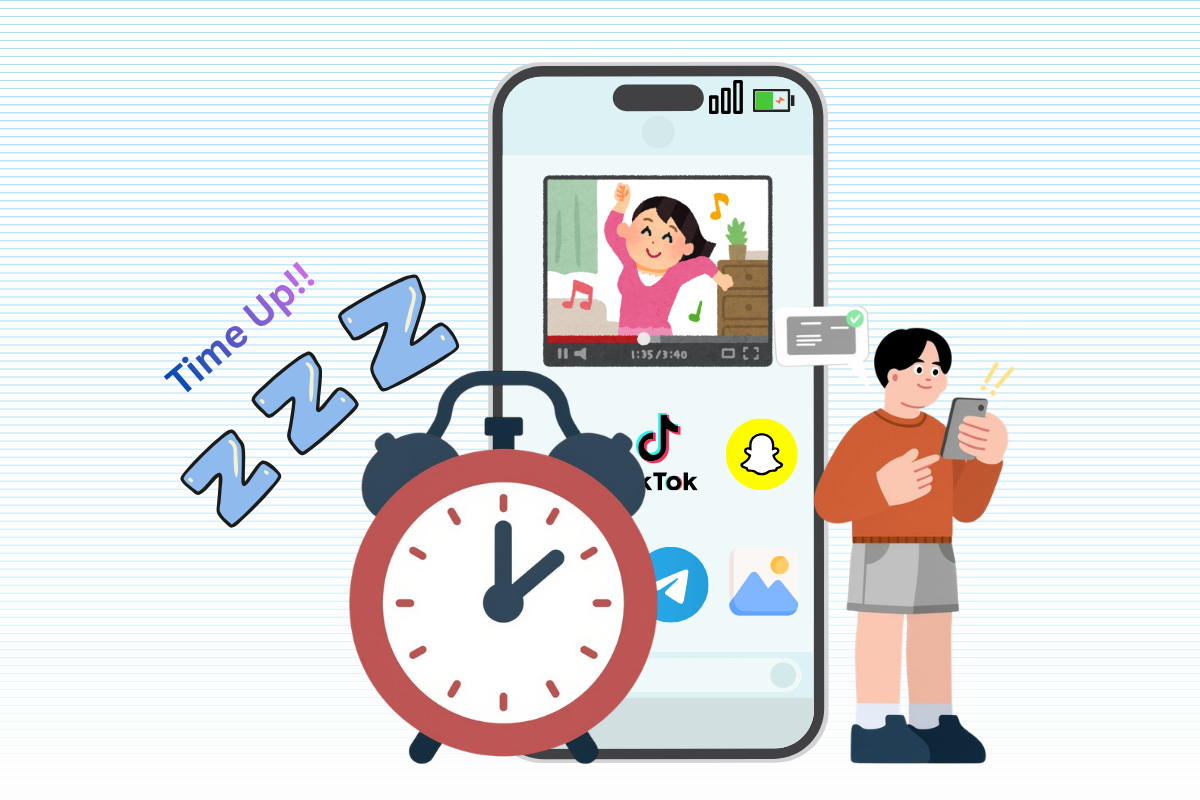
The average adult now spends four to seven hours a day on their phone, and total screen time across all devices can run even higher. Simple app timers stopped working years ago — a single tap bypasses most of them. The tools that actually work in 2026 use friction, habit-building, and behavioral design to interrupt the automatic "pick up phone, open app" loop before it happens.
Screen time apps generally fall into three camps: strict blockers that lock you out, mindful-pause tools that slow you down before you open a distracting app, and habit-replacement apps that make you earn your screen time. The five below cover all three, so there's a fit whatever kind of phone relationship you're trying to fix.
What Makes a Screen Time App Actually Work
Most digital wellbeing apps do one of three things: block, track, or build a replacement habit. The ones that stick long-term usually combine at least two — pure tracking rarely changes behavior on its own, and a blocker with an easy override button gets disabled the first time you're bored. Look for locked modes, real scheduling, and either a genuine pause mechanism or a habit-gate before judging an app as effective.
Top 5 Apps for Managing Screen Time
The following are the top 5 apps in 2026 for managing screen time and increase productivity.
1. Freedom — Best for Strict, Cross-Device Blocking
Freedom blocks distracting apps and websites across phone, tablet, and computer at the same time, syncing one block session everywhere so you can't just switch devices to get around it. Its locked mode removes the option to end a session early, which is the feature that separates it from most competitors.
⏳ Features
- Cross-device blocking (phone, tablet, computer)
- Synced block sessions across devices.
- Locked mode (no early exit).
- Website + app blocking combined.
- Scheduled recurring sessions.
✚ Pros
- Hard-to-bypass enforcement .
- Works across all devices at once.
- Session sync stops device-switching.
- Strong for serious, committed users.
⛔︎ Cons
- Free tier very limited.
- Requires subscription for locked mode.
- No habit-building component.
- Setup takes some configuration.
- Can feel too rigid for casual users
💸 Pricing : Limited free version; Paid plans required for locked mode · Subscription-based.
😇 Best for: People who need hard enforcement across multiple devices, not just their phone.
2. Opal — Best for Scheduled Deep Work and Habit Insights
Opal combines app blocking with detailed usage analytics and scheduled "focus sessions," aiming to help users understand not just how much they use their phone, but when and why. Its locked mode, like Freedom's, requires a password or time delay to disable, which makes impulsive overrides harder mid-session.
⏳ Features
- Scheduled focus sessions.
- Detailed usage analytics.
- Locked mode with delay/password.
- Session insights over time.
- App-specific restrictions.
✚ Pros
- Enforcement plus real usage insight and helps understand when/why you use your phone.
- Scheduled sessions build routine.
- Clean, modern interface.
- Good middle ground between data and control
⛔︎ Cons
- Premium cost is high and Free tier feature-limited.
- Setup takes more time than simple apps.
- Analytics can feel like overkill for casual use.
- Requires ongoing engagement to get value.
💸 Pricing : Free version available · Premium tier required for full features · Pricier than basic blockers.
😇 Best for: People who want both enforcement and real insight into their usage patterns, not just a blunt timer.
3. One Sec — Best for Interrupting Mindless, Reflexive Opening
One Sec targets a specific, narrow problem: the reflexive, unconscious tap that opens a distracting app before you've even decided to. It inserts a short breathing pause before the app opens and tracks how often you back out versus continue through — a mechanism that's proven particularly effective for people with ADHD, since it interrupts the impulse rather than blocking the destination outright.
⏳ Features
- Pause/breathing prompt before app opens.
- Tracks back-out vs. continue rate.
- No account or cloud needed.
- Customizable pause duration per app.
- Lightweight, single-purpose design.
✚ Pros
- Great for impulsive/reflexive opening, especially effective for ADHD.
- Privacy-friendly, no account needed.
- Simple and affordable.
- Low friction to start using
⛔︎ Cons
- No deep analytics and no scheduling features.
- Narrow scope — one problem only.
- Doesn't block apps outright.
- Less useful for planned, deliberate use.
💸 Pricing : Affordable one-time or low-cost model · No premium tier complexity.
😇 Best for: People whose main issue is autopilot scrolling rather than deliberate, planned phone use.
4. Forest — Best Gamified Habit Builder
Forest takes the opposite approach from a blocker: instead of restricting you, it grows a virtual tree while you stay off your phone, and the tree dies if you leave the app early. It's a lighter-touch, positive-reinforcement approach that works well for people who respond better to a small reward than a hard restriction.
⏳ Features
- Gamified virtual tree growth .
- Tree "dies" if you leave app.
- Visual progress tracking over time.
- Simple, low-friction interface.
- Optional social/friend features.
✚ Pros
- Gentle, positive reinforcement.
- Fun, visual motivation and Good for light habit nudging.
- Appeals to casual, non-strict user.
- Low cost to try.
⛔︎ Cons
- No locked mode / hard enforcement.
- Easy to quit or uninstall & Limited usage analytics.
- Not built for serious blocking needs.
- Motivation can fade over time.
💸 Pricing : Low-cost one-time or freemium · Affordable vs. subscription blockers
😇 Best for: People who want a gentle, visual nudge rather than strict enforcement — and anyone who responds well to gamification.
5. Apple Screen Time / Google Digital Wellbeing — Best Free, Built-In Option
Both platforms now ship serious native tools at no cost: Apple's Screen Time and Android's Digital Wellbeing offer app timers, downtime scheduling, and family controls without installing anything extra. Android's version adds a dedicated Focus Mode that pauses distracting apps during work or study sessions while keeping essential ones available.
⏳ Features
- App timers & usage tracking.
- Downtime scheduling and Family controls (both).
- Focus Mode (Android).
- Built directly into the OS.
✚ Pros
- Completely free .
- Solid family controls.
- No extra app to install.
- Good starting point for beginners.
⛔︎ Cons
- Easy to override with a tap.
- No habit-building mechanism.
- Less sophisticated than third-party tools.
- Limited customization per app.
💸 Pricing : Completely free · Built into device, no install.
😇 Best for: Anyone who wants to start immediately with zero cost, or who needs simple family device controls.
🎬 How to Choose the Right App for You
- Freedom - Strict, hard-to-bypass blocking across devices.
- Opal - Schedules focus sessions with usage analytics.
- One sec - Stopping reflexive, mindless app-opening.
- Forest - Gentle, gamified motivation.
- Apple Screen Time - Free, built into your phone already.
There's no single best screen time app — it depends on whether your problem is impulsive opening, a need for hard enforcement, or simply wanting a nudge in the right direction. Many people layer two together: a native tool for baseline tracking, plus a targeted app like One Sec or Freedom for the specific habit that's hardest to break.
The best screen time app isn't the one that locks you out — it's the one that finally makes you stop reaching for your phone in the first place.