
Top 5 Time-Tracking Apps for Billable Hours
From the smoothest one-click timer to the strongest permanent free plan — here are the 5 best time-tracking apps for billable hours in 2026, with pricing, pros, cons, and who each one fits.
Why Billable-Hour Tracking Deserves Its Own Tool
Most freelancers lose 5 to 10 percent of billable hours every month — not because they didn't do the work, but because it was never tracked accurately. If you bill hourly, split time across multiple clients, or juggle several projects at once, that gap compounds fast.
Four things actually matter in a billable-hours tracker: one-click start/stop timing so you don't lose tracked time switching tasks, the ability to log or edit entries after the fact so a missed timer doesn't mean lost income, client and project tagging so reports stay clean without manual sorting, and invoicing that's either built in or tightly integrated — so tracked hours turn into invoices instead of a spreadsheet you have to re-key by hand.
Time tracking for freelancers has different priorities than tracking for agencies or enterprises — the five tools below are chosen specifically against that solo-freelancer lens, not general workforce-monitoring criteria.
1️⃣. Toggl Track — Best Overall / Smoothest Timer
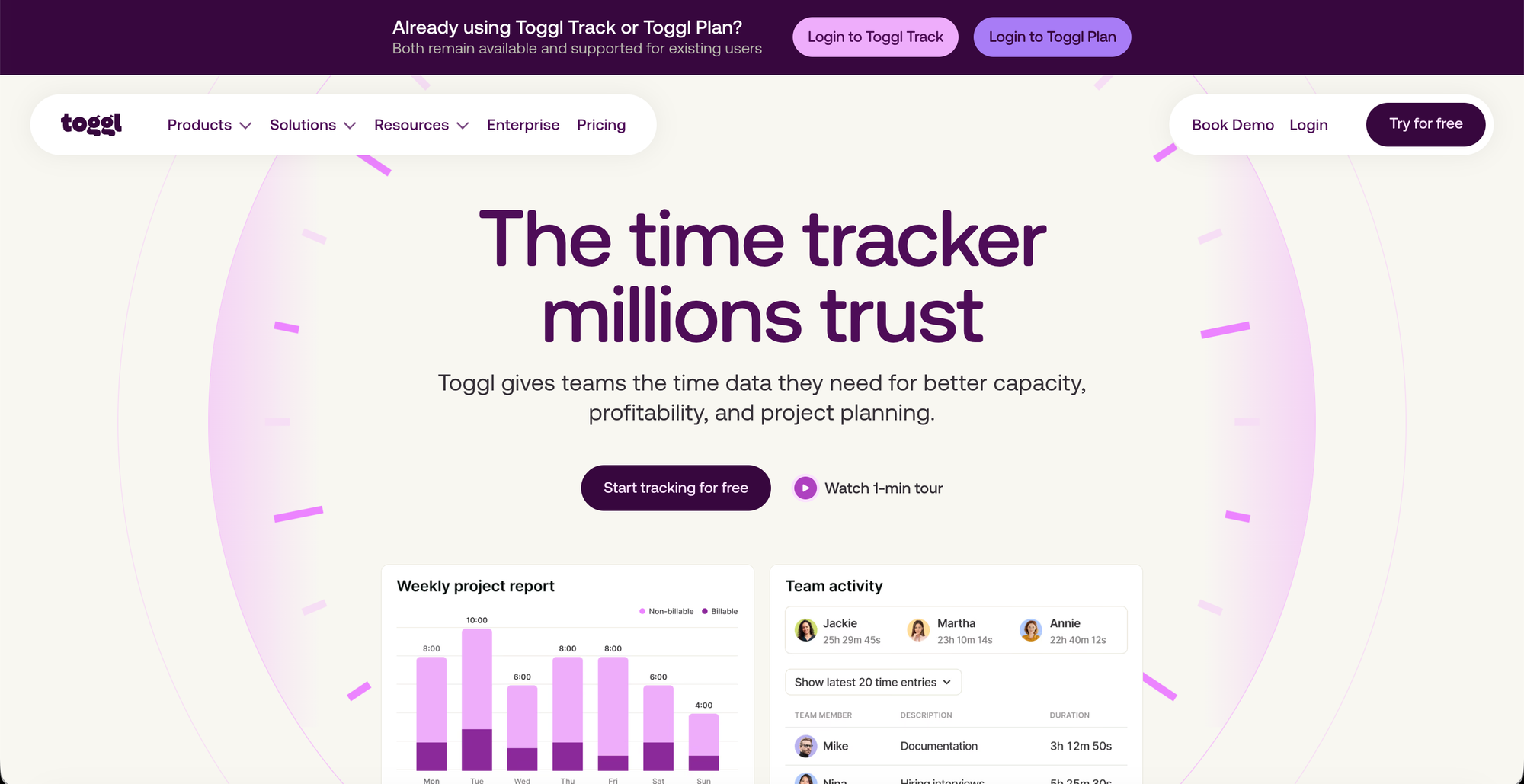
Toggl Track has arguably the smoothest timer in the category, along with a long-standing, principled stance against surveillance. Its reporting suite shows billable hours by client, project profitability, and time distribution across any period — and for freelancers managing multiple clients simultaneously, the project profitability view is genuinely useful: it tells you which clients are worth your time at your current rate and which are eating margin.
👀 Features
- One-click start/stop timer across desktop, mobile, web
- Project profitability and billable-hours reporting
- Client and project tagging with idle detection
- 100+ integrations via browser extension
- Privacy-respecting — no surveillance/screenshot tracking
💪🏻 Pros
- Smoothest, fastest timer in the category.
- Profitability reports show which clients are worth it.
- Privacy-first, no employee-monitoring features.
- Clean, easy-to-learn interface.
🫷🏽Cons
- Pricier than bare-bones alternatives.
- Deeper reporting than a very simple solo user may need.
- No native invoicing — pairs with another tool.
- Advanced features gated to paid tiers.
👯♀️ Best for: Freelancers juggling several clients who want to see not just hours logged, but which clients are actually profitable at their current rate.
🪙 Pricing:
- Free for limited number of users.
- Starter for $9/mo and premium for $ 16/month.
2️⃣. Clockify — Strongest Permanent Free Plan (With a Catch)
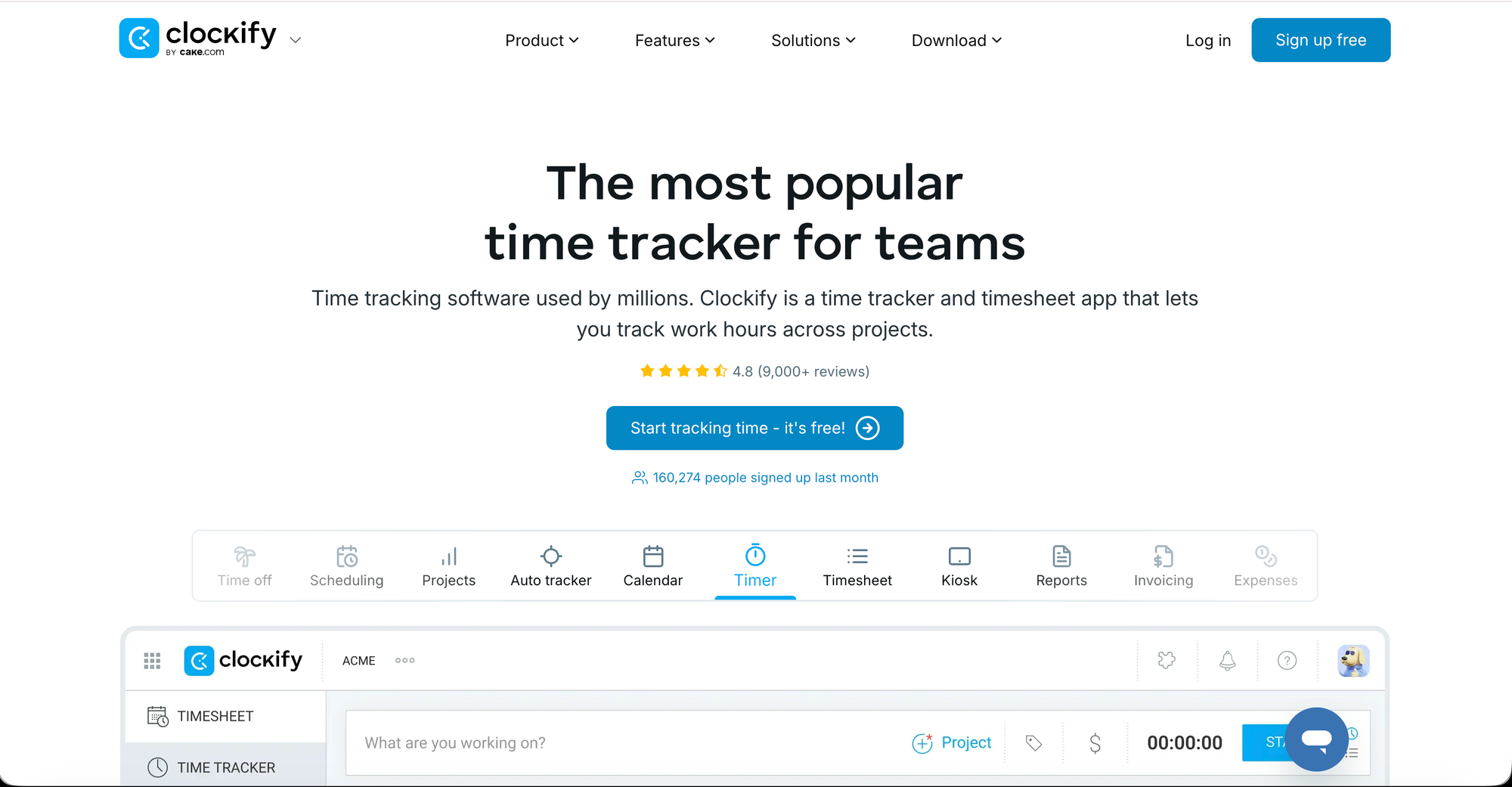
Clockify supports unlimited users and letting you track time across projects and clients with a single click, across web, desktop, mobile, and browser extensions.It also supports CSV/Excel export, labor cost tracking, kiosk mode, and GPS tracking for on-site work.
👀 Features
- Unlimited users on the free plan
- Time tracking across web, desktop, mobile, browser extension
- CSV/Excel export and labor cost tracking (paid tiers)
- Kiosk mode and GPS tracking for on-site work
- Client/project-based time organization
💪🏻 Pros
- GPS/kiosk mode useful for on-site work.
- Solid reporting once upgraded.
- Works across every major platform.
🫷🏽Cons
- Interface can feel complex for basic solo use.
- Advanced features (QuickBooks sync) paid-only.
- Marketed as "free" but core billing feature isn't.
👯♀️ Best for: Freelancers on a tight budget, or anyone managing a small team who needs unlimited users without paying per seat.
🪙 Pricing:
- Free plan available with limitations and certain upgrade afterwards.
- Standard for $ 6.99/billed monthly ; Pro for $9.99/ billed monthly ; Enterprise for $ 14.99/billed monthly.
3️⃣. My Hours — Simplest Billing-Focused Option
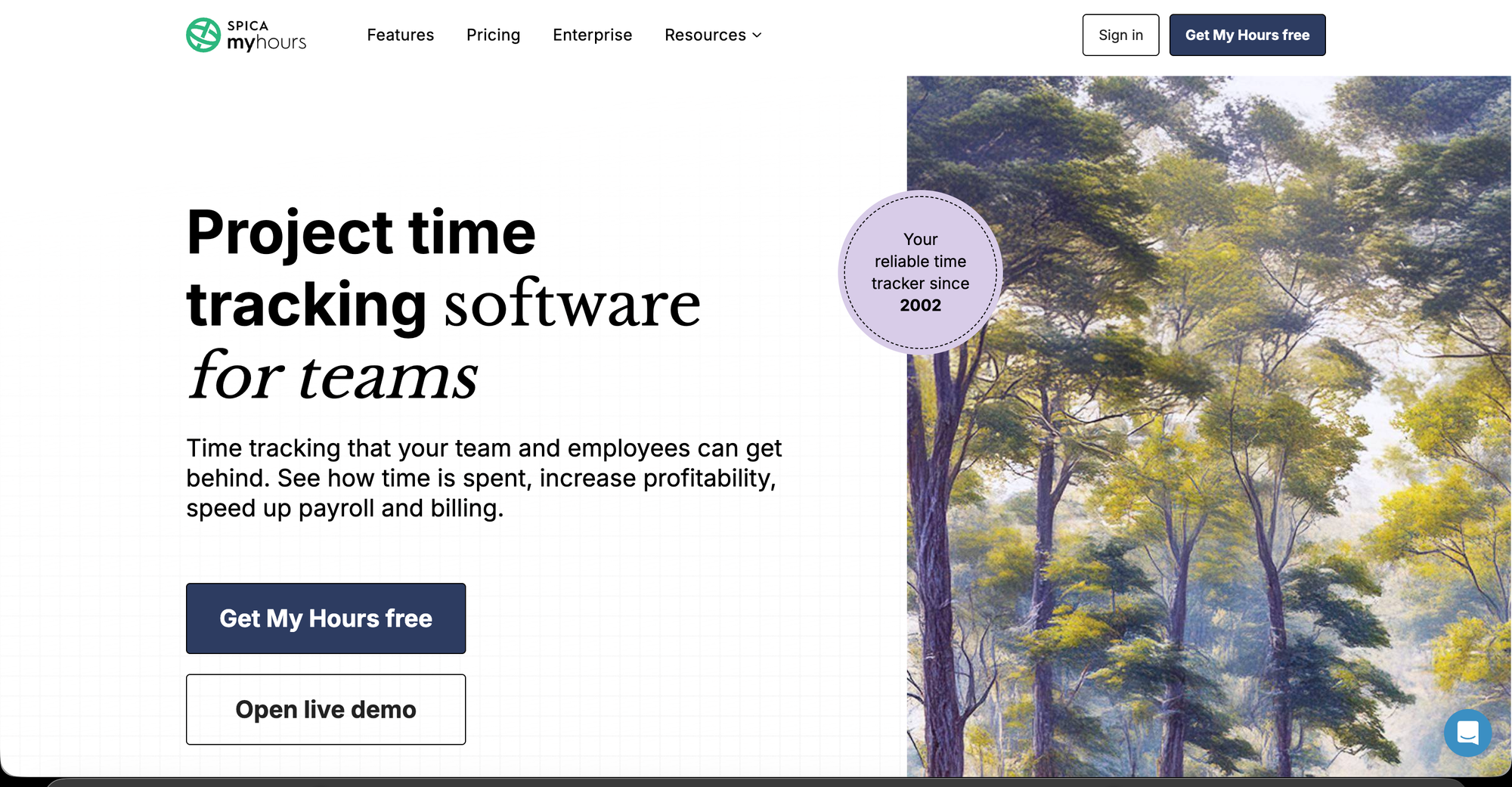
My Hours is built for individuals and small freelance operations that want clean time tracking without the overhead of a larger platform.You assign time to projects and tasks, set billable rates, and produce client-ready reports and invoices without navigating a complex interface — it doesn't try to be a project management platform, it tracks time and generates what you need to bill.
👀 Features
- Simple project/task time logging
- Billable rate assignment per client or project
- Client-ready reports generated automatically
- Built-in invoicing from tracked time
- Minimal, no-frills interface
💪🏻 Pros
- Simplest billing-focused tool on this list.
- Client-ready reports with minimal setup.
- Reduces friction that causes missed logging.
🫷🏽Cons
- Lacks deep profitability analytics.
- Fewer integrations than bigger competitors.
- Not ideal if you want an all-in-one platform.
👯♀️ Best for: Solo freelancers who want billing-ready reports without learning a feature-heavy platform first.
🪙 Pricing:
- ( pro plan )free for 14 days trial.
- Basic for $ 5/billed monthly ; Pro for $ 9/billed monthly.
4️⃣. Hubstaff — Best for Tracking Work Across Locations
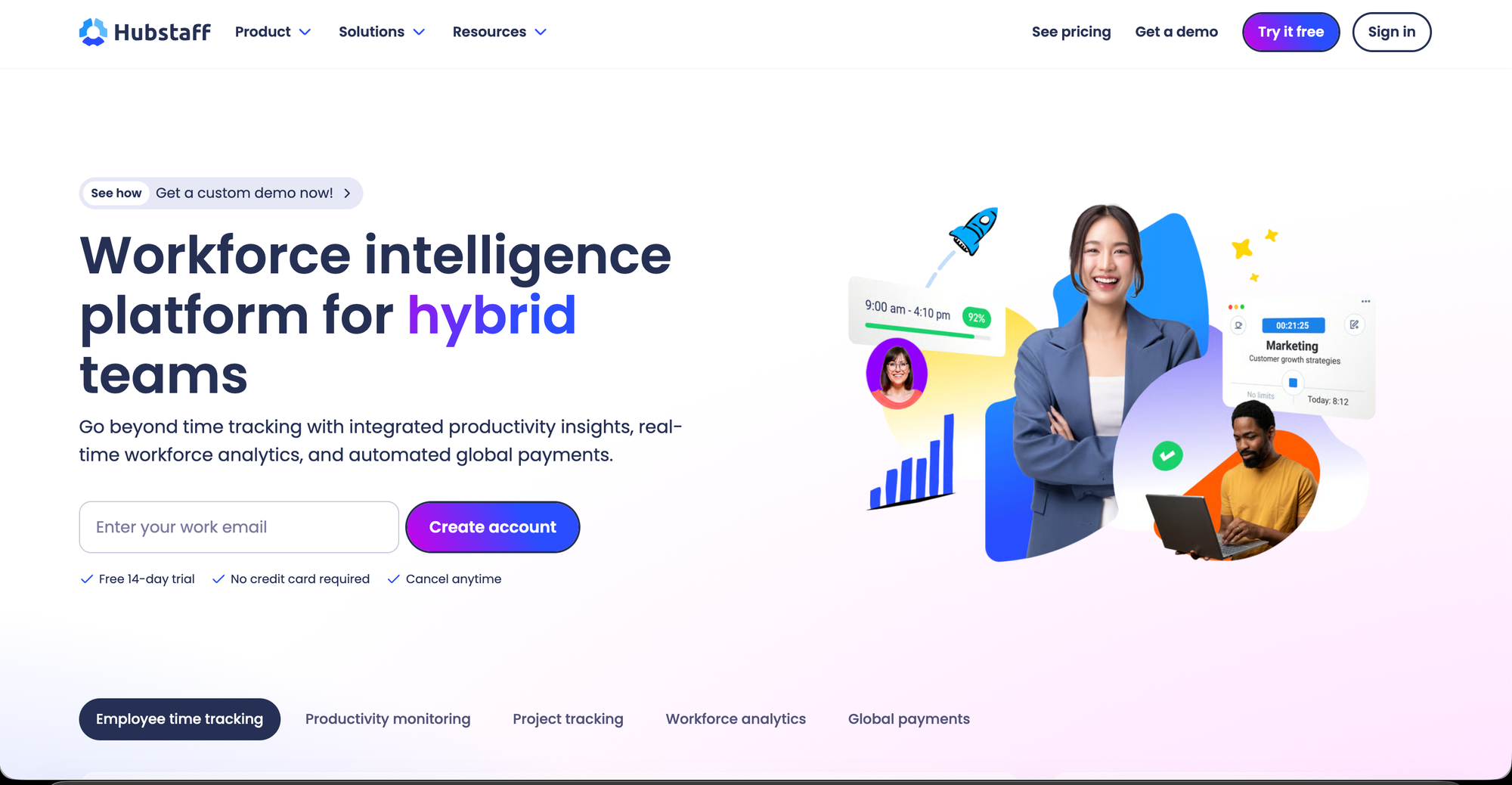
Hubstaff's well-connected platform lets freelancers track their time wherever they are, with integrated invoicing, timesheeting, and reporting that make turning tracked hours into cash straightforward.It's compatible with Mac, Windows, Linux, and Chrome.
👀 Features
- Time tracking across Mac, Windows, Linux, Chrome
- Integrated invoicing and timesheeting
- Location/GPS tracking for on-site or field work
- Activity levels and optional screenshots
- SSO and compliance tools (Enterprise tier)
💪🏻 Pros
- Tracks time reliably across locations/devices.
- Good for field-based or multi-location work.
- Enterprise-grade security/compliance available.
🫷🏽Cons
- Monitoring features (screenshots) may feel excessive solo.
- Pricier than lightweight freelancer-only tools.
- Steeper setup than simple timer apps.
👯♀️ Best for: Freelancers who work across multiple physical locations or devices and want tracking, timesheets, and invoicing tied together in one connected system.
🪙 Pricing:
- 14 day free trial available.
- Starter at $ 7/mo ; Grow at $9/mo ( 2 seat min) ; Team at $ 12 ( 2 seat min)
- Enterprise plans with Custom setup, account provisioning, and dedicated support for complex needs; around $25/user/month.
5️⃣. TimeCamp — Best for Turning Tracking Into a Full Billing System
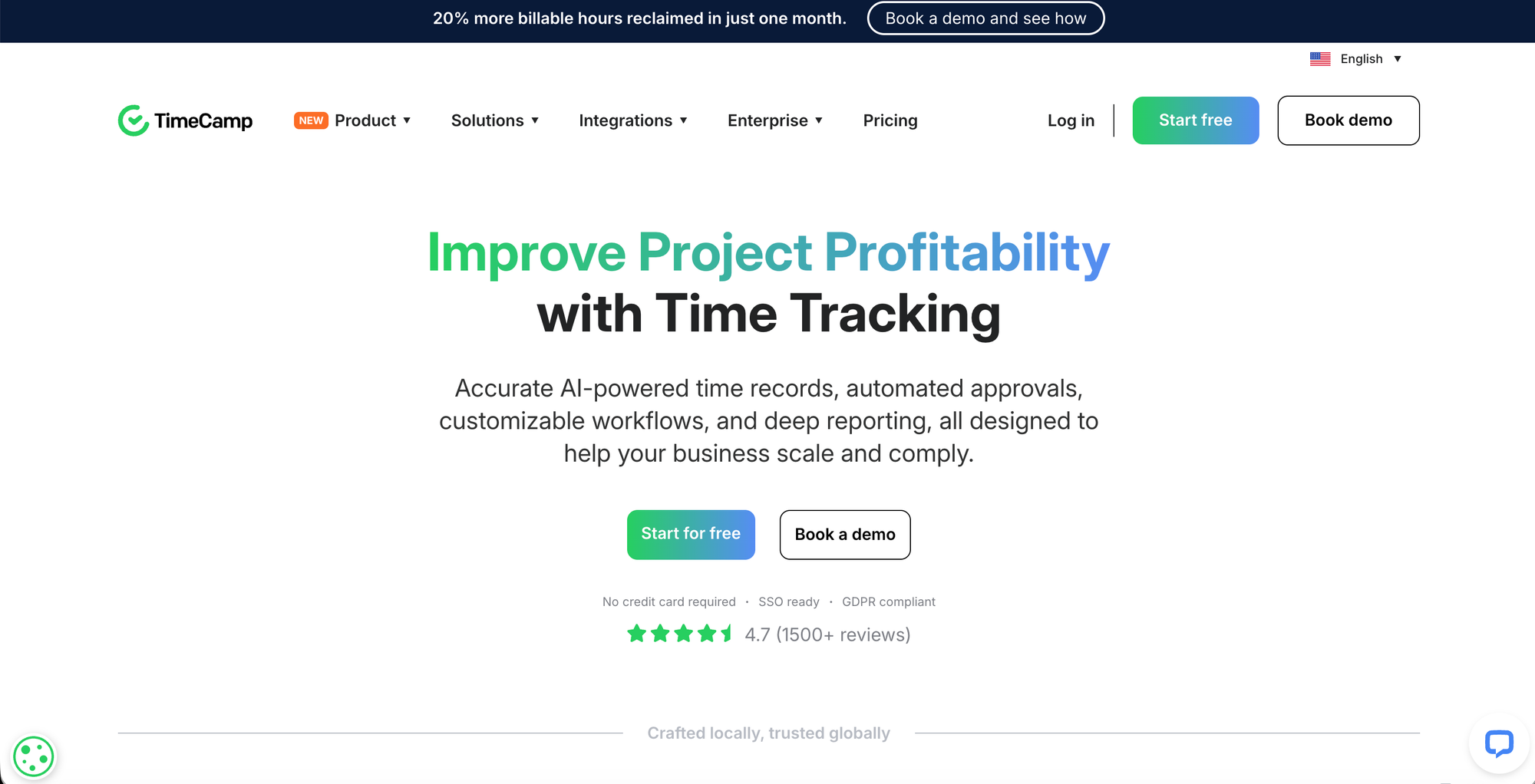
TimeCamp supports freelancers in billing every minute of their workday, helping turn a freelance gig into a steady, income-generating business. It leans toward being a complete billing system built around the timer, rather than a timer with billing bolted on.
👀 Features
- Time tracking tied directly into billing workflow
- Automated timesheets and productivity reports
- Client and project-based billable tracking
- Integrations across common business tools
- Designed to turn tracked hours into steady billing
💪🏻 Pros
- Tracking and billing feel like one unified system
- Good automated reporting out of the box
- Reasonable integration coverage
🫷🏽Cons
- Pricing structure shifts often — needs verifying
- Less lightweight than a pure timer app
- Learning curve higher than My Hours or Toggl
👯♀️ Best for: Freelancers who want time tracking positioned as the center of their billing workflow, not just a logging tool that feeds into a separate invoicing app.
🪙 Pricing:
- Free trial available.
- Starter at $ 3.99/user/mo ; Premium at $ 6.99/user/mo ; Ultimate at $ 9.99/user/mo.
🫣 At-a-glance
- Toggl Track — Smoothest timer, best profitability reporting for multi-client freelancers.
- Clockify — Suit for most Freelancers on a tight budget , but billable-hours tracking and CSV export now require a paid tier.
- My Hours — Simplest, most billing-focused option with a genuinely usable free tier for solo freelancers — no bloat, just time + rates + reports.
- Hubstaff — Best for tracking work across locations/devices, with integrated invoicing — but no free plan and monitoring features (screenshots, GPS) may feel heavy for solo use.
- TimeCamp — Positions tracking and billing as one unified system rather than two connected tools; solid automation, but pricing needs verifying directly on their site.
Bottom line: Toggl Track for most freelancers who want strong reporting, My Hours if you want the simplest possible billing-ready tracker, and Clockify only if you're okay paying once you need the billable-hours features it's known for.
"The best time tracker isn't the one with the most features — it's the one that's already running before you forget to hit start."
.