
Best All-in-One Workspace Apps for Small Teams in 2026
Tired of paying for a dozen disconnected tools? Here are the 5 best all-in-one workspace apps for small teams in 2026, with pricing, pros, cons, and who each one actually fits.
Why "All-in-One" Is Having a Moment
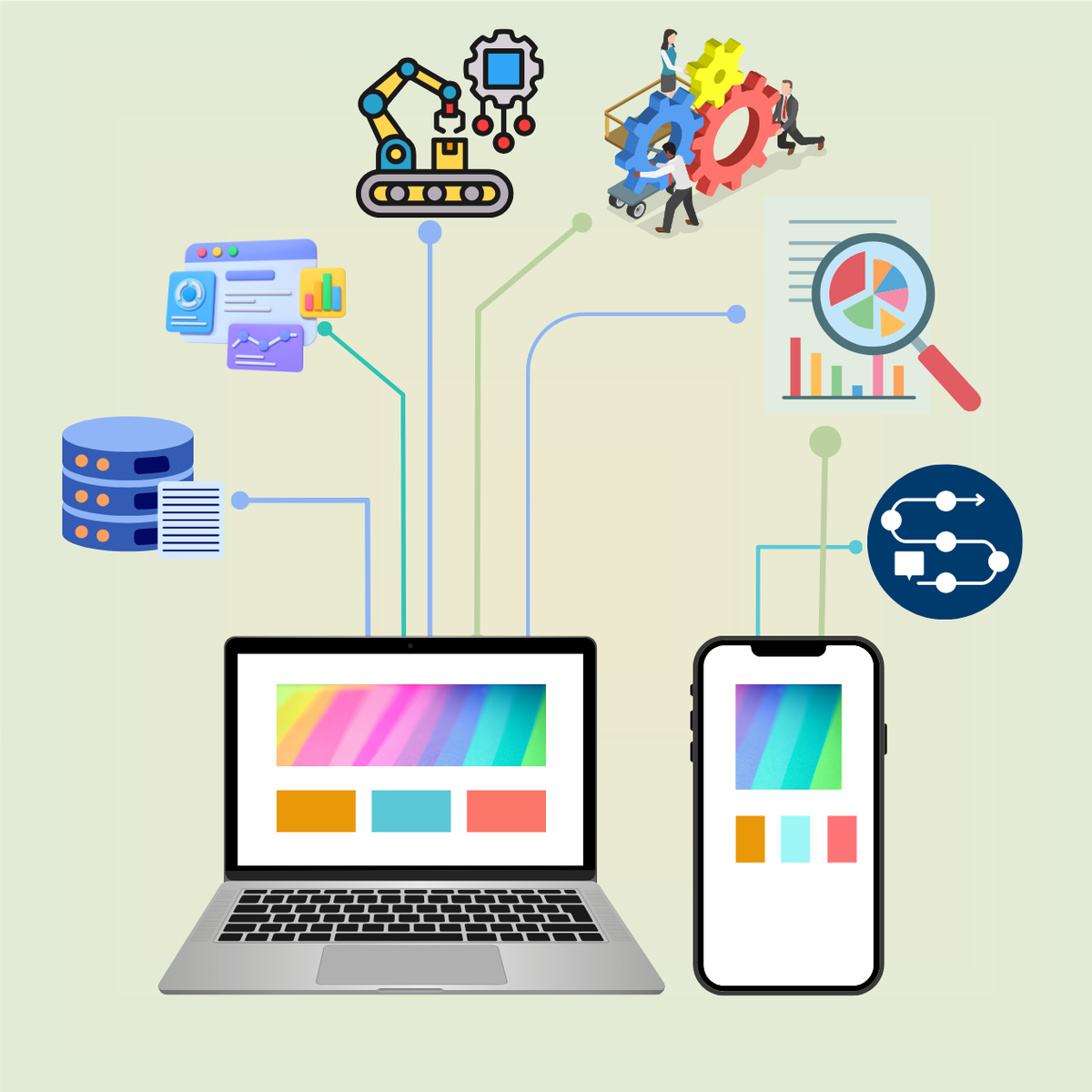
The average company with 50 employees now pays for 12 to 16 separate SaaS subscriptions — project management in one tool, documents in another, goals somewhere else, email in a fourth, with a handful of integrations holding it together.
That tool sprawl and constant context-switching drains focus and slows down even the most agile teams — developers alone lose nearly 20 workdays a year to technical inefficiencies tied to fragmented tooling, roughly $8,000 in lost productivity per developer annually.
That's the entire pitch behind "all-in-one" workspaces: one platform for docs, tasks, and team coordination instead of five disconnected apps. But it's worth going in with clear eyes ,tools in this category rarely do everything well; most weren't built all-in-one from day one, they evolved into it over time, which often leaves the last 20-30% of any given feature area feeling half-baked.
The right pick depends on which 70-80% matters most to your team.
①. Notion — Best for Docs-First Teams and Flexible Knowledge Bases
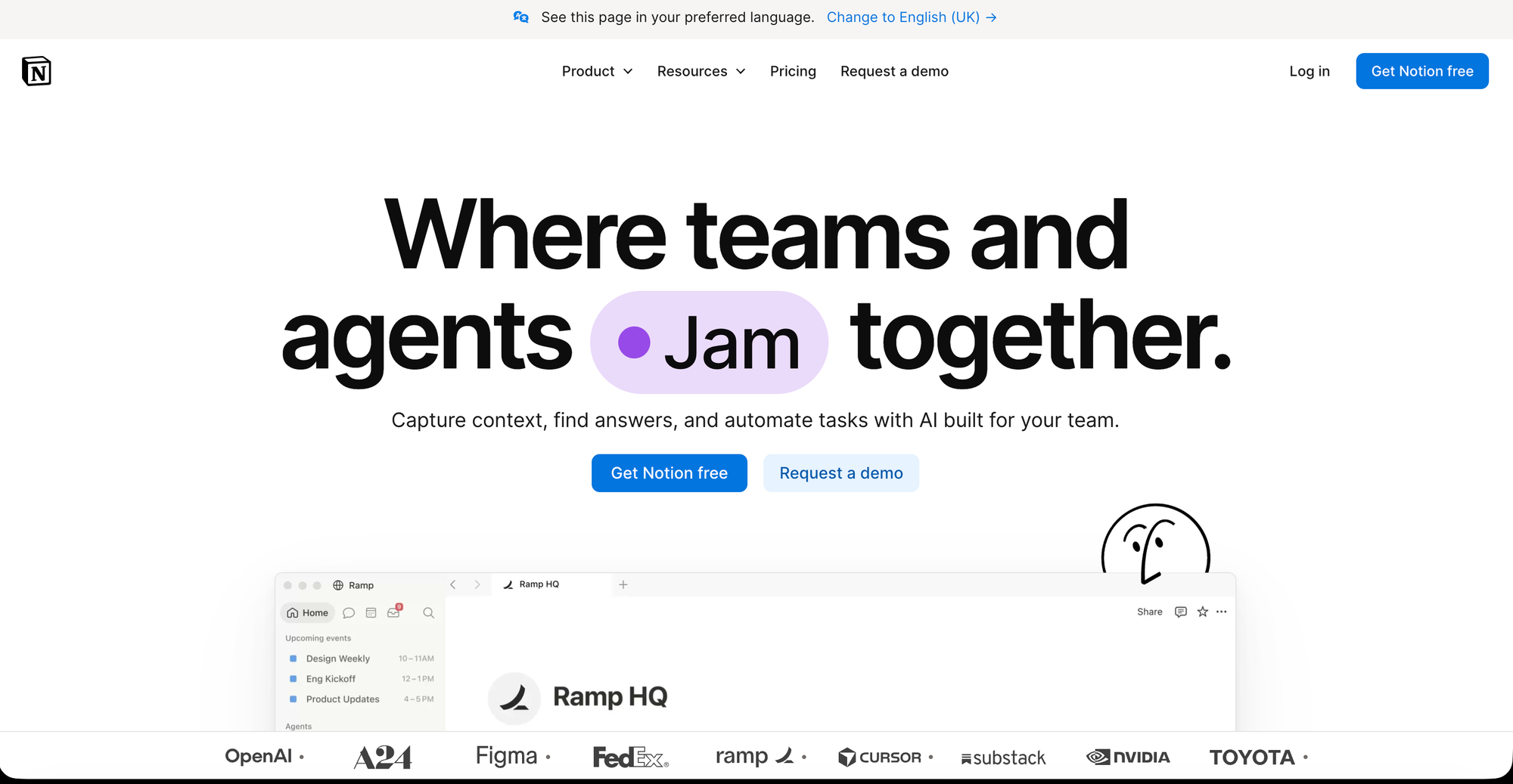
Notion leads the category for wiki-plus-project coordination and searchable knowledge, combining notes, wikis, and lightweight project tracking in one block-based workspace that your team shapes to fit its own workflow rather than a fixed structure.
Features
- Block-based, fully customizable workspace
- Wikis, docs, and databases in one connected system
- Notion AI for drafting, summarizing, and Q&A
- Multiple database views (table, board, calendar, etc.) and calendar included natively.
Pros and Cons
| Pros | Cons |
|---|---|
| Best-in-class for docs, wikis, and knowledge bases | Doesn't support building custom apps |
| Highly flexible — shape it to your workflow | Steep learning curve, weeks to feel productive |
| Generous free plan for small teams | Weak for strict deadline/timeline tracking |
| Affordable paid tiers ($8-15/user/mo) | No native chat or whiteboard tools |
| Strong search across notes and databases | Complex automation needs Zapier/Make |
Best for: Teams that "live in docs" — content-driven, knowledge-heavy small teams that want one searchable source of truth alongside light task tracking.
Pricing
- Free tier for individuals.
- plus plans typically run $ 11.50/user/month ; Business for $ 23.50/user/month.
②. ClickUp — Best for Replacing the Most Tools at Once
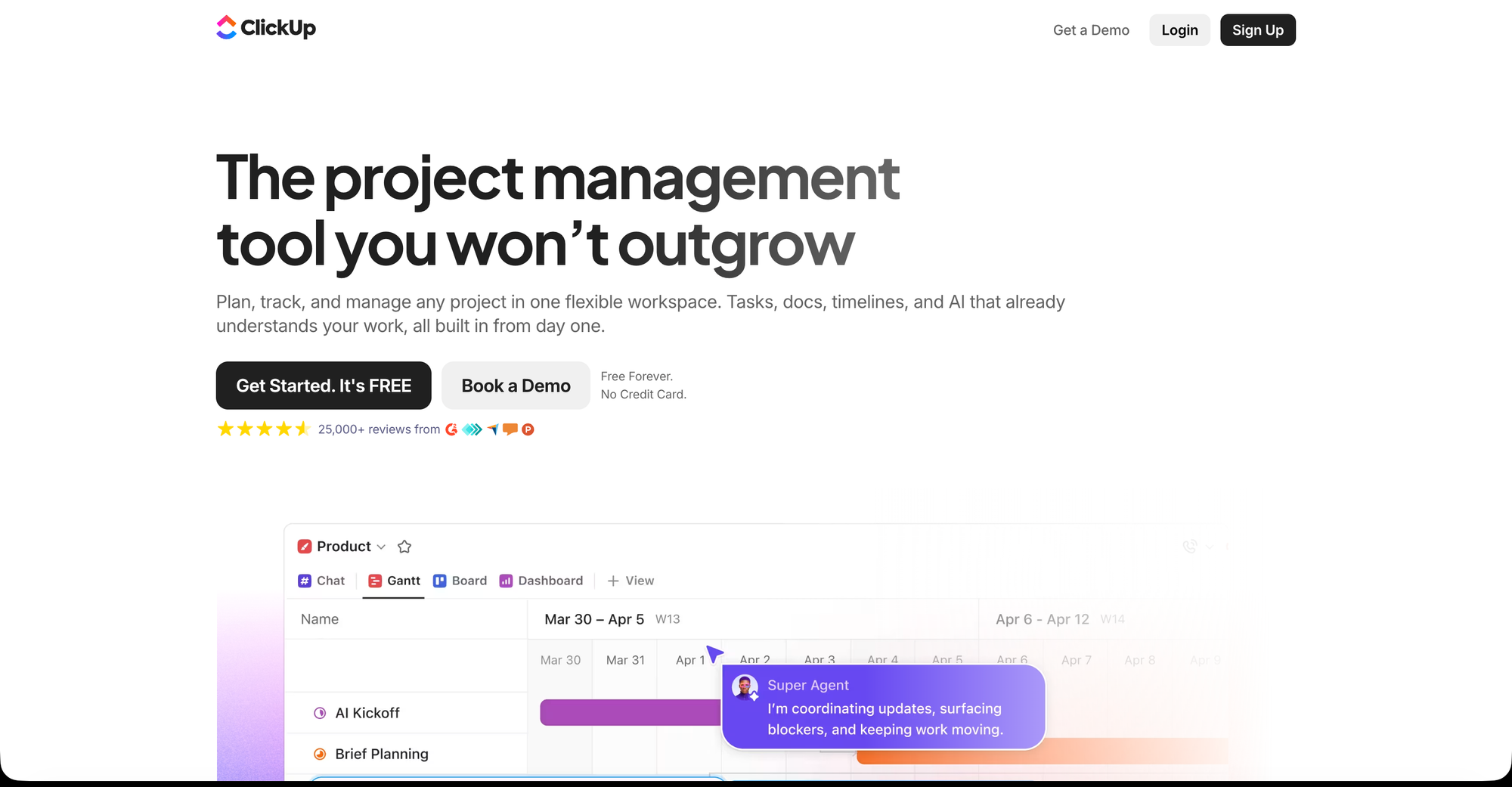
ClickUp makes a specific, aggressive claim: one app to replace them all — tasks, docs, chat, goals, whiteboards, time tracking, and dashboards, all in one platform, aimed squarely at teams suffering from tool fatigue and subscription sprawl. ClickUp Brain, its AI layer, is one of the more comprehensive AI implementations in the collaboration space — it can generate task descriptions, summarize documents, write project updates, answer questions about your workspace content, and automate recurring workflows.
Features
- Tasks, docs, chat, goals, whiteboards in one app
- ClickUp Brain (AI) for summaries, drafts, automation
- Time tracking and dashboards built in
- Deep customization across views and workflows
raPros and Cons
| Pros | Cons |
|---|---|
| Replaces the most separate tools of any option | Longer setup and learning curve |
| Extremely generous free tier | Can feel overwhelming due to feature depth |
| Strong, comprehensive AI layer | Occasional performance/bugs with heavy use |
| Great for teams cutting subscription sprawl | Mobile app less capable than desktop |
| Highly customizable to almost any workflow | Too much tool for teams needing just PM |
Best for: Small teams that specifically want to consolidate the largest number of separate subscriptions into one bill.
Pricing:
- The Free Forever plan is genuinely generous — unlimited tasks, unlimited members, and 100MB storage
- Paid tiers scale up from there per seat.
③. monday.com — Best Visual, Easy-Onboarding Option
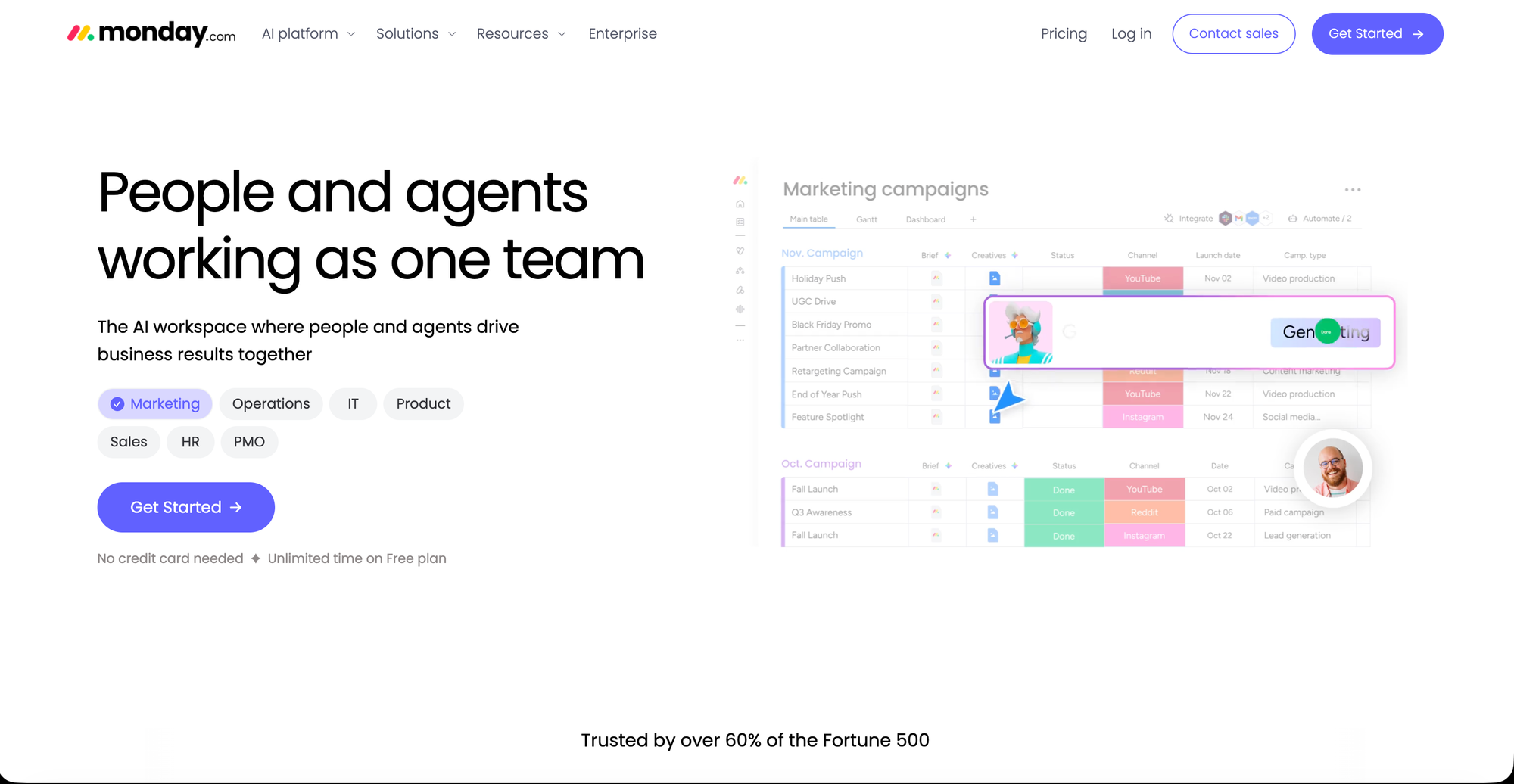
monday.com's user-friendly interface, drag-and-drop simplicity, and minimal learning curve make it ideal for small teams and hybrid teams alike. It leans into color-coded boards and visual status tracking, which tends to get non-technical team members comfortable faster than a blank, build-it-yourself workspace.
Features
- Visual, color-coded boards and status tracking
- Drag-and-drop task and project management
- Automation recipes for repetitive workflows
- Growing AI features for summaries and automation.
Pros and Cons
| Pros | Cons |
|---|---|
| Very easy to learn — minimal onboarding time | Weaker docs/wiki functionality |
| Great for mixed technical/non-technical teams | Can get pricey as team/seat count grows |
| Strong visual clarity on project status | Not built to replace chat or knowledge base |
| Solid automation without heavy setup | Advanced features gated to higher tiers |
| Reliable, mature, widely adopted platform | Less flexible than block-based tools like Notion |
Best for: Teams that want a highly visual project tracker with minimal ramp-up time, especially mixed technical/non-technical teams.
Pricing:
- free plan available.
- Basic plan is at $ 9/seat/month ; Standard at $ 12/seat/month.
④. Asana — Best for Structured Task and Project Management
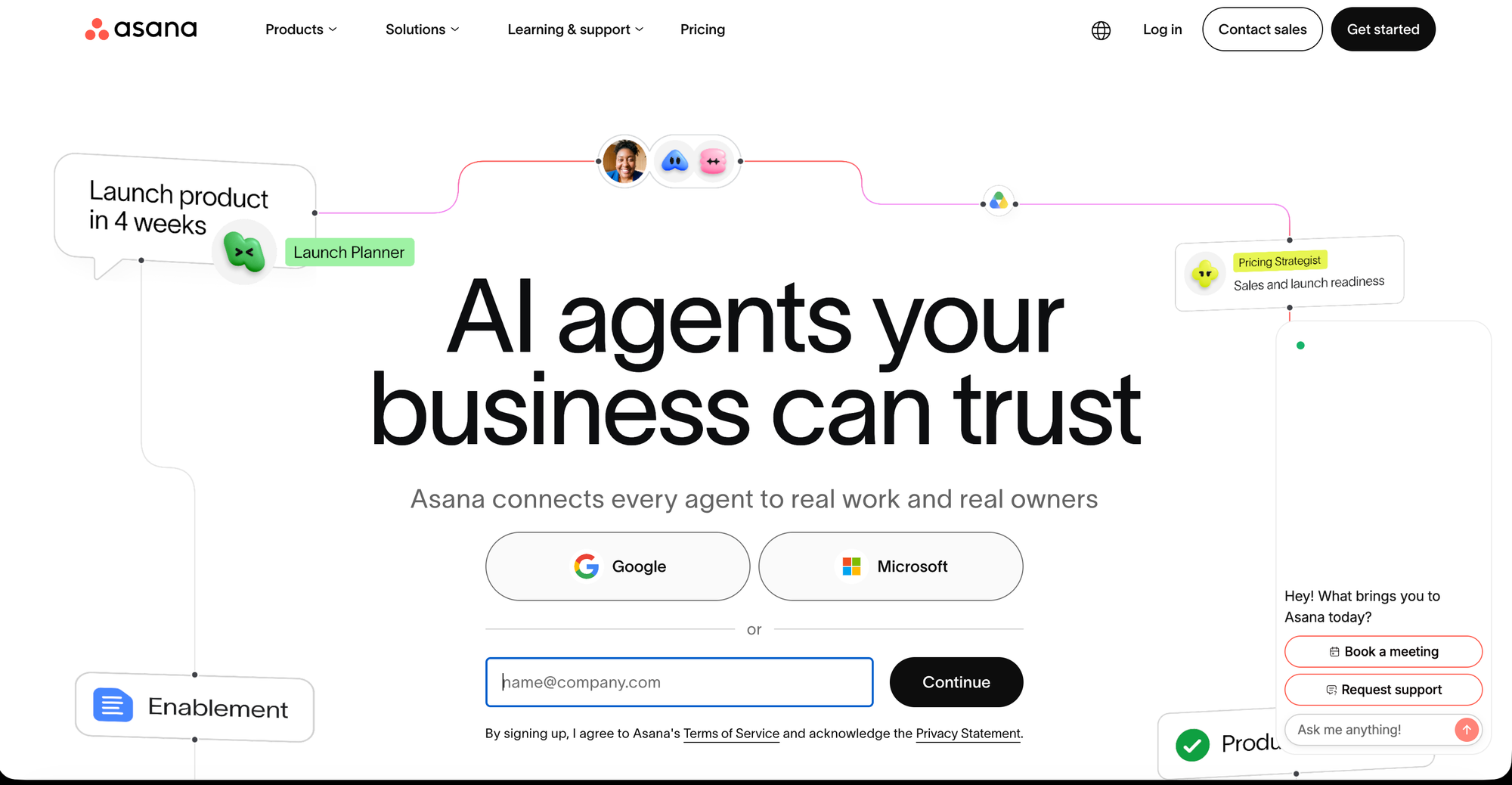
Asana is one of the most widely adopted collaboration tools in 2026 by market share and active user count, known specifically for clean, structured task management — timelines, dependencies, and workload views that keep a growing team's projects from sliding into chaos.
Features
- Structured task management with dependencies
- Timeline (Gantt-style) and workload views
- Reporting and portfolio-level project tracking
- Free tier for small teams and wide third party integartions.
Pros and Cons
| Pros | Cons |
|---|---|
| Best-in-class structured task/project management | No built-in docs, wiki, or chat |
| Widely adopted — easy to find help/resources | Not a true all-in-one replacement tool |
| Clean, mature, reliable interface | Advanced views/reporting behind paid tiers |
| Good free tier for small teams | Can feel rigid vs. flexible tools like Notion |
| Strong dependency and timeline tracking | Less useful if PM isn't your main bottleneck |
Best for: Small teams whose main pain point is task and project structure specifically, rather than needing docs, chat, and whiteboards bundled in too.
Pricing:
- Free tier for small teams
- starter at $10.99/user/month ; Advanced at $ 24.99/user/month.
⑤. Airtable — Best for Teams That Think in Databases
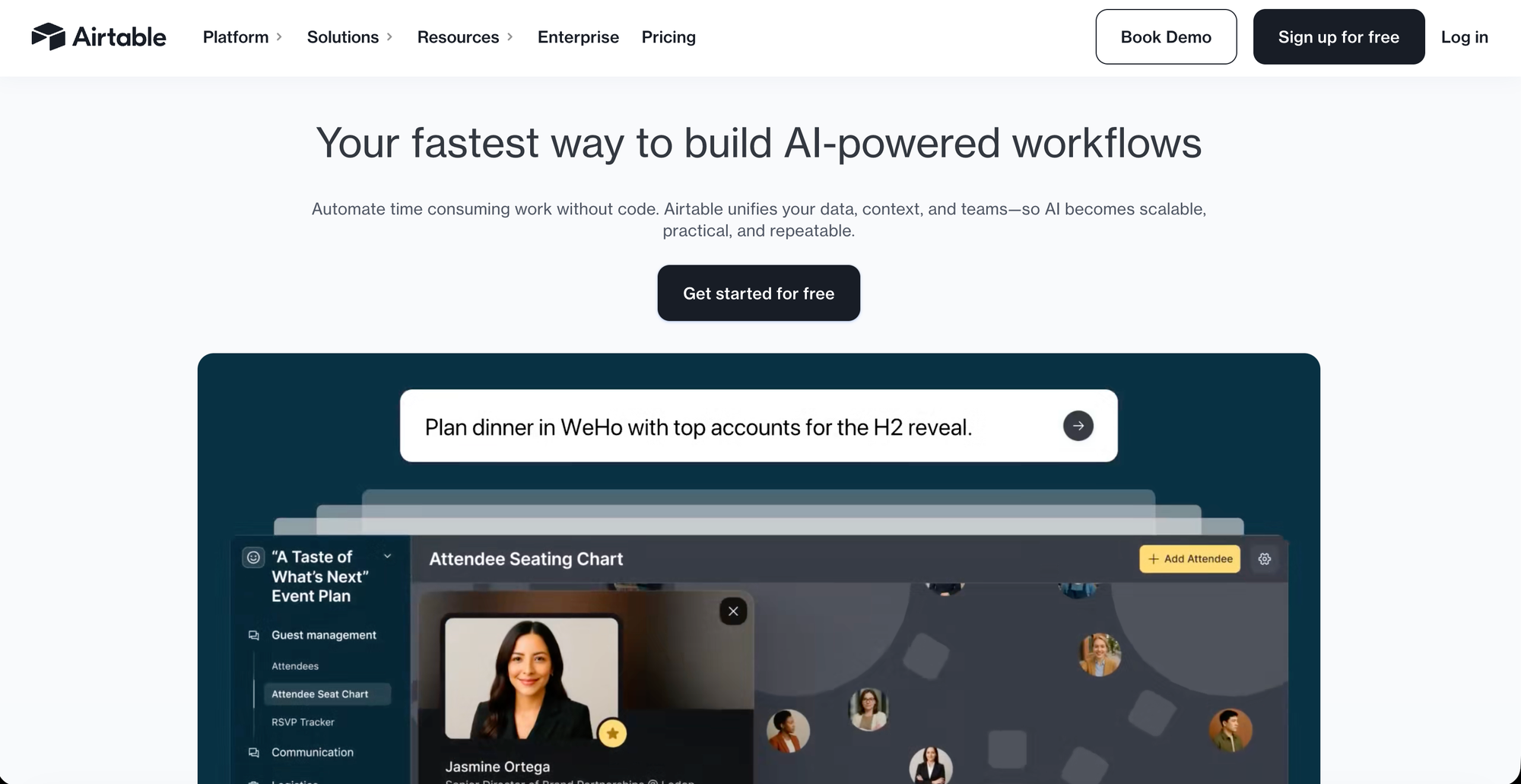
Airtable blends the visual simplicity of a spreadsheet with the structure of a database, letting small teams build custom trackers — content calendars, CRMs, inventory, project pipelines — without writing code. It's less "one app for everything" and more "the most flexible structured-data layer for a small team's specific workflows."
Features
- Spreadsheet-database hybrid with linked records
- Custom views (grid, Kanban, calendar, gallery)
- No-code automations between records
- Templates for CRMs, trackers, content calendars and API access for custom integrations.
Best for: Teams that outgrow spreadsheets and need relational data (linked records, custom views, automations) but don't need a full docs-and-chat workspace.
Pricing:
- Free tier available.
- Teams at $ 20/seat/month ; Business at $ 45/seat/month.
synopsis
Best All-in-One Workspace Apps for Small Teams
- Notion — Best for docs-first teams that want a flexible, searchable knowledge base alongside light project tracking.
- ClickUp — Best for teams that want to replace the most separate tools/subscriptions in one platform, with a strong free tier and AI layer.
- monday.com — Best for easy onboarding and visual, color-coded project tracking, especially mixed technical/non-technical teams.
- Asana — Best for structured task and project management specifically — dependencies, timelines, workload — without extra bloat.
- Airtable — Best for teams that think in databases and want custom, relational trackers beyond a spreadsheet.
>> No single tool does everything equally well — pick based on your team's actual bottleneck (docs vs. tasks vs. structured data) rather than the app promising to do the most.