
Best Kanban Apps for Small Teams
From the classic drag-and-drop board to Google-native and Agile-ready options — here are the 5 best Kanban apps for small teams in 2026, with pricing, pros, cons, and who each one fits.
What Small Teams Actually Need From a Kanban Tool
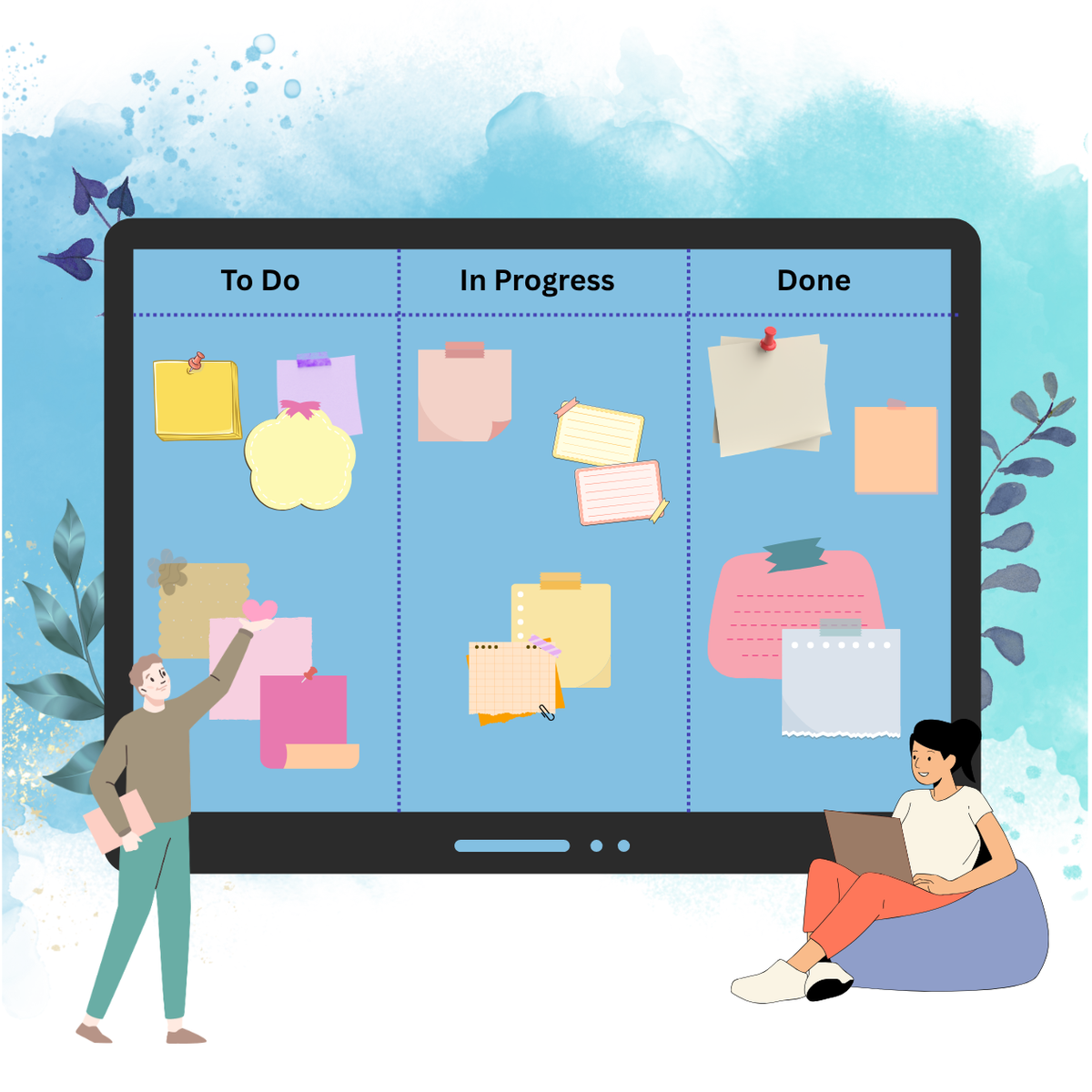
Kanban board software uses visual cards and columns to manage workflows, track progress, and limit work-in-progress (WIP) for small teams. The core idea hasn't changed in years — what's changed is how many tools now claim to do it. Enterprise Kanban tools are often bloated, built for 500-person organizations with dedicated project managers rather than a 10-person startup where everyone wears multiple hats.
The market is flooded with Kanban apps, each claiming to be the best — some are designed for enterprise teams with complex workflows, others focus on individual productivity, and many try to do both and end up doing neither particularly well.
The five below were chosen specifically for small-team fit, not enterprise scale.
𝟙. Trello — Best Classic, Zero-Learning-Curve Board
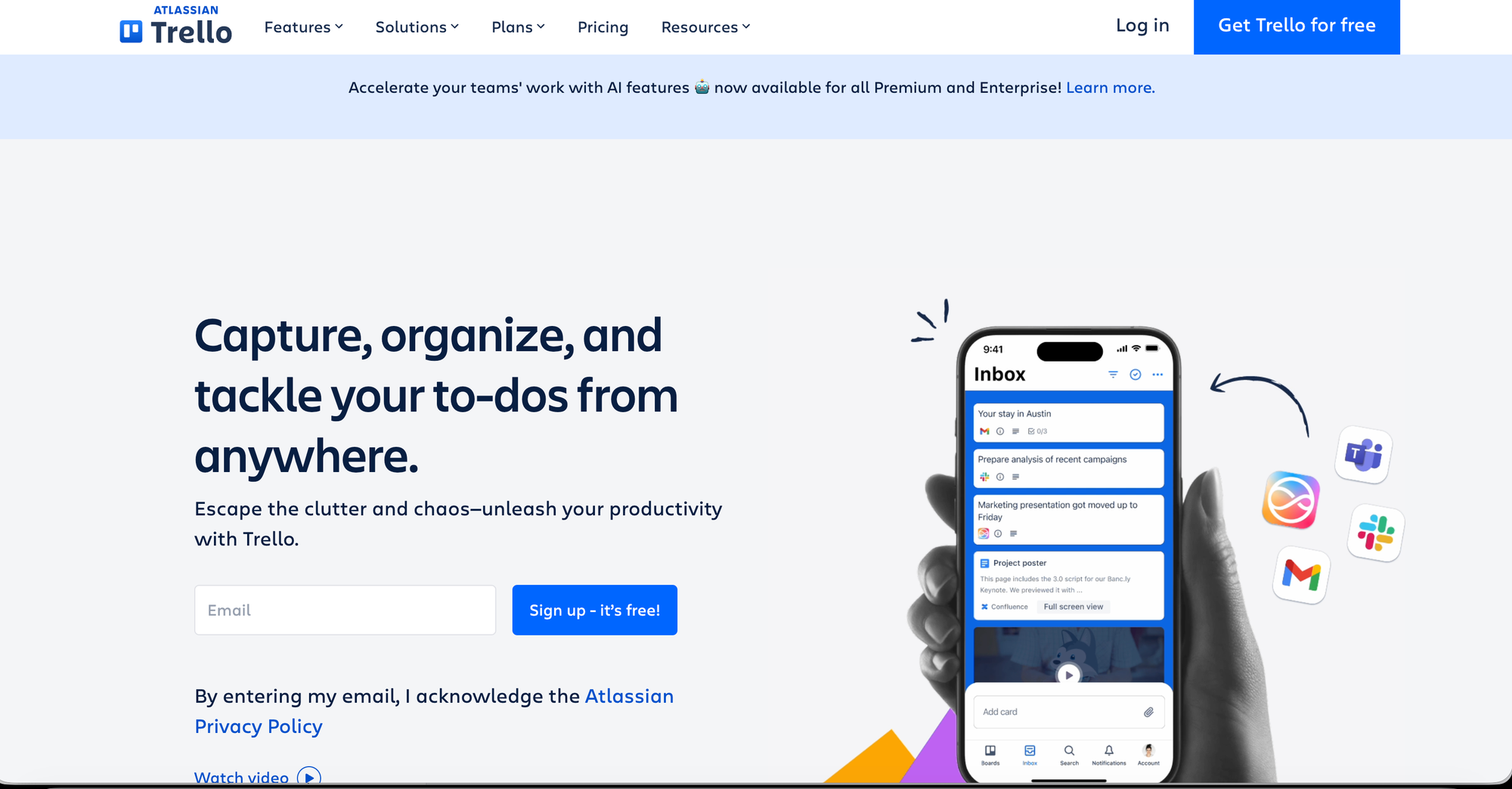
Trello is so closely associated with Kanban that it's often the first tool people come across when they start looking into the methodology. Its simplicity is a strong selling point for smaller teams — everything is visible at a glance, without the need to hunt or context switch, and built-in templates let first-time users get going without designing their own workflow from scratch.
💡Features
- Uses boards, lists, and cards to visually track project stages.
- Built-in automation to trigger actions, reminders and card movements.
- Integrates with third-party tools like Google Drive, Slack and card movements.
- Allows users to add checklists, due dates, attachments and labels.
- Updates instantly across desktop, web and mobile attachments and label
📈 Highs
- Very easy to learn with virtually zero onboarding time.
- Offers robust core features without requiring a paid subscription.
- Changes appear instantly to all team members without refreshing.
📉 Lows
- Struggles to manage complex projects with deep sub-task layers.
- Lacks advanced built-in data analytics and Gantt charts without add-ons.
- Free plans restrict file attachments to 10MB per file.
🤞🏼Best for
- A small team that needs to get started quickly without a steep learning curve.
💰Pricing:
- Free plan available for up to 10 boards.
- Standard for $ 5/user/month ; Premium for $ 10/user/month.
𝟚. Jira — Best for Software and Engineering Teams
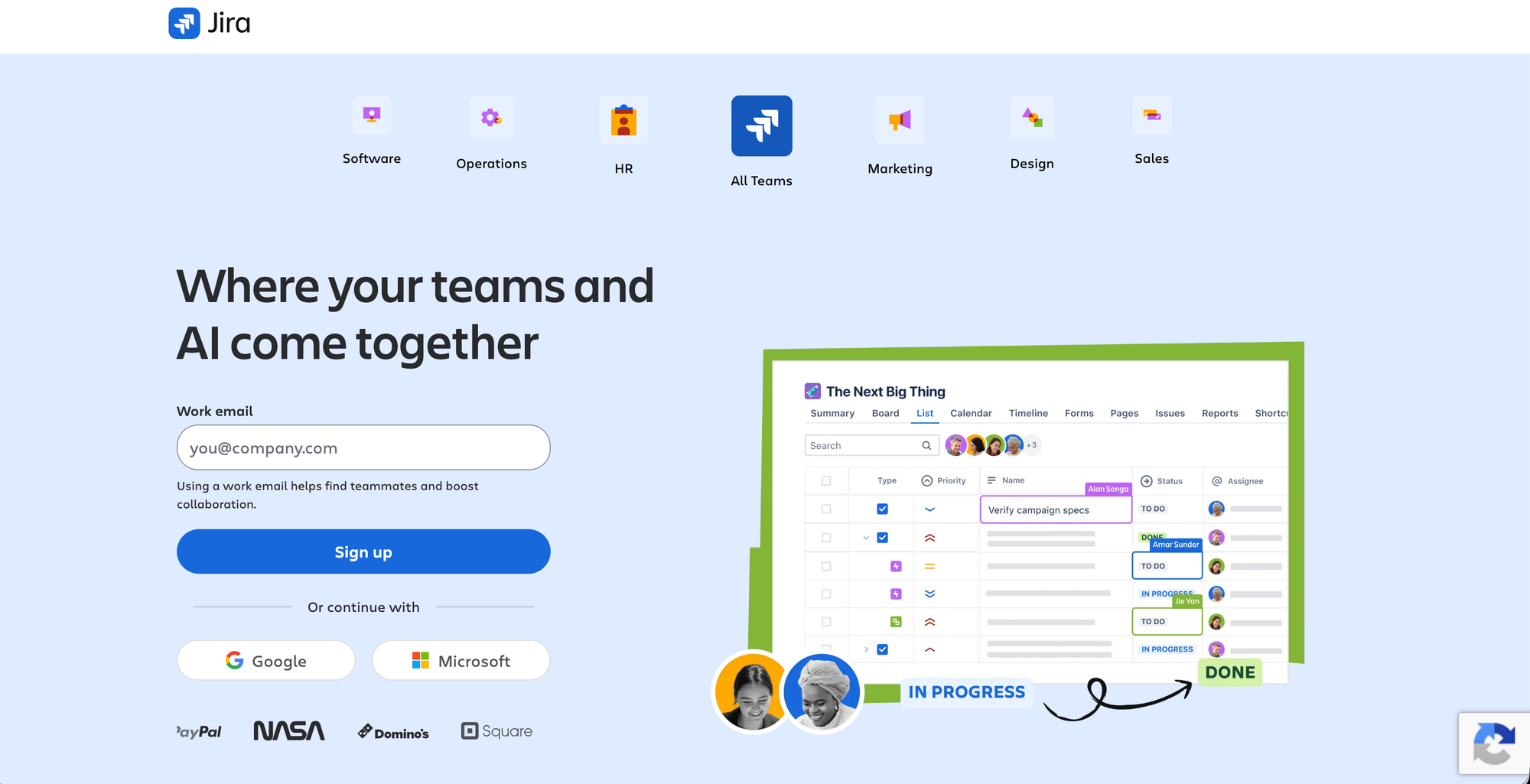
Jira ranges from free boards to a full Agile platform, and it handles complex development workflows with sprint planning, story points, and issue types that non-technical tools can't replicate — engineering teams track bugs, features, and releases through the same platform they use for code reviews.
💡Features
- Supports native Scrum and Kanban boards for sprint planning.
- Powerful search language to build highly custom filters and queues.
- Creates visual timelines to map out long-term project dependencies.
- Links directly with repositories like GitHub, GitLab, and Bitbucket.
📈 Highs
- The undisputed industry gold standard for software engineering workflows.
- Workflows, fields, and permissions can be tailored to any team scale.
- Easily handles enterprise-level operations with thousands of users.
📉 Lows
- Notoriously complex to set up and difficult for beginners to learn.
- Often requires a dedicated administrator to maintain and configure.
- The interface can feel heavy, slow, and visually cluttered compared to modern tools.
🤞🏼Best for
- Small software or engineering teams that want Kanban tied directly into sprint planning, GitHub, and issue tracking rather than a general-purpose board.
💰Pricing:
- Forever Free plan available with a user cap (commonly cited around 10 users)
- Standard $ 7.91/user/month ; premium $ 14.54/user/month.
𝟛. Orangescrum — Best All-in-One Kanban Plus Project Management
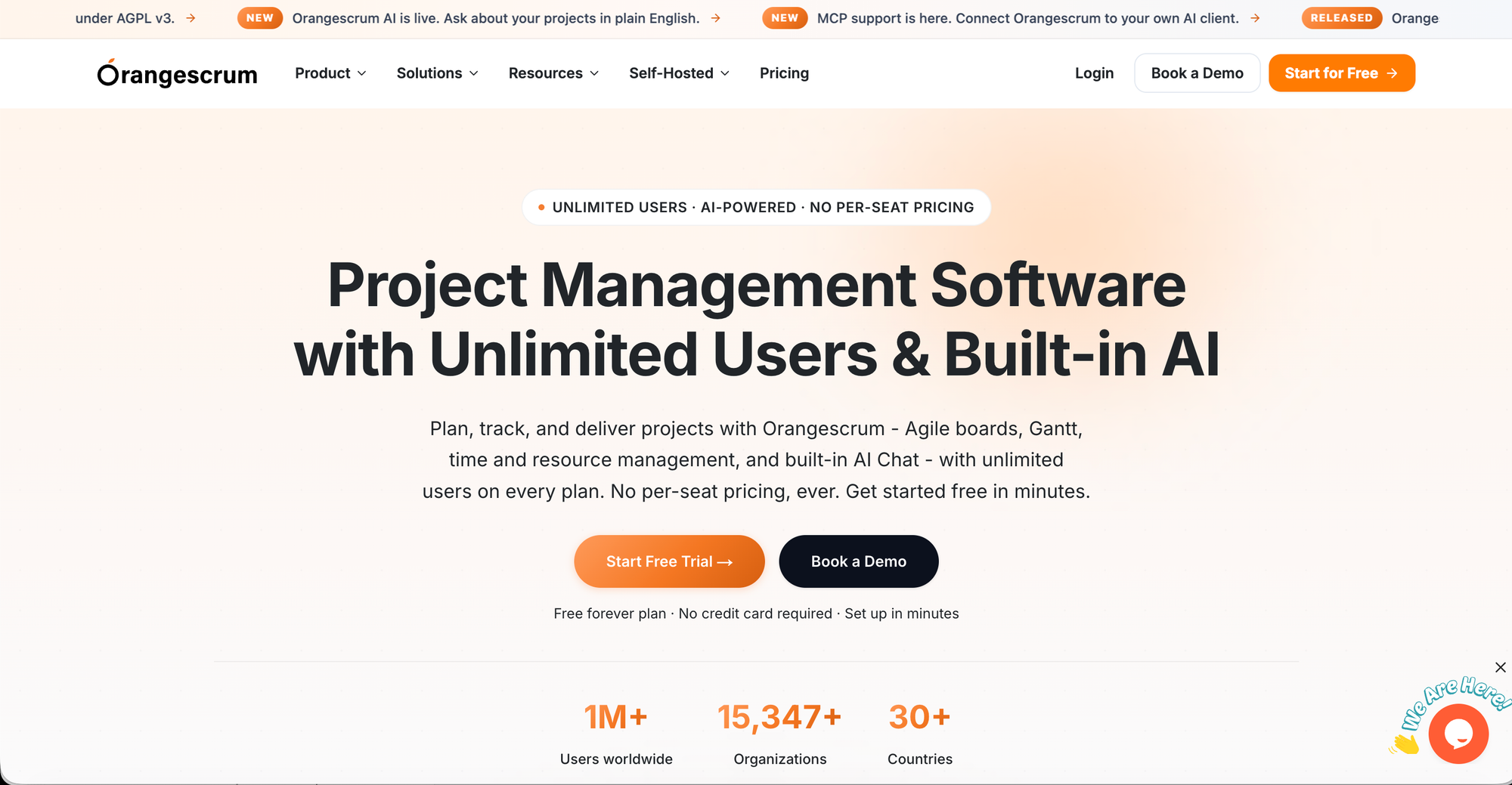
Orangescrum combines Kanban boards with project management, built-in time tracking, and resource planning in a single tool, making it a strong pick for a small team that wants the visual simplicity of Kanban without giving up on time tracking or resource planning as the team grows.
💡Features
- Offers flexible project viewing options including classic task lists, Gantt charts etc.,
- Includes built-in timers, timesheet logging, and resource utilization charts to monitor team bandwidth.
- Features integrated tools for tracking project expenses, defining budgets.
- Allows administrators to build custom task statuses, fields.
📈 Highs
- Consolidates task management, timesheets, and basic financial billing.
- Provides advanced enterprise features like Gantt charts and time-tracking.
- at a much more accessible price point than Jira.
📉 Lows
- visual design can feel clunky, rigid, and less modern.
- crucial features require paid add-ons or extensions.
- Lacks the massive out-of-the-box third-party app ecosystem
🤞🏼Best for
- Small teams that want Kanban boards plus genuine project management depth (time tracking, resource planning) in one platform, not two.
💰Pricing
- A 14-day free trial is offered.
- Basic Unlimited for $ 29/mo/10 projects ; Pro unlimited for $ 69/mo/unlimited users.
𝟜. KanbanFlow — Best Lightweight, Dedicated Kanban Tool
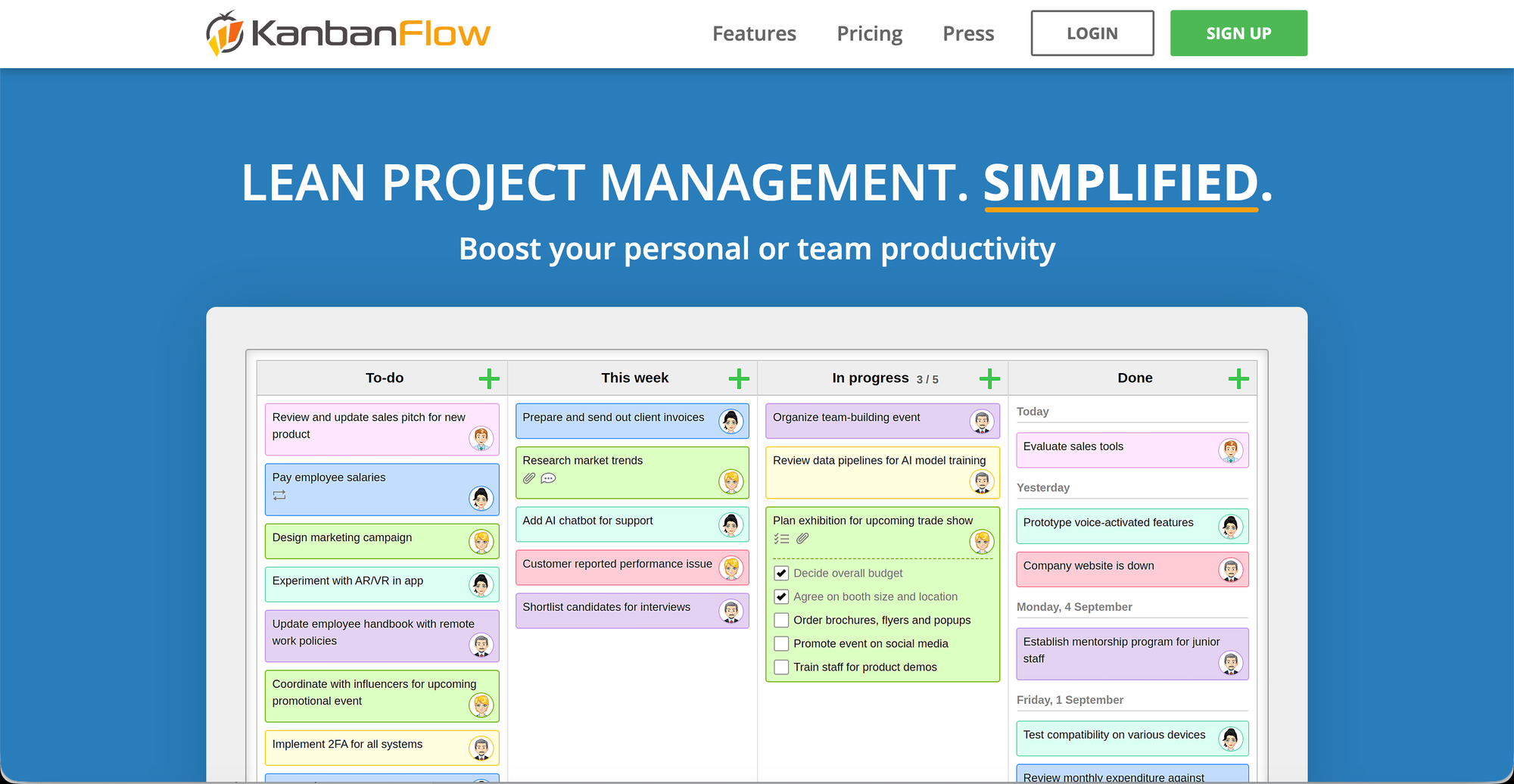
KanbanFlow is one of the solid free starting points for small teams specifically built around the Kanban method, rather than being a broader project management platform with Kanban bolted on as one view among many.
💡Features
- Includes a built-in interval timer with statistics to track focus sessions.
- Tracks time spent on tasks manually or via stopwatch with Excel/CSV export options.
- Restricts the number of tasks allowed in a column to prevent workflow bottlenecks.
- Generates analytical reports to measure cycle times and team throughput.
📈 Highs
- Excellent for keeping users disciplined and preventing multitasking.
- Minimalist, clean interface that loads instantly and operates without lag.
- Allows precise time logging on individual subtasks, not just main cards.
📉 Lows
- The interface looks highly utilitarian and lacks a modern, sleek aesthetic.
- Lacks dedicated iOS/Android apps, relying on a mobile-optimized web browser.
- Offers very few native direct integrations compared to Trello or Jira.
🤞🏼Best for
- Small teams that specifically want a focused, no-frills Kanban board — WIP limits, swimlanes, drag-and-drop — without a bigger platform's extra features getting in the way.
💰Pricing
- Free plan available.
- Premium for $ 5/user/month.
𝟝. GQueues — Best for Teams Fully on Google Workspace
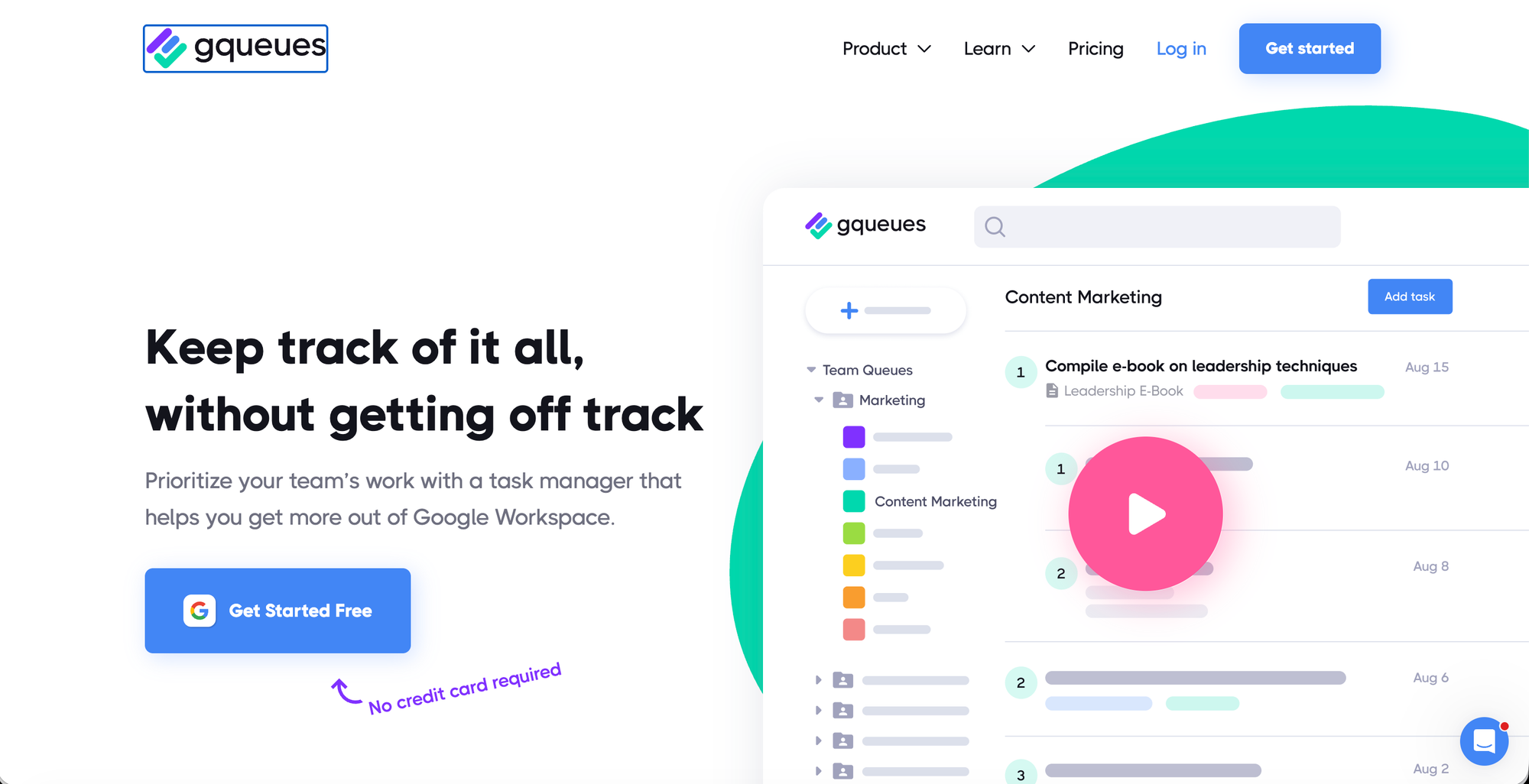
GQueues is a task manager built for Google Workspace teams that layers Kanban board views, list management, and Google Calendar sync into a single, Google-native workflow tool. It's the only Kanban tool built entirely around Google Workspace rather than bolted onto it — its Board view lets a team organize tasks by assignee, priority, or status using drag-and-drop columns, and two-way Google Calendar sync means card due dates actually show up where the team already plans its work.
💡Features
- Seamlessly converts Gmail messages into tasks and attaches Drive files with one click.
- Tasks block out actual time slots on Google Calendar rather than just appearing as small text alerts.
- Automatically filters and aggregates tasks from different lists.
- Features instant voice dictation, a fast Chrome extension.
📈 Highs
- Works directly inside your existing Google workflows.
- Outperforms native Google Tasks by offering advanced account-wide filtering.
- Strips away unnecessary visual clutter, keeping layouts highly readable.
📉 Lows
- Offers minimal out-of-the-box support for teams relying on Microsoft Office 365.
- Creates a separate, dedicated "GQueues Calendar" instead of merging.
Focuses almost entirely on vertical lists and queues.
🤞🏼Best for
- Small to mid-sized teams that run entirely on Google Workspace and need structured task management without adopting a separate platform.
💰Pricing
- 14 day free trial for casual users.
- For solo users at $ 3/month/billed annually ; For teams and power users at $ 4/user/month.
Outline
Here is a concise synopsis comparing all five project management tools to help you choose the right platform based on your team's specific needs and workflow style.
- Trello - Zero learning curve, simplicity.
- Jira - Software/engineering workflows.
- Orangescrum - Kanban+full PM in one tool.
- KanbanFlow - Focused, dedicated kanban board.
- GQueues - Google Workspace-native teams.
" A Kanban app should be able to grow with your team instead of hampering its growth — that means checking user limits and whether the tool can handle more complex workflows later without sacrificing usability now".