
Top 5 Apps for Organizing Research Papers
From the free academic standard to Google-native citation tools — here are the 5 best apps for organizing research papers in 2026, with pricing, pros, cons, and who each fits.
What Actually Makes a Research Organizer Useful
A tool in this category needs to do more than store PDFs. Reference management software organizes, stores, and cites sources from one place, and the strongest tools also support saved searches, collections, and tags so material stays findable months later, not just filed. SmartCite-style features that suggest previously cited papers as you write help reduce bibliography errors, which matters more the longer a research project runs.
It's also worth deciding upfront how much AI you want involved. Some tools stay distraction-free with no AI features by design, while others fold in AI-powered summaries and deep research capabilities directly into the reference manager. Neither is objectively better — it depends on whether you want a quiet, stable filing system or a tool that actively helps you read and synthesize.
Following are the 5 best apps to help you in organizing. They are :
❶. Zotero: Best Free, Open-Source Standard
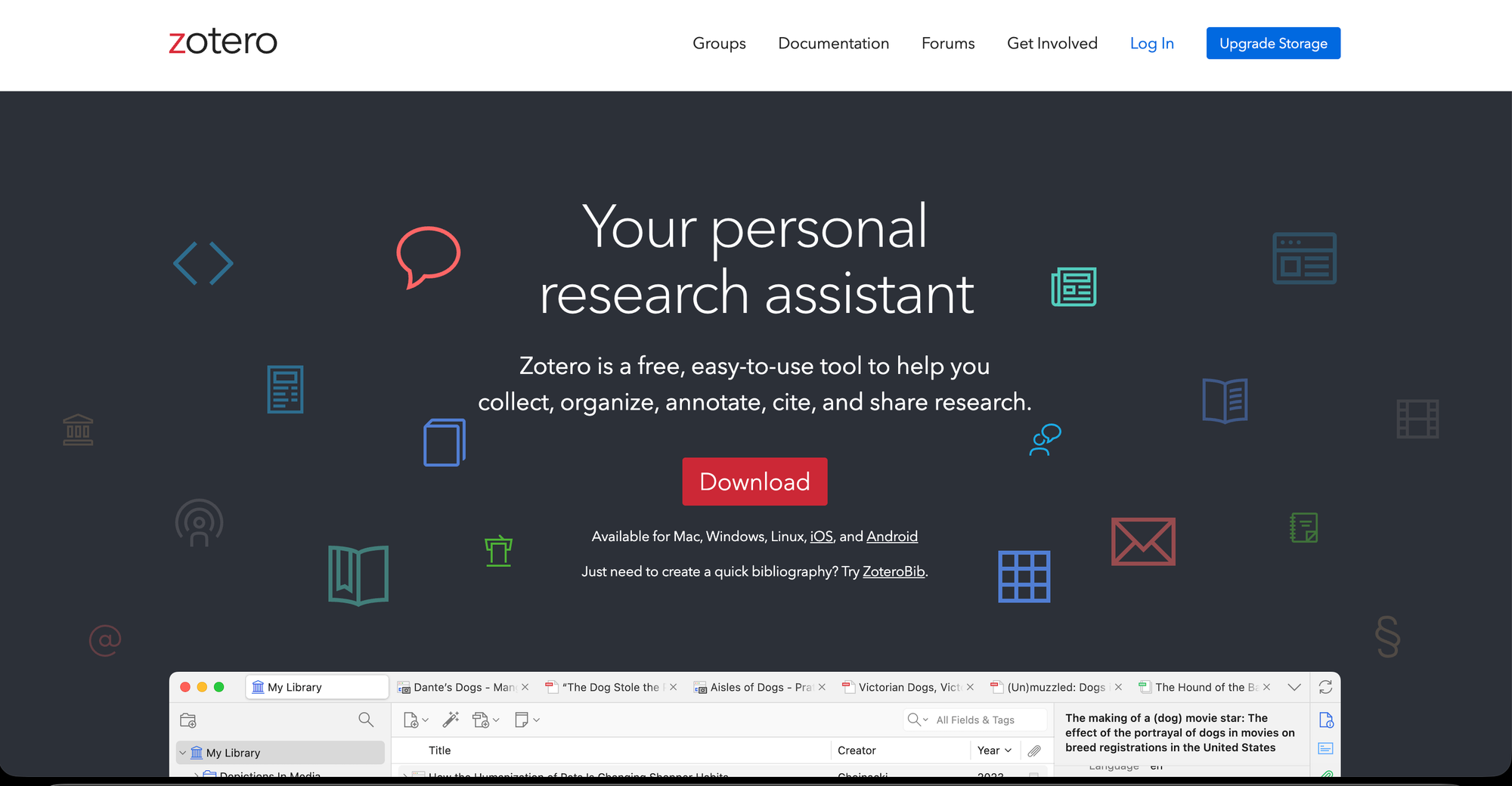
Zotero is widely regarded as the best free reference manager for cross-platform use, and it's the default free reference manager for most researchers — free, open source, and built specifically to collect, organize, cite, and share research. As a privacy-respecting tool, it provides a robust foundation for collecting, organizing, citing, and sharing research sources, and it's a strong general recommendation for researchers who want portability, browser capture, group libraries, and support across common writing tools.
👼🏽 Characteristics
- Free, open-source citation manager
- Browser extension for one-click source capture
- Group libraries for collaborative research
- Tagging, collections, and saved searches
- Integrates with Word, Google Docs, and LaTeX
🔺Highs
- Broadest browser/ writing tool integration.
- Large,active open -source community.
- Flexible tagging and collection system.
🔻Lows
- Interface feels dated vs newer tools.
- Cloud storage limited on free plan.
- No built-in reading/ annotation AI assitant.
🤞🏼Best for: Students and researchers who want a capable, no-cost tool with the broadest community support and browser-extension ecosystem.
💰 Pricing:
- Free tier ( 300 MB cloud storage space) local storage is completely unlimited.
- $20/year or $1.67/month for 2 GB.
- $60/year or $5.00/month for 6 GB.
- $120/year or 10.00/month for unlimited.
❷. Mendeley: Best for Elsevier-Aligned Institutions
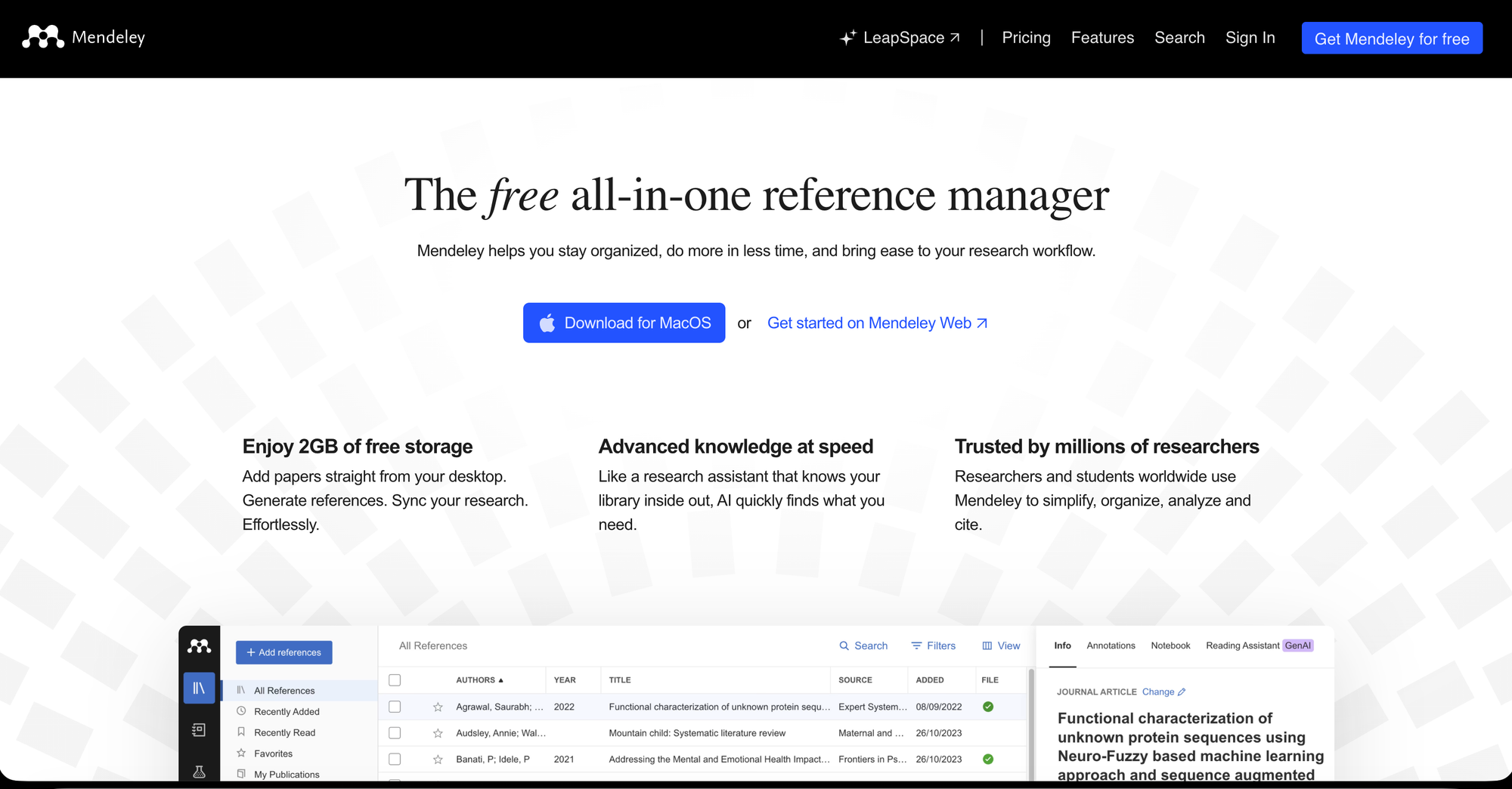
Mendeley is Elsevier's reference manager, and its institutional positioning — deep integration with Elsevier journals, ScienceDirect access, and institutional licenses common in medical and life sciences research — makes it the most practical choice for researchers working within Elsevier-aligned institutions. It also functions as an academic social network, helping researchers collaborate with others and discover new research alongside the core organizing features.
👼🏽 Characteristics
- Reference management plus academic social network
- Deep integration with Elsevier journals/ScienceDirect
- PDF annotation and organization
- Collaborative group libraries
- Research discovery recommendations
🔺Highs
- Good for medical/life sciences researchers.
- Solid PDF annotation tools.
- Strong fit for Elsevier-aligned institutions.
🔻Lows
- Discovery/social features feel unnecessary to some.
- Sync and performance issues reported by users.
- Storage caps push users to paid tiers.
🤞🏼Best for: Researchers at institutions with Elsevier/ScienceDirect access, especially in medical or life sciences fields.
💰 Pricing:
- Free trail for 14 days.
- Plus for $ 4.99/month ( 5 GB ) ; pro for $9.99/month( 10 GB ).
❸. Paperpile: Best for Google Docs Workflows
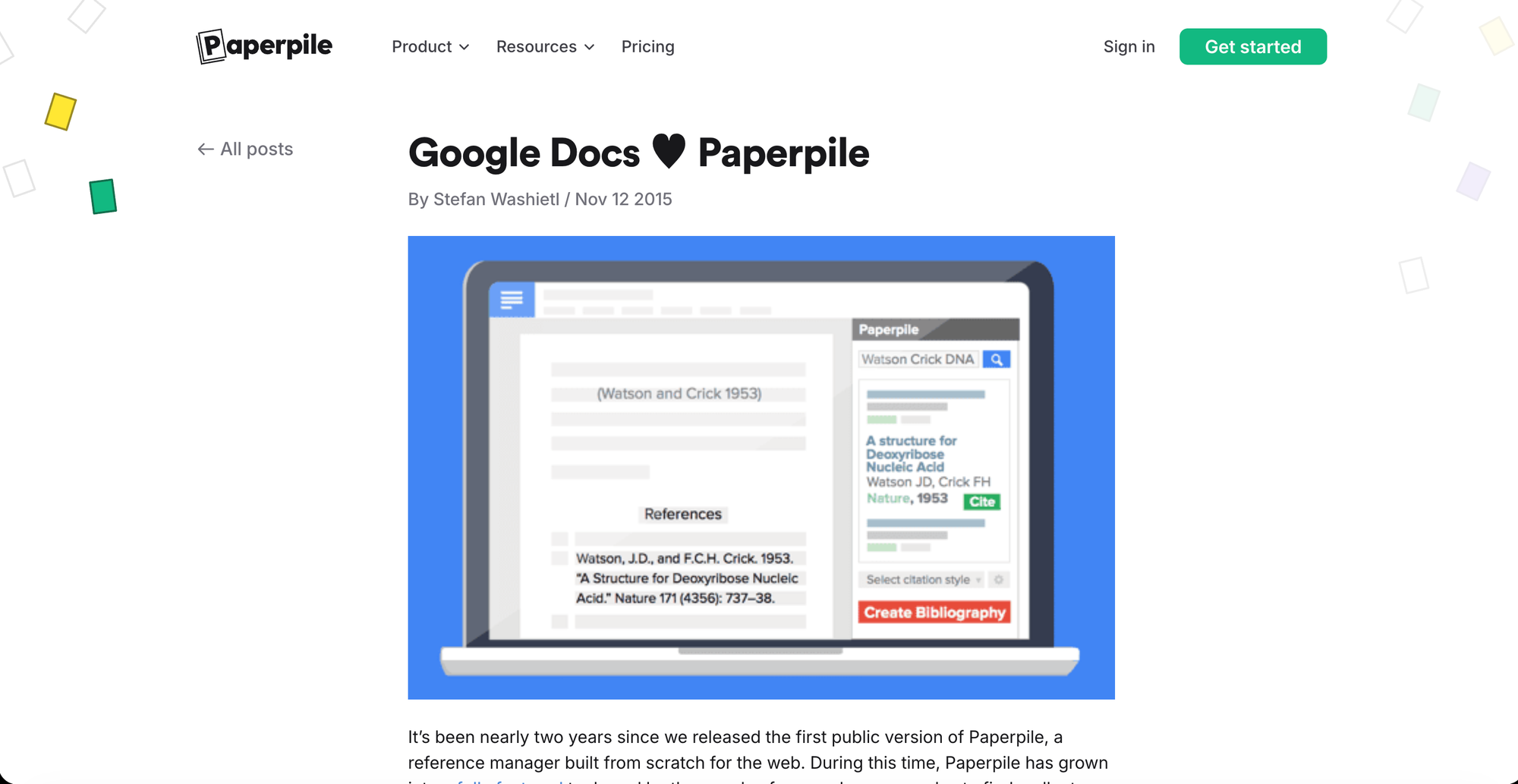
Paperpile is a streamlined, web-first reference manager designed for maximum efficiency for researchers deeply embedded in the Google ecosystem.It's useful for researchers who write mainly in Google Docs and want a clean web-based workflow, and it integrates effortlessly with Google Drive and Google Docs specifically.
👼🏽 Characteristics
- Native Google Docs and Google Drive integration
- Web-based, browser-first design
- One-click citation insertion while writing
- Automatic metadata and PDF organization
- Chrome extension for capturing sources
🔺Highs
- Clean, modern, efficient interface.
- Strong Google Drive/ Docs sync.
- Best-in-class for Google Docs-based writing.
🔻Lows
- No permanent free plan ( trial only ).
- Less robust offline functionality.
- Smaller citation-style library than EndNote.
🤞🏼Best for: Researchers who draft primarily in Google Docs rather than Word, and want citation management that lives natively in that workflow.
💰 Pricing:
- Free for 30 days as a trial
- Regular for $ 4.71/month ; Expert for $ 6.53/month.
❹.Best for Institutional and Enterprise Research Teams
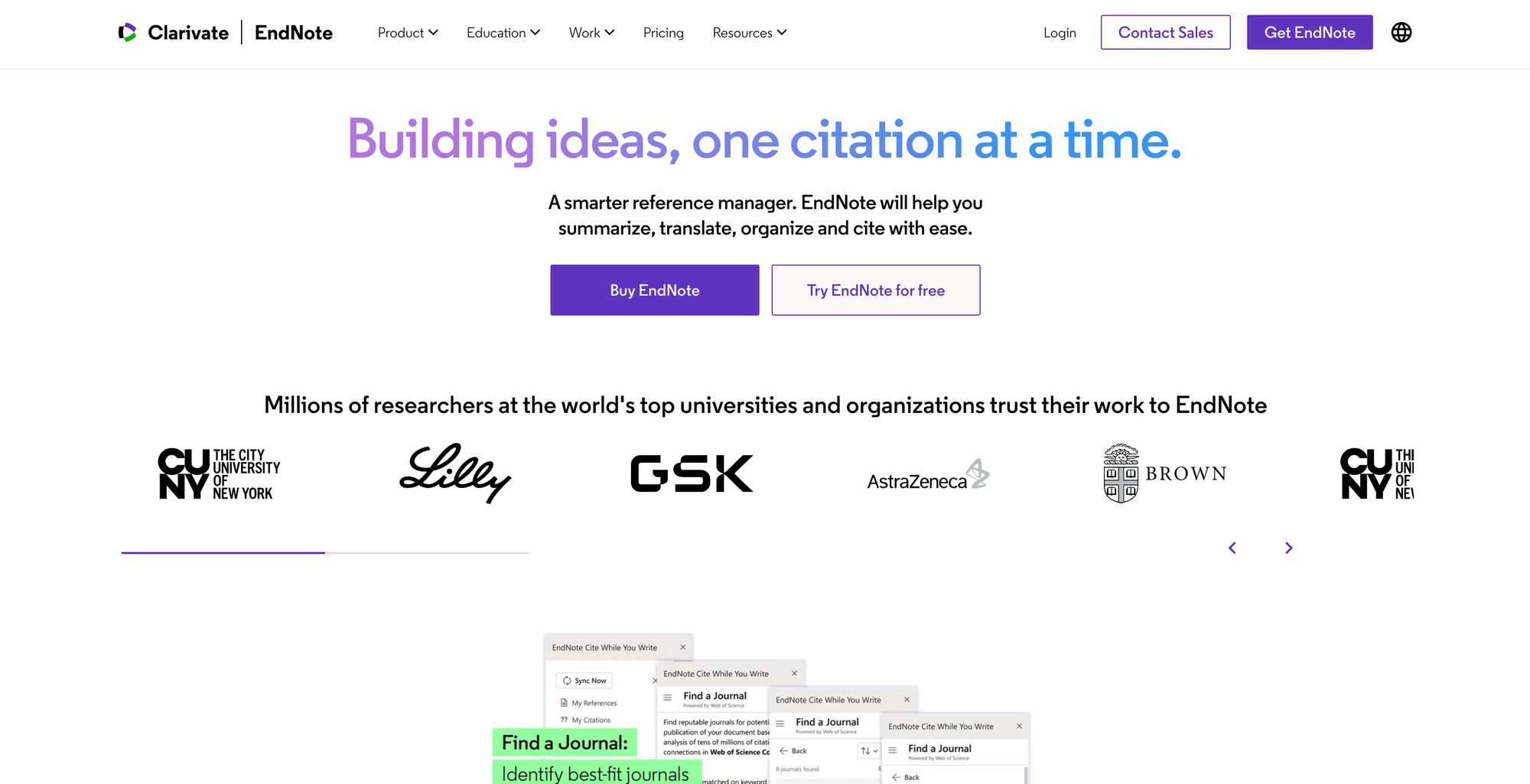
EndNote is a long-standing titan in the academic world — a premium reference management software favored by institutions and researchers for its robust library management and advanced citation capabilities, integrating deeply into the writing process. It's best suited for institutional and enterprise research teams with legacy workflows, and it combines advanced citation styles with robust syncing and desktop integration.
👼🏽 Characteristics
- Advanced citation style editing and control
- Deep Word integration for large documents
- Robust library management at institutional scale
- Desktop-first with strong syncing
- Built for structured, long-term research projects
🔺Highs
- Most advanced citation-style customization.
- Built for large teams/enterprise research.
- Trusted, long-standing institutional tool.
🔻Lows
- Premium pricing, often institution only.
- Feels heavy for Solo/independent researchers.
- Steeper learning curve than Zotero.
🤞🏼Best for: Larger research teams or institutions that need advanced citation-style control and established desktop/Word integration at scale.
💰 Pricing:
- If you have EndNote 21 (or earlier), then upgradations may cost.
- Upgrade license for $ 158.96 ; Full license for $ 351.98 ; student license for $ 193.02.
❺. Notion: Best for Combining Notes, Summaries, and Sources
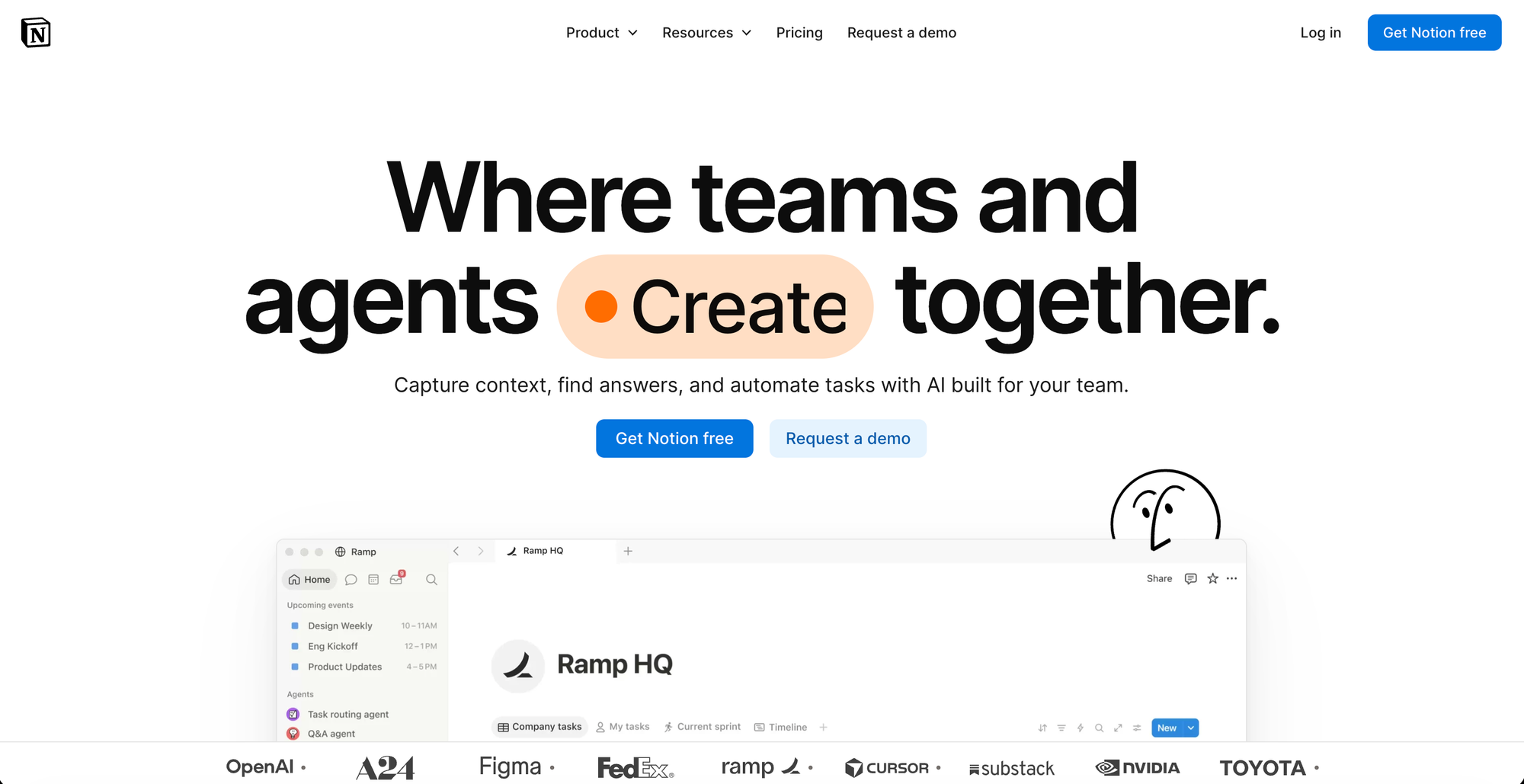
Citation managers are built to store and cite sources — but plenty of researchers also want a place to synthesize what they've read alongside their citations. Notion isn't a dedicated reference manager, but its flexible databases let you build a paper tracker with linked notes, tags, reading status, and summaries in the same workspace you already use for planning.
👼🏽 Characteristics
- Custom databases for paper tracking and notes
- Linked notes, tags, and reading status per source
- Notion AI for summarizing and organizing content
- Flexible views (table, board, gallery)
- Combines research tracking with broader planning system
🔺Highs
- Good for synthesis, not just storage.
- Highly customizable to your own workflow.
- Connects sources, notes and planning in one place.
🔻Lows
- No automation citation formatting( APA/MLA/etc.)
- Requires setup time to build the system.
- Still need a dedicated tool for bibliographies.
🤞🏼Best for: Researchers or students who want their reading notes, summaries, and paper tracker connected to the rest of their planning system, not siloed in a separate citation tool.
💰 Pricing:
- Free plan available for individuals
- Plus plan for $ 11.50/user/month ; Business for $ 23.50/user/month.
How to Choose the Right One
- Do you want a free, no-frills standard? Zotero is the default recommendation for most researchers.
- Are you at an Elsevier-affiliated institution? Mendeley's ScienceDirect integration makes it worth considering specifically for that reason
- Do you write mainly in Google Docs? Paperpile is built natively for that workflow; it won't offer the same advantage if you write in Word.
- Are you managing a larger research team? EndNote's institutional depth and advanced citation-style control are built for that scale.
- Do you want notes and sources connected to your broader planning system? Notion covers that, but pair it with a true citation tool like Zotero for actual bibliography generation.
"A citation manager won't write your paper for you — but it'll make sure you're not hunting for a DOI at 2am the night before it's due."