
Top 5 Study Planner Apps for Exam Season
Exams coming up? Here are the 5 best study planner apps for exam season in 2026, from student-built planners to AI auto-schedulers, with pricing, pros, cons, and who each fits.

What a Study Planner Actually Needs to Do
A study planner isn't just a calendar. The most fundamental job is logging assignment due dates, exam dates, and project deadlines in a single place, and a good planner surfaces them proactively: seeing that an exam is 12 days away is more useful than discovering it's tomorrow. Beyond that, it should let you block out study sessions for specific subjects, attach them to deadlines, and show the full week at a glance.
It also makes good study technique practical. A planner creates the structure for distributed practice, and it makes spaced repetition workable by scheduling review sessions in advance. One caution worth putting in front of readers early: a study planner isn't useful if it demands more effort to maintain than it saves. And two features predict whether a student keeps using a planner long term: reliable notifications and fast task capture.
The five apps below are picked to cover different study styles, from purpose-built student planners to AI schedulers that fill your calendar for you.
𝟙. MyStudyLife: Best Dedicated Student Planner
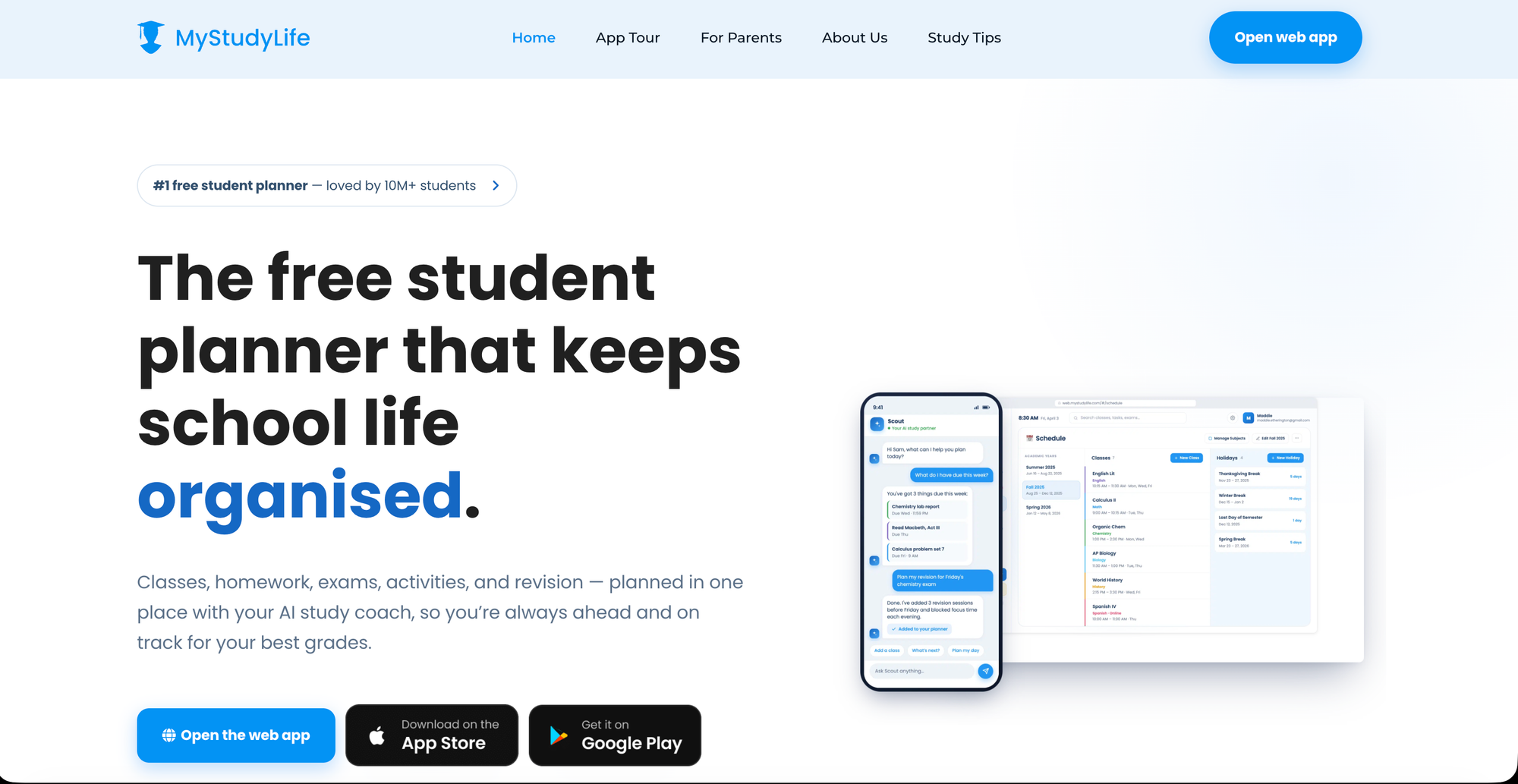
MyStudyLife was built specifically for students; unlike generic productivity apps, it natively handles rotating class schedules , semester planning, and exam countdowns.You can log subjects, set exam dates, and mark topics as revised, giving you a simple but functional progress view. It also has an offline-first design, so it works fully without internet.
💡Features
- Rotating class schedule support (A/B days, Week 1/2)
- Exam countdown timers
- Subject and topic revision tracking
- Offline-first — works without internet
- Cross-platform sync (web, iOS, Android)
⊕ Pros
- Handles complex, rotating school timetables well.
- Simple exam countdown keeps deadlines visible.
- Genuinely free and builts specifically for students, not generic tasks.
⊖ Cons
- Limited Customization vs Notion.
- Interface feels basic vs newer AI tools.
- No deep note taking or flashcard features.
🙌🏼 Best for - High school and college students who want one student-specific app rather than building a system from scratch.
Pricing
- Free plan available.
- Paid plans start at $ 4.99 - $ 6.99/ month for individual.
𝟚. Notion: Best for Building Your Own Study System
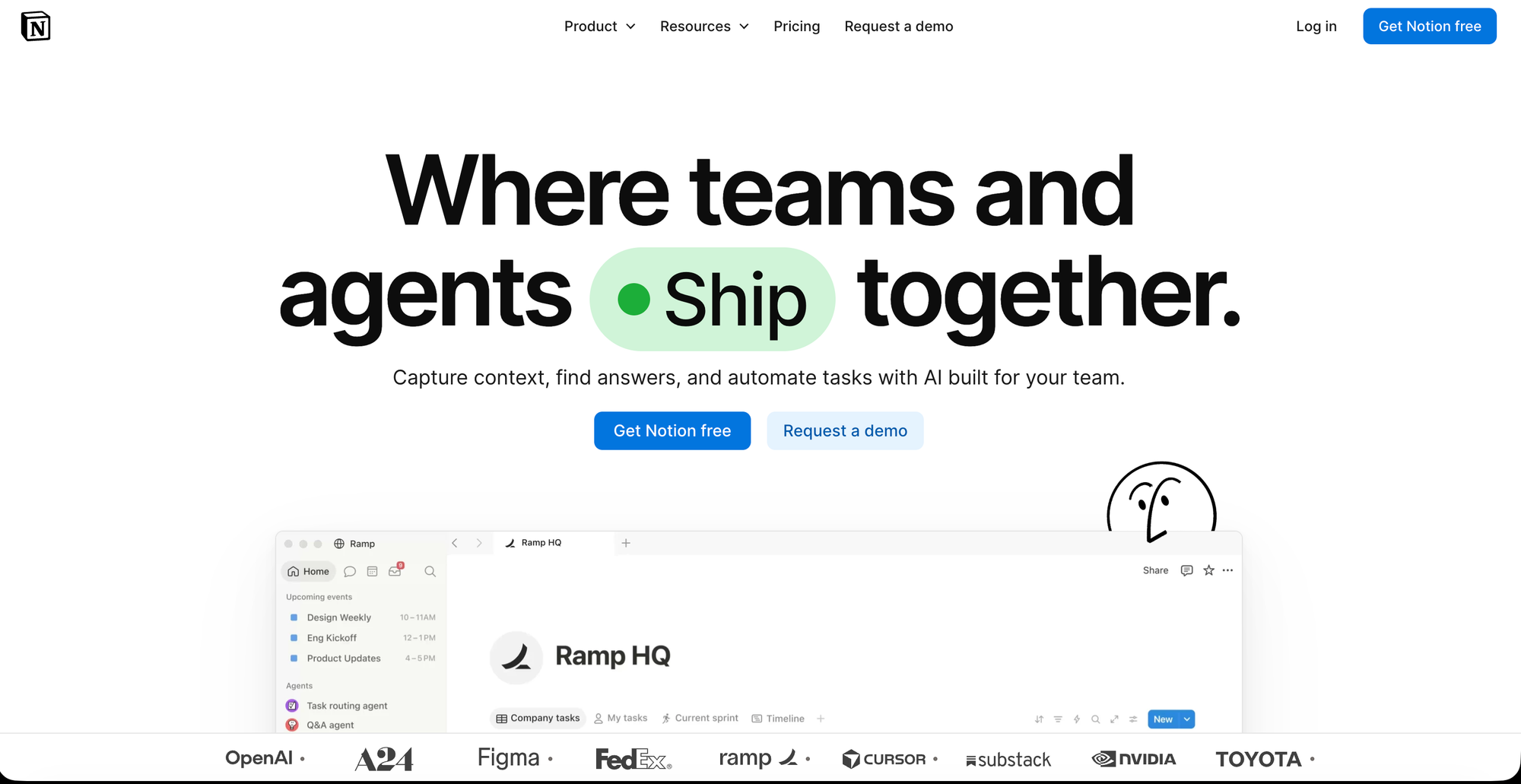
Notion is endlessly flexible, and many students build sophisticated study systems in it: a semester dashboard, a weekly timetable view, an assignment database with due date, status, priority and subject, a reading list, an exam tracker with a countdown, and a daily study log.Its strength is that you can build exactly what you need.
💡Features
- Custom databases for assignments, exams, and reading lists
- Semester dashboard and weekly timetable views
- Exam tracker with countdown
- Templates for student use built by the community
- Notes, tasks, and planning in one workspace
⊕ Pros
- Combines notes+planning+tracking in one place.
- Large library of ready-made student templates.
- Fully customizable to your exact study system.
⊖ Cons
- Requires setup time before its useful.
- No built-in-exam specific logic.
- Easy to over-engineer and abandon.
🙌🏼 Best for - Students who like customizing their setup and want notes, assignments, and exam tracking living in one place.
Pricing
- Free plan available for individuals
- Plus plan at $ 11.50/user/month and $ Business at $ 23.50/user/month
𝟛. Todoist: Best for Fast Task Capture
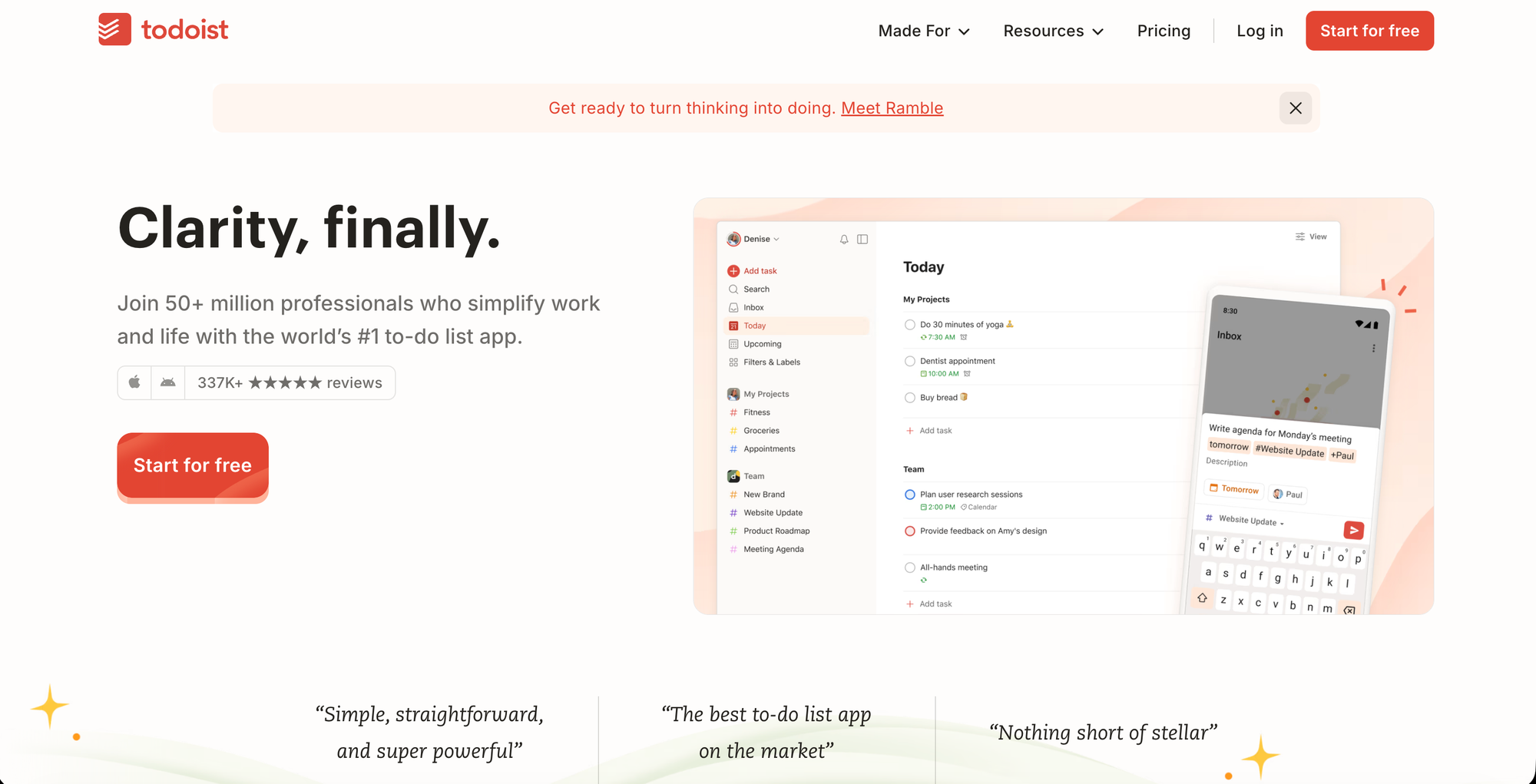
Todoist's natural language input lets you type something like "Physics lab report due Friday at 2pm," making it the fastest way to get assignments out of your head and into a trusted system, and it works on every device. Given that fast capture is one of the features that predicts long-term use, that speed matters.
💡Features
- Natural language task entry ("essay due Friday 2pm")
- Priority levels and recurring due dates
- Cross-device sync (every major platform)
- Projects and sub-tasks for organizing coursework
- Reminders and notifications
⊕ Pros
- Extremely reliable and fast across devices.
- Fastest way to capture assignments/deadlines.
- Great daily execution tool.
⊖ Cons
- No academic-specific features.
- No study-session blocking or scheduling.
- Doesn't track revision/progress per subject.
🙌🏼 Best for - Students who mostly need a quick, reliable to-do system for assignments and deadlines.
Pricing
- Free tier available
- Pro at $ 7.95/user/month and Business at $11.35/user/month.
𝟜. Shovel: Best Reality Check on Your Study Hours
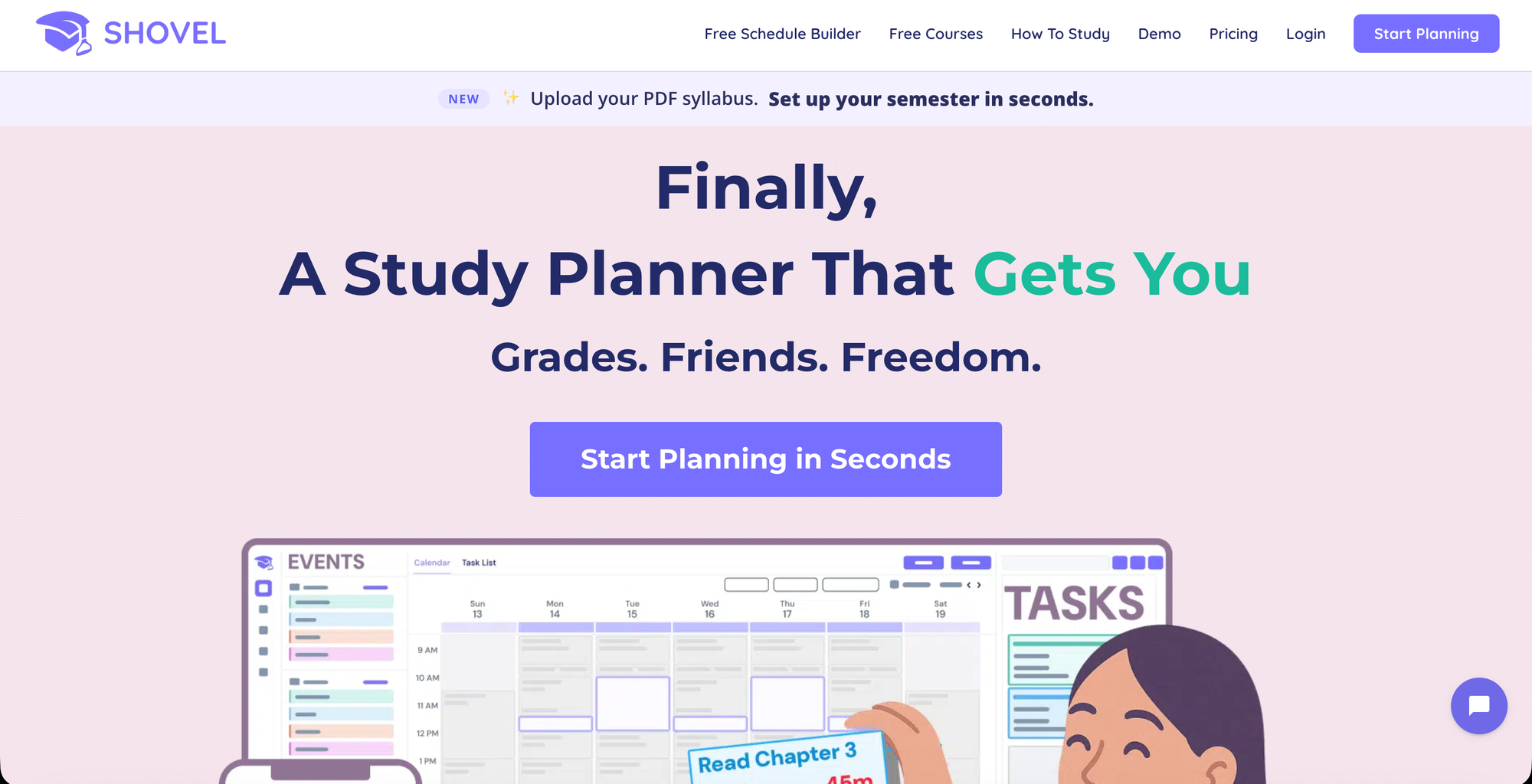
Shovel calculates exactly how many hours you have available in a week after accounting for classes, meals, and sleep, then tells you whether your current study goals are actually realistic, preventing the burnout that comes from over-scheduling.That makes it useful during exam season, when over-planning is one of the most common ways plans fall apart.
💡Features
- Calculates real available study hours per week
- Flags unrealistic/over-scheduled study goals
- Study session planning tied to actual free time
- Prevents burnout from over-scheduling
- Deadline and exam tracking
⊕ Pros
- Good for juggling multiple exams at once.
- Encourages sustainable study habits.
- Practical math-based approach, not just a calendar.
⊖ Cons
- Smaller, less well-known than competitors.
- Not a full note-taking or flashcard tool.
- Smaller community/support base.
🙌🏼 Best for - Students juggling several exams or courses who tend to schedule more than they can actually do.
Pricing
- Offers 7 day free trial.
- Monthly plan available for $9.79/month.
𝟝. Motion: Best for AI Auto-Scheduling
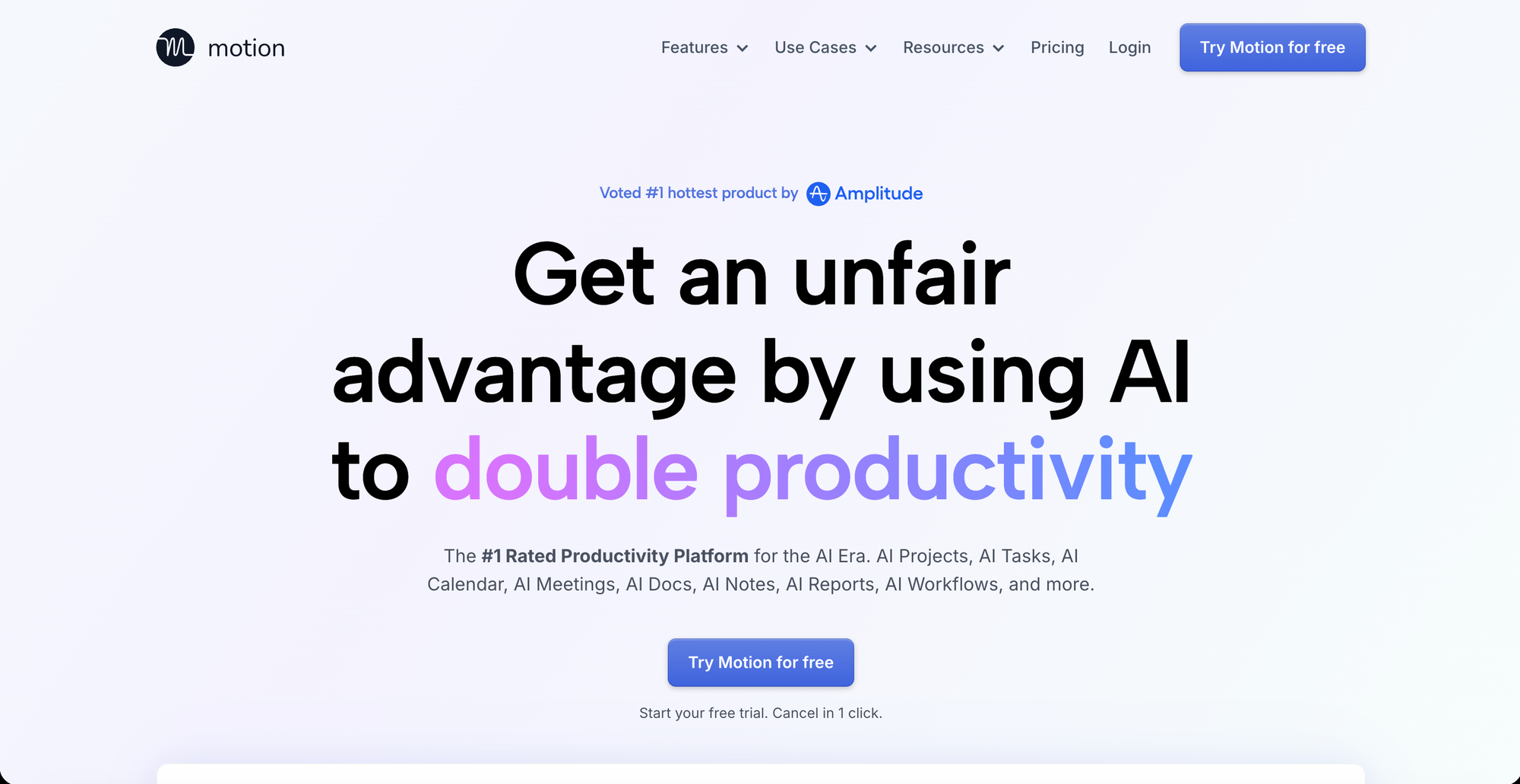
AI-driven planners such as Motion, Reclaim.ai, Sorted, and Morgen auto-schedule study sessions into calendar gaps.Motion is the best-known of these: you enter tasks and deadlines, and it builds and rebuilds your schedule as things change, which suits a chaotic exam-week calendar.
💡Features
- AI auto-schedules study blocks into calendar gaps
- Dynamically re-plans when tasks or events change
- Combines calendar + task manager in one view
- Deadline-aware prioritization
- Syncs with existing calendars (Google, Outlook)
⊕ Pros
- Removes manual planning - AI does the scheduling.
- Adapts in real time to a chaotic exam-week calendar.
- Strong calendar integration.
⊖ Cons
- Can feel like a "blackbox" - less user control.
- Learning curve to trust/ adjust AI suggestions.
- Overkill for light, simple study needs.
🙌🏼 Best for - Students with a packed calendar (classes, work, commitments) who'd rather have the app place study blocks for them.
Pricing
- Paid subscription with a trial
- Pro AI for $ 49/user/month ; Business AI for $ 69/user/month.
🤔 synopsis
- MyStudyLife — Best dedicated student planner. Free, offline-first, built specifically for rotating class schedules and exam countdowns — no AI, just reliable tracking.
- Notion — Best for building your own study system. Fully customizable dashboards, trackers, and notes in one place, but takes setup time before it pays off.
- Todoist — Best for fast task capture. The quickest way to get assignments and deadlines out of your head, though it lacks any academic-specific features.
- Shovel — Best reality check on study hours. Calculates your actual free time and flags over-scheduling before it causes burnout.
- Motion — Best for AI auto-scheduling. Automatically slots study sessions into your calendar and adapts in real time — most powerful, but paid and less hands-on control.
Bottom line - Students short on time before an exam should start with MyStudyLife or Todoist today; those building a long-term system have room for Notion; and anyone with a chaotic, over-packed schedule benefits most from Shovel or Motion.
"The best study planner won't make you smarter — it'll just stop you from finding out about the exam the night before it happens."