
Top 5 Digital Planner Apps in 2026
From handwriting on an iPad to AI that plans your day for you — here are the 5 best digital planner apps in 2026, with pricing, pros, cons, and who each one actually fits.
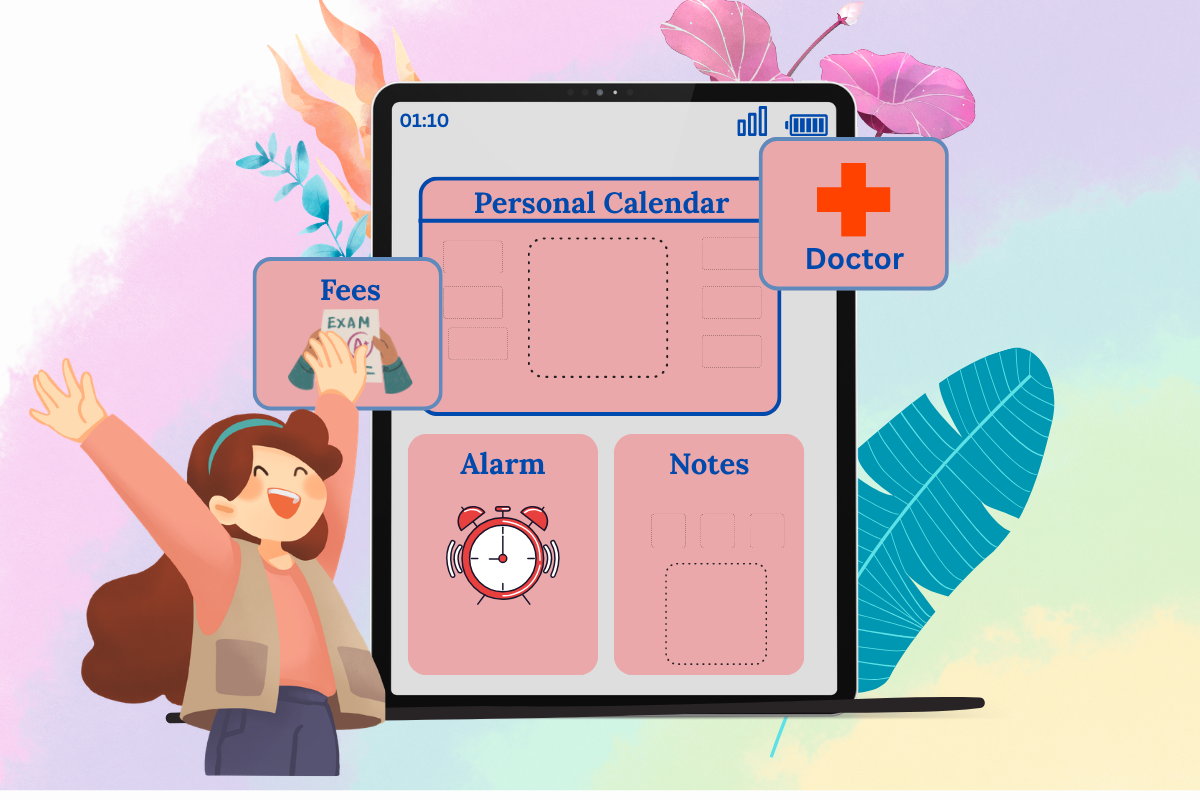
The perfect planner is the one you'll actually use consistently — but in 2026, "digital planner" covers two genuinely different products, and picking the wrong type is the #1 reason people abandon them within a week.
A note-taking planner is passive: it waits for you to open it and write. A planning app is active: it tracks due dates, fires reminders, and updates itself as you work.One isn't better than the other ,it depends on whether you want a calm, hands-on routine like journaling, or a tool that chases you.
The five apps below span that whole spectrum, from pen-on-glass handwriting to an AI that builds your schedule before you wake up.
❶.GoodNotes — Best for Handwriting and PDF Planning
GoodNotes shines for its natural pen feel and PDF support,making it the go-to choice for anyone who wants the feel of a paper planner with the flexibility of digital. GoodNotes and Notability are the top options if you want to write by hand with an Apple Pencil and use PDF planner templates.
You import a PDF planner template — daily, weekly, or yearly layouts, complete with hyperlinked navigation — and write directly on it with a stylus. It's the closest digital experience to an actual paper planner, minus the paper.
Features
- Digital notebooks with folder-based organization, PDF annotation, handwriting recognition, and handwriting-to-text conversion.
- Powerful handwriting recognition and OCR search across handwritten notes, typed text, and PDFs.
- Customizable templates, audio recording synced to notes, and document scanning.
- Flexible input — write, type, draw, or record audio, switching seamlessly between them, across notebooks, whiteboards, and text documents.
- Integrates with Google Drive, iCloud, Adobe Acrobat Reader, Dropbox Sign, Gmail, and Microsoft OneNote.
Pros and Cons
| Pros | Cons |
|---|---|
| Natural, responsive pen-on-paper writing feel | Limited platform support (best on Apple/iPad) |
| Powerful search across handwritten + typed notes | Free version feels limited to some users |
| Very affordable entry pricing (~$0.99/mo) | Occasional issues with hyperlinks/text search |
| Flexible input: write, type, draw, record audio | Not a task manager — no reminders or due dates |
| Strong PDF annotation and template support | Team/Enterprise pricing rises for collaboration |
Pricing (2026)
- Free-forever plan available.
- Essential plan starts around $0.99/month billed yearly — making it the most affordable of its direct competitors.
- Goodnotes Teams starts at $10/user/month; Enterprise uses custom pricing.
- A Special Edition is also available Apple-only, as a one-time purchase.
❷. Notion — Best for Building Your Own Planning System
Notion is a flexible workspace you turn into a digital planner with templates and AI agents. Rather than a fixed layout, you build your own — daily dashboards, weekly reviews, goal trackers — out of Notion's block-based databases, or start from one of hundreds of pre-built templates that speed up setup significantly.
Features
- Block-based workspace — build custom planners, trackers, and databases from scratch
- Hundreds of pre-built templates (daily planners, weekly reviews, goal trackers)
- Notion AI / Agents for drafting, summarizing, and automating workflows
- Notion Calendar included, plus multiple database views (table, board, calendar, etc.)
- Integrates with Slack, Google Calendar, Google Drive, Figma, and GitHub
Pros and Cons
| Pros | Cons |
|---|---|
| Fully customizable — build any planner layout you want | Steep learning curve — takes weeks to feel productive |
| Generous free plan for individuals | No native reminders/due-date alerts like a real planner |
| Huge template library speeds up setup | Deep automation needs Zapier/Make (extra cost/setup) |
| One workspace for planning + notes + light projects | Weak integration with Microsoft ecosystem |
| Affordable paid tiers vs. dedicated planner apps | Falls apart for complex, deadline-heavy workflows |
Pricing
- Free — unlimited pages/blocks, single-user, basic AI, 5MB uploads
- Plus — ~$8/user/month — unlimited members, unlimited uploads, 30-day history
- Business — ~$15/user/month — SSO, analytics, 90-day history, private team spaces.
❸. Sunsama — Best for a Guided Daily Planning Ritual
Sunsama offers a guided daily planning ritual that pulls tasks from connected tools and is built to prevent burnout.</cite> Instead of a blank canvas, it walks you through planning your day each morning — pulling in tasks from wherever you already track them (Trello, Asana, Google Calendar, email) and asking you to realistically decide what fits.
Features
- Guided daily planning flow — reviews carried-over tasks, pulls in new items from connected tools, and has you estimate how long each will take.
- Time-block drag-and-drop onto your calendar, so the day ends with a realistic plan instead of an endless to-do list.
- Minimalist Kanban board for weekly planning, with your calendar synced alongside it in a time-blocking view.
- Calming rituals like focus mode and daily shutdown to close out the workday intentionally.
- Time tracking (planned vs. actual) plus weekly objective-setting tied to daily tasks.
Pros and Cons
| Pros | Cons |
|---|---|
| Guided daily ritual genuinely curbs task overload | Expensive — 4x+ pricier than typical task apps |
| Clean, calming, minimalist interface and UX | No free plan; trial only, no card required |
| Time estimation forces realistic daily planning | Weekly-only goal view — no monthly/quarterly planning |
| Built-in focus mode and daily shutdown ritual | Can't function as a standalone calendar |
| Pulls tasks from Trello, Asana, Gmail, etc. into one flow | Smart/automation features feel shallow vs. competitors |
Pricing
- No permanent free tier — 14-day full-feature trial, no card required.
- Pro plan: $22/user/month billed monthly, or $17/user/month billed annually (~$204/year).
- Additional teammates are billed separately at the same per-user rate.
❹. TickTick — Best Affordable All-Rounder
TickTick is an affordable task manager and calendar with a clean cross-platform interface,its free plan has become genuinely useful in 2026 — task lists, calendar view, habit tracking, and a Pomodoro timer, all in one place, on every major platform.
Features
- Comprehensive task management — due dates, priorities, subtasks, and recurring reminders for complex or repetitive projects
- Built-in calendar with a clear visual layout of scheduled tasks to avoid overlaps
- Time management tools including a Pomodoro timer, calendar views, and task duration estimates
- Habit tracking, smart date parsing, tags, and customizable lists for personal planning
- Instant cross-platform sync across iOS, Android, Windows, Mac, and web.
Pros and Cons
| Pros | Cons |
|---|---|
| Genuinely useful free tier covers most personal needs | Some advanced features locked behind Premium |
| Combines tasks + calendar + habits + Pomodoro in one app | Collaboration/team features limited on free plan |
| Very affordable premium (~$3–4/month) | Occasional sync delays and notification issues |
| Clean, intuitive interface, easy onboarding | Customer support reported as slow to respond |
| Strong cross-device sync (iOS, Android, Mac, Windows, web) | Pricing across platforms can feel inconsistent |
Pricing
- Free tier available — one of the simplest pricing structures in productivity software, with just one paid tier and no per-seat pricing.
- Premium costs $3.99/month or $35.99/year in the U.S. App Store (Capterra lists it slightly lower, from $2.99/month).
- TickTick's site currently frames $35.99/year as a limited offer against a $49.99 list price.
❺. Morgen — Best for AI-Powered Time Blocking
Morgen is a calendar-first digital planner that lets you time-block tasks directly next to meetings, then uses an AI Planner to suggest a realistic plan based on your priorities and availability.It pulls in multiple calendars (Google, Outlook, Apple Calendar) and task managers (Notion, Linear, ClickUp, Todoist, Obsidian, Microsoft To Do, Google Tasks), so your meetings and tasks live on one canvas instead of scattered across apps.
The AI reads your calendar and free time, then suggests which tasks to schedule based on due dates, importance, time estimates, and urgency — you review the plan and approve it with one click; it never moves anything without permission.
Features
- AI Planner creates a proposed schedule for the next 1–8 days based on task priority, availability, and deadlines
- Unified calendar for multiple accounts and providers, with two-way task imports from popular work tools
- Integrates with Notion, ClickUp, Linear, Todoist, Google Tasks, Microsoft To Do, Outlook, Apple Reminders, Obsidian, and Zapier, plus Google, Office 365, Exchange, Fastmail, iCloud, and CalDAV calendars
- Time blocking, recurring tasks, booking pages, and scheduling links
- Automates calendar sync, travel time, and meeting buffers around events.
Pros and Cons
| Pros | Cons |
|---|---|
| Genuinely unifies multiple calendars + task tools in one view | No free plan — trial only |
| AI Planner turns a backlog into a workable schedule | AI features feel shallow next to Motion/Reclaim AI |
| Clean, fast, intuitive interface with short learning curve | Pricier than most calendar tools ($15–30/mo) |
| Wide integration list (Notion, ClickUp, Linear, Todoist, etc.) | Task management is barebones for serious daily planning |
| Great for consolidating scattered calendars/scheduling links | Occasional sync issues between mobile and desktop |
Pricing
- No free plan — a 14-day trial is offered instead.
- Roughly $30/month billed monthly, or around $15/month billed annually.
- 25% off "forever" for eligible students, academics, and nonprofits.
How to Choose the Right One
- Do you think better with a pen or a keyboard? Pen → GoodNotes. Keyboard/typing → any of the other four.
- Do you want the app to think for you, or just hold what you tell it? Morgen and Sunsama actively help you plan. GoodNotes and (to a lesser extent) Notion just hold what you put in.
- Are you already living inside a calendar or a task list? Calendar-heavy days → Morgen. Task-list-heavy days → TickTick.
- Do you want one tool to plan AND organize everything else? Notion is the only one built to expand beyond planning into notes, projects, and light CRM.
"The best digital planner isn't the one with the most features — it's the one that gets out of your way and actually gets opened tomorrow morning 😉."